A wedding AV plan is mostly about fit: sound that covers the room or lawn you actually booked, power the venue can actually supply, and a curfew you know about before the walkthrough rather than after. Work through this checklist four to eight weeks out, in this order, and bring the answers to your AV vendor and your venue.
1. Sound: plan from the site, the program and the inputs
A small speaker that works at a backyard party may not cover a large tent or a long room, so size the system from the site rather than from guest count alone. Give the AV vendor what they need to plan coverage and level:
- The space: room or tent dimensions, ceiling height, where guests sit and dance, and any hard surfaces that make a room echo. Outdoors, note where the neighbors are.
- The program: ceremony, cocktail hour, toasts, dinner, first dance and dancing, and which of these happen in different spaces.
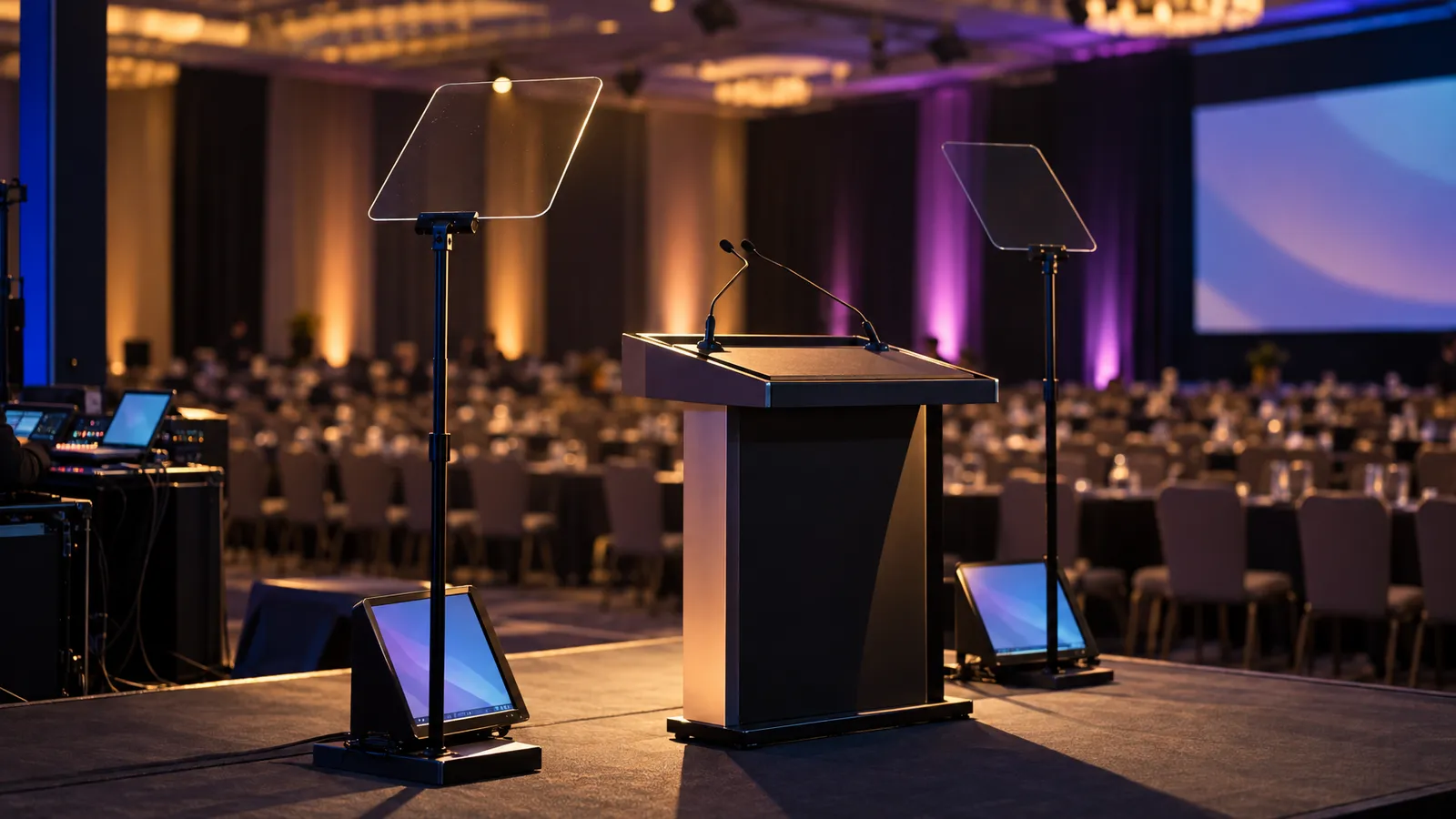
- Every input: officiant mic, toast mics, a DJ or playlist feed, any laptop, and any live musicians. Count them and make sure the mixer has enough channels for all of them plus a spare.
- Limits: the venue's sound level limit and curfew, if it has them.
From that, the vendor can propose speaker positions and quantity, whether subwoofers are needed for dancing, and whether a larger system or an engineer at front-of-house makes sense. As an illustrative example only: a small indoor dinner might need one speaker and a handheld for toasts, while a large outdoor reception with dancing might need several speakers, subwoofers and someone mixing through the night. The coverage plan should be checked at sound check by walking the room.
Mic count is easy to underestimate. A common pull list is an officiant lavalier, a handheld or two for toasts, and a feed from the DJ. Live musicians have their own needs: a string quartet or band will usually send a technical rider listing the inputs and monitors they expect.
If you have a live band and a DJ, get both technical riders to your AV vendor early. Depending on the riders, they may share one front-of-house system with separate inputs, or one may bring its own. Deciding that at the walkthrough is much easier than sorting it out at 5pm.
2. Lighting: uplighting, dance floor wash, ceremony key, monogram gobo
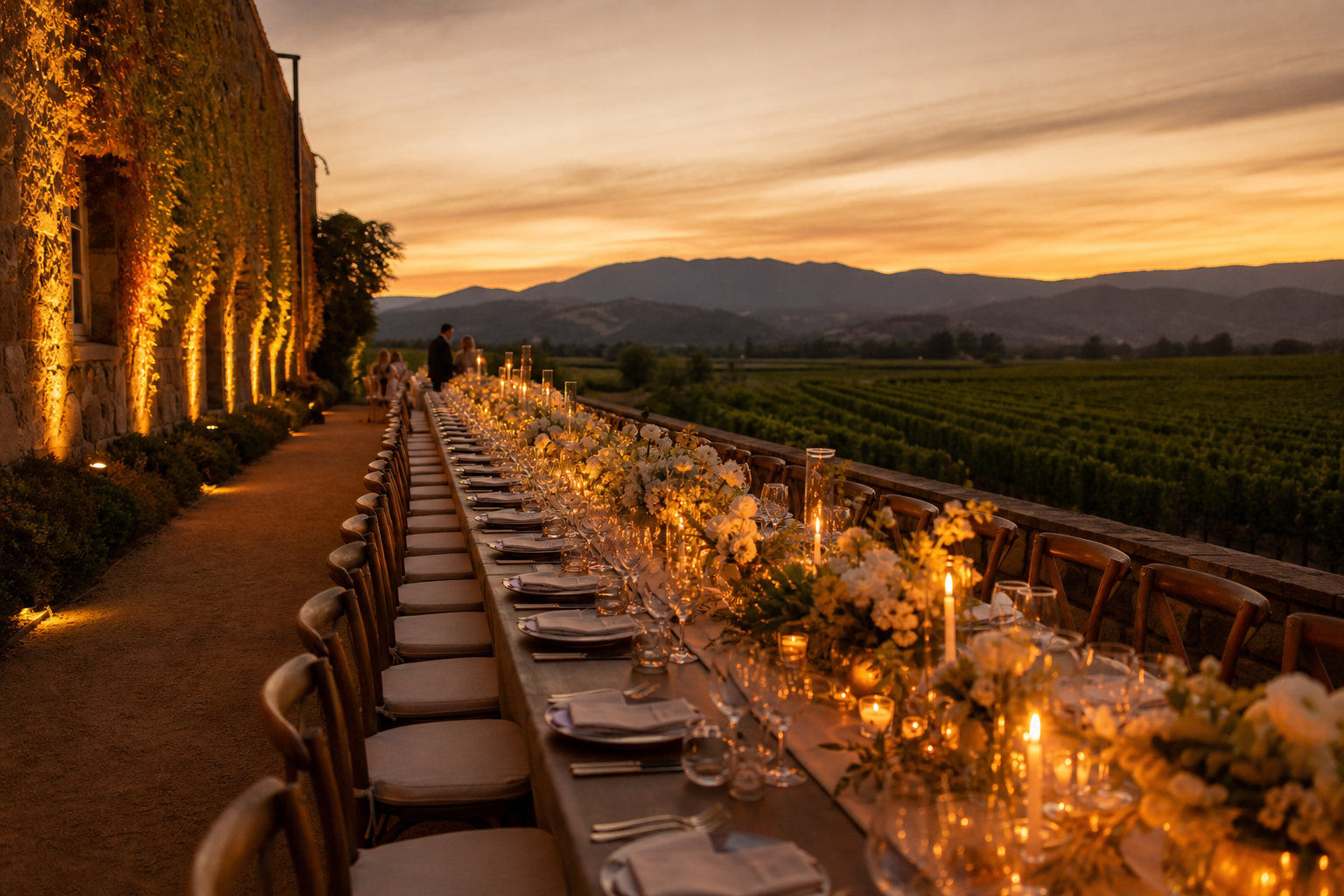
Lighting changes how a room looks after dark. The room you walked through at 2pm in afternoon light is not the room your guests see at 8pm. Four layers do most of the work:
Uplighting. Wireless battery uplights along the walls add color and warmth. Our catalog lists them with 12–15 hour battery life and wireless DMX, in several variants, so confirm the color system of the variant on your quote. Battery units mean no cable runs across guest paths and no dependence on venue power. How many you need depends on the wall length, the surfaces, the fixture and how even you want the wash, so plan a trial layout from the room drawing and check it on site. See our haze machine guide for how uplighting looks with a touch of atmosphere in the air.
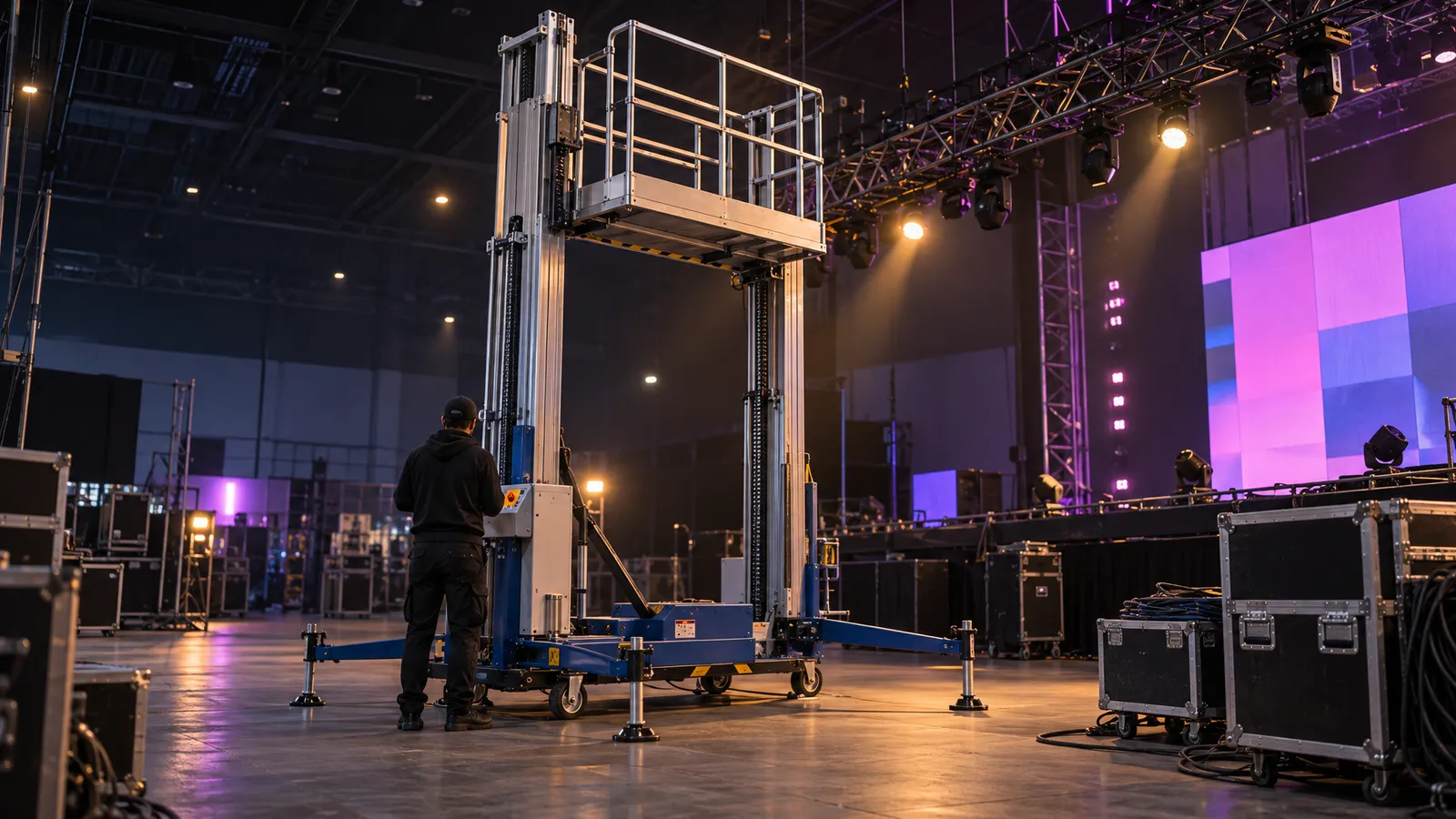
Dance floor wash. Moving heads on truss totems or hung from approved rigging can wash the floor in color. For color washes, the catalog's LED Pixel-Wash Moving Head is listed as a multi-cell RGBW wash with individual pixel control, in variants such as 19×40W and 37×40W; the 380W Beam Moving Head is a concentrated beam fixture, better for beam effects than for washing the floor. Ask the vendor how many fixtures the floor size calls for.
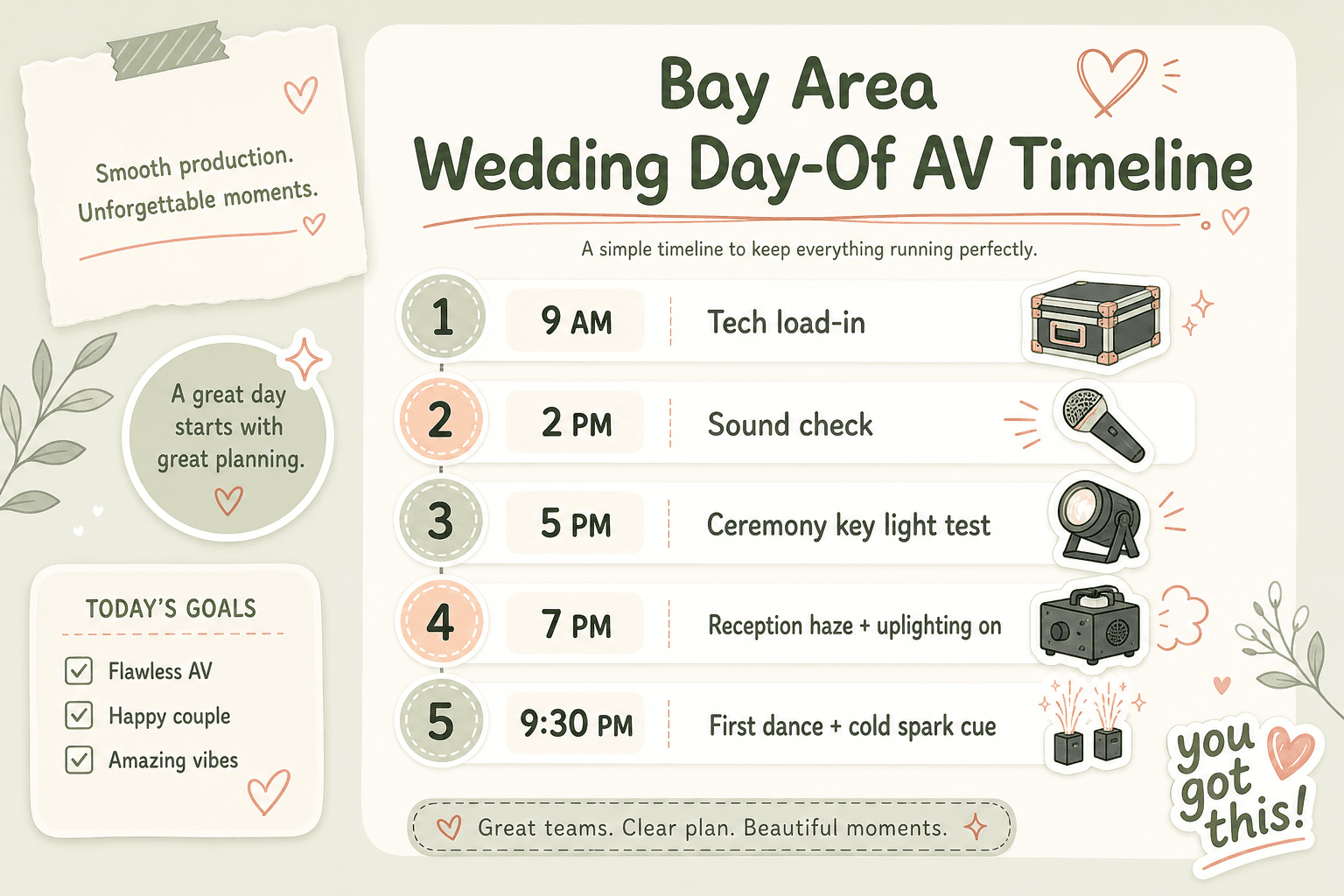
Ceremony key light. An indoor ceremony, or one that runs past sunset, may need soft front light so the officiant's and couple's faces aren't in shadow. Whether a venue needs added light depends on its own lighting at that hour, so look at the space at ceremony time or ask the venue, and have the vendor set levels by eye and on camera.
Monogram gobo. A fixture that accepts a custom gobo can project the couple's initials or a pattern on the dance floor or a feature wall. Custom gobos are made to order, so ask your lighting supplier for their lead time early, and confirm which fixture will carry it.
3. Atmosphere: cold sparks, low fog, bubble exit
Effects are optional, and each one needs the venue's approval first.
Cold sparks for first dance or grand entrance. Our catalog lists spark machine variants such as a 600W up-spray unit with a 1–5 meter throw. Cold sparks are not harmless: California Health and Safety Code §12505 lists titanium and zirconium, the spark material these machines use, among the ingredients of dangerous fireworks, and Central County Fire's bulletin says they must be operated by a pyrotechnic operator licensed by the State Fire Marshal and prohibits the devices outright in Burlingame, Millbrae and Hillsborough. Before you plan the moment, get written approval from the venue, confirm the permits the local fire authority requires, and confirm who the licensed operator will be. When VENEGEEST's crew runs the effect, VENEGEEST holds the operating permits; if you rent the machine and operate it yourself, that responsibility, including the liability, is yours. Outdoors, also check fire-season restrictions. Our cold spark fountain guide goes into more detail.
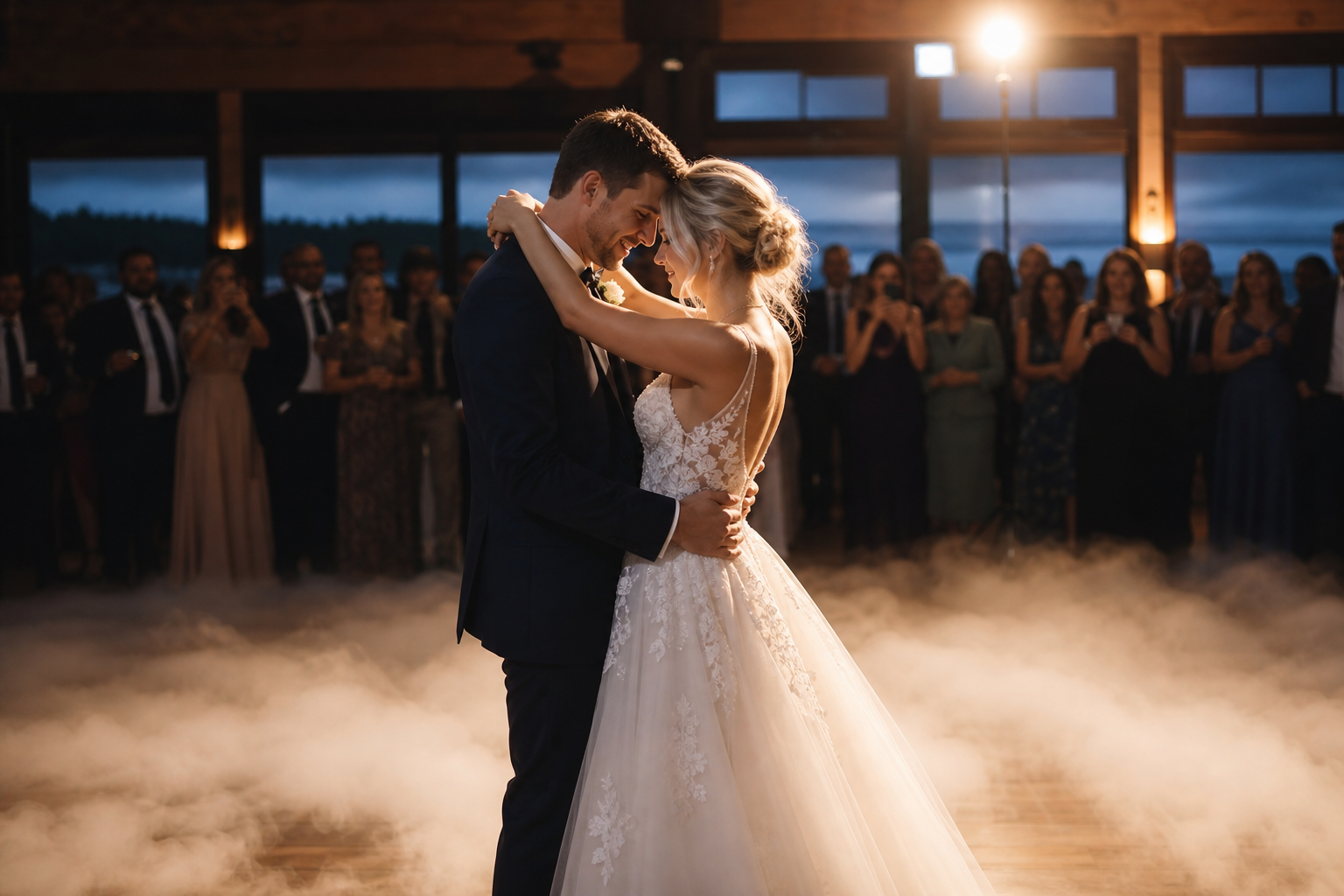
Low fog or dry ice for the first dance. The catalog lists ground-fog and dry-ice units, including a 1500W ground low-fog machine and a 3500W dry-ice unit, for a low-lying "dancing on a cloud" look. How low the fog stays and how long it lasts depends on the machine, the room temperature and air movement, so test it in the room if the venue allows. Fog and haze can set off smoke detectors, so ask the venue's fire-safety staff how they handle effects; any approach has to be theirs and must not disable fire protection. Dry ice turns into carbon dioxide gas, so ask the venue about ventilation. See our dancing on a cloud guide for more.
Bubble exit. A pair of bubble machines at the ceremony exit or recessional path is a gentle send-off. Bubbles can leave a slippery film on hard floors, so ask the venue whether it allows them indoors, where they may be used, and how cleanup is handled, and ask the vendor which fluid they supply.
4. AV-adjacent: slideshow screens and ceremony streaming
Two common extras:
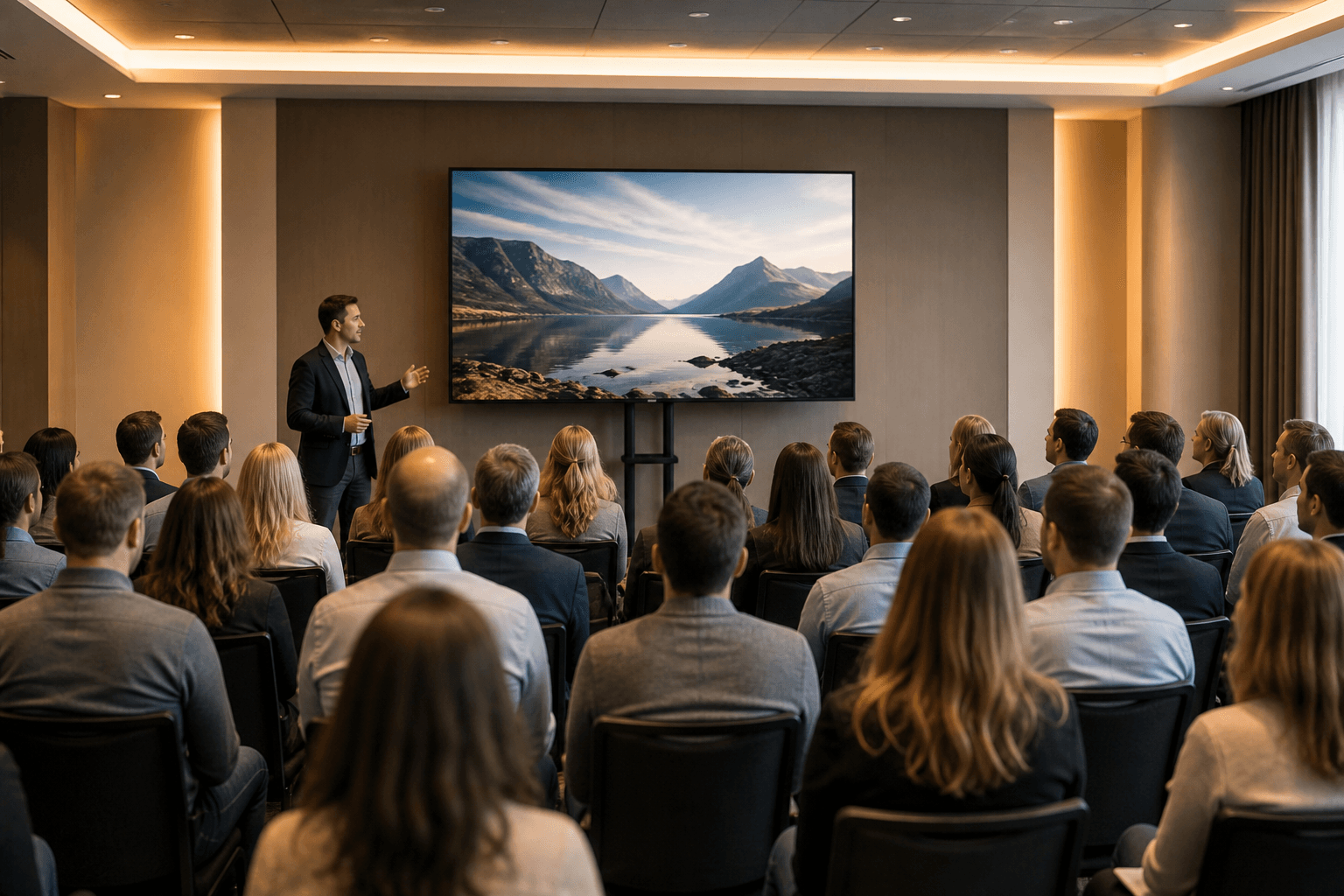
Slideshows. An LED TV Display (43″ to 120″) on a floor stand can handle a dinner slideshow in many rooms. If the space will be bright during the slideshow, such as glass walls at 6pm or a tent at golden hour, ask the vendor about display brightness for those conditions and the viewing distance, and consider a larger display or an LED wall; if possible, test the screen at that time of day.
Ceremony streaming. A streamed ceremony usually needs at least one camera, an audio feed from the sound system rather than a camera microphone, and an encoder or streaming device. Cameras and encoders are available from VENEGEEST on request, subject to availability; contact us for a quote. Whoever supplies them, sort it out early and share the sound feed plan. Someone should be watching the stream while it runs.
5. Bay Area venue notes
Three things worth asking every venue:
Outdoor power. Vineyard and estate venues may share limited power between the catering tent, the kitchen and your AV. At the walkthrough, ask where the circuits are, what they're rated for and what else shares them. If you need a generator, have the supplier size it from a load schedule of the actual equipment, including starting loads, and ask the venue which generators it permits and where they can go.
Ceiling clearance for indoor effects. A 600W up-spray cold spark unit is listed with a 1–5 meter throw, so set its height well below the ceiling, sprinkler heads and décor, and agree clearances with the venue before load-in. Ordinary sprinklers are activated by heat, but fog, haze and spark effects all need the venue's fire-safety sign-off.
Noise limits. Outdoor venues may have amplified-sound limits or curfews; get the venue's limit in writing, including where it is measured. Whoever runs sound should set levels against that limit during sound check.
6. SF City Hall AV is its own category
SF City Hall's event rules prohibit pyrotechnics, fireworks and similar items, and smoke, fog, snow, bubble and confetti generating devices, inside and on the premises. Confirm any filming, streaming, sound or lighting plan with City Hall when you book, and let City Hall's event staff tell you what sound and lighting the space needs and allows. See our SF City Hall cold spark guide for more.
What it costs
VENEGEEST designs a custom solution around each wedding's setting and requirements, and every wedding is quoted per event, because the mix of sound, lighting and effects, the venue and the hours all move the number. For budgeting, these are VENEGEEST's published per-day rates for individual items (each covers a 24-hour rental period):
- Sound: Commercial PA Speaker $200/day; Bluetooth Speaker System (one controller, six speakers, two mics) $60/day.
- Lighting: Full-Color LED Par Light $25/day; 380W Beam Moving Head $50/day.
- Effects: Cold Spark Machine $35/day; Dry Ice Low-Fog Machine $35/day; Bubble Machine $40/day.
- Screens: LED TV Display from $35/day (43″) to $120/day (120″); P1.9–3.9 LED Rental Screen $200/day.
Delivery, setup and technician support are scoped and quoted to your event, along with any overtime. A non-refundable 25% deposit secures the booking, rentals of five or more consecutive days get a discounted weekly rate, and self-pickup from the South San Francisco warehouse is an option if you have a vehicle and someone to set up and run the gear.
Timeline: when to book
Lead times depend on the venue, the date and what you need, so ask your venue and vendors early. Four to eight weeks out is a sensible time to settle the AV plan for most setups. Effects that need venue and fire-authority approval, and streaming, which adds cameras and an encoder to the plan, deserve more time, because approvals and extra equipment have their own schedules. Last-minute is possible: same-week delivery is available across the Bay Area for most items, subject to availability. Changes to a confirmed rental order need at least five business days' notice.
FAQ: Wedding AV in the Bay Area
Do we need an on-site AV tech or can the DJ handle it?
It depends on how much is going on. For simple sound, a DJ may be able to manage. The more you add, such as lighting cues, effects, streaming or a live band, the more it helps to have a dedicated technician, since a DJ's job is the music. Technician support is scoped and quoted to your event.
Can we use the venue's built-in AV?
Sometimes. Some venues have in-house sound systems, and they vary; some are set up mainly for speech. Ask the venue what the system includes, test it at the walkthrough with music at dance level as well as a mic, and decide whether to use it, add to it or bring your own.
How many uplights do we actually need?
It depends on the wall length, the surfaces, the fixture and how even you want the color. A common approach is to mark a trial spacing on the room drawing, count the positions, then check the look on site and add or remove units. Columns and architectural features may deserve their own fixtures.
What's the difference between cold sparks and sparklers?
Cold sparks come from machines that heat titanium or zirconium material and blow out sparks at a set height; guests don't hold anything. They are still regulated: California law lists that spark material among the ingredients of dangerous fireworks, Central County Fire requires a State Fire Marshal-licensed pyrotechnic operator and bans the devices in Burlingame, Millbrae and Hillsborough, and venues set their own rules. Handheld sparklers are fireworks that guests light and hold. For either one, check with the venue and the local fire authority first.
Do we need a generator for an outdoor wedding?
It depends on what power the venue can supply where you need it and what else shares it. If the site has little or no power, you will likely need one. Have the supplier size it from a load schedule of the actual equipment, including starting loads, and confirm with the venue which generators it allows, where they can go, and who handles fuel and noise.
Can we project onto a building or natural surface instead of renting a screen?
Sometimes. Smooth, light-colored surfaces generally show a projected image best; darker, textured or colored surfaces make it dimmer and lower in contrast. Test the projector on the actual surface at the time of day you'll use it, and have a screen or display as the fallback if it doesn't hold up.