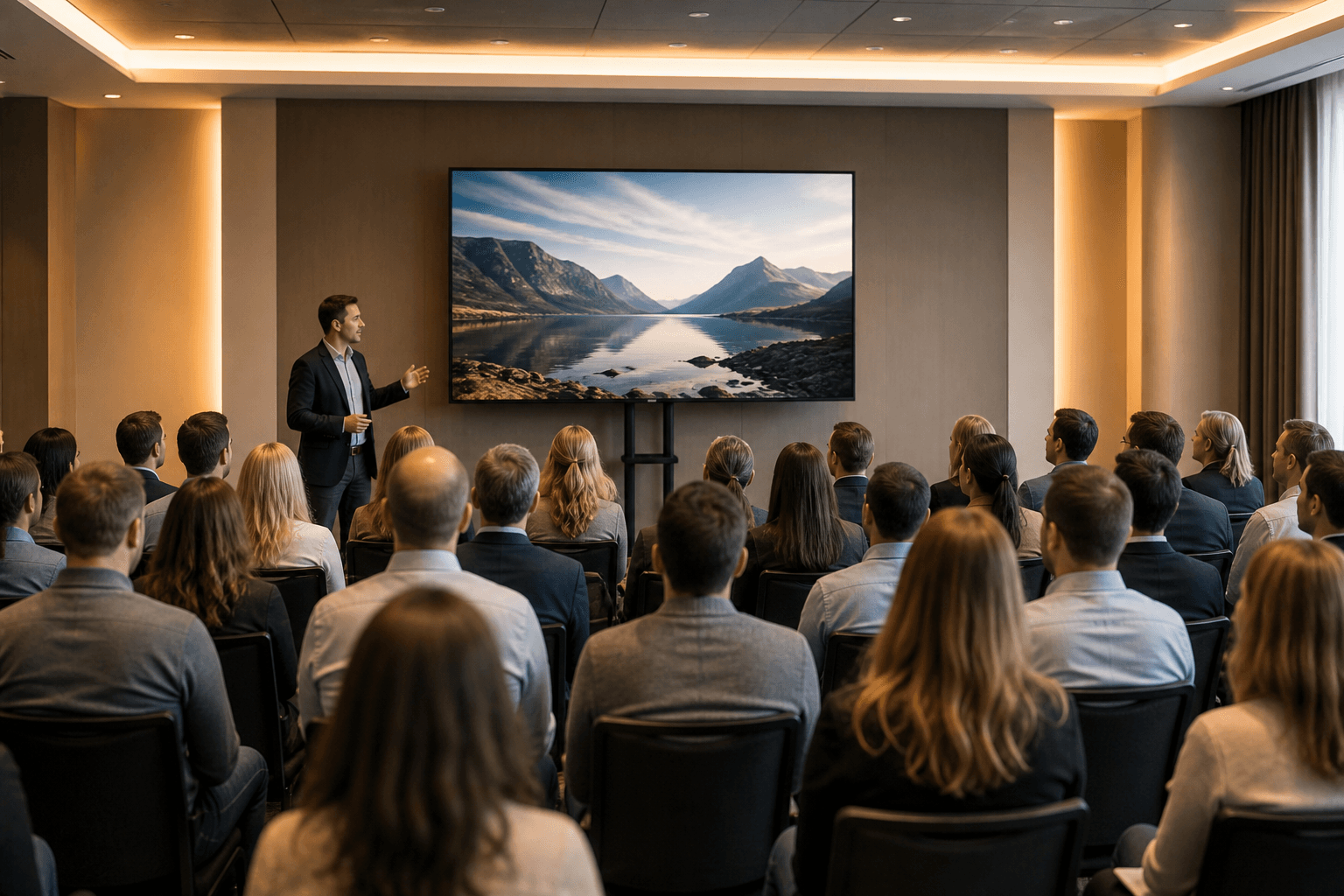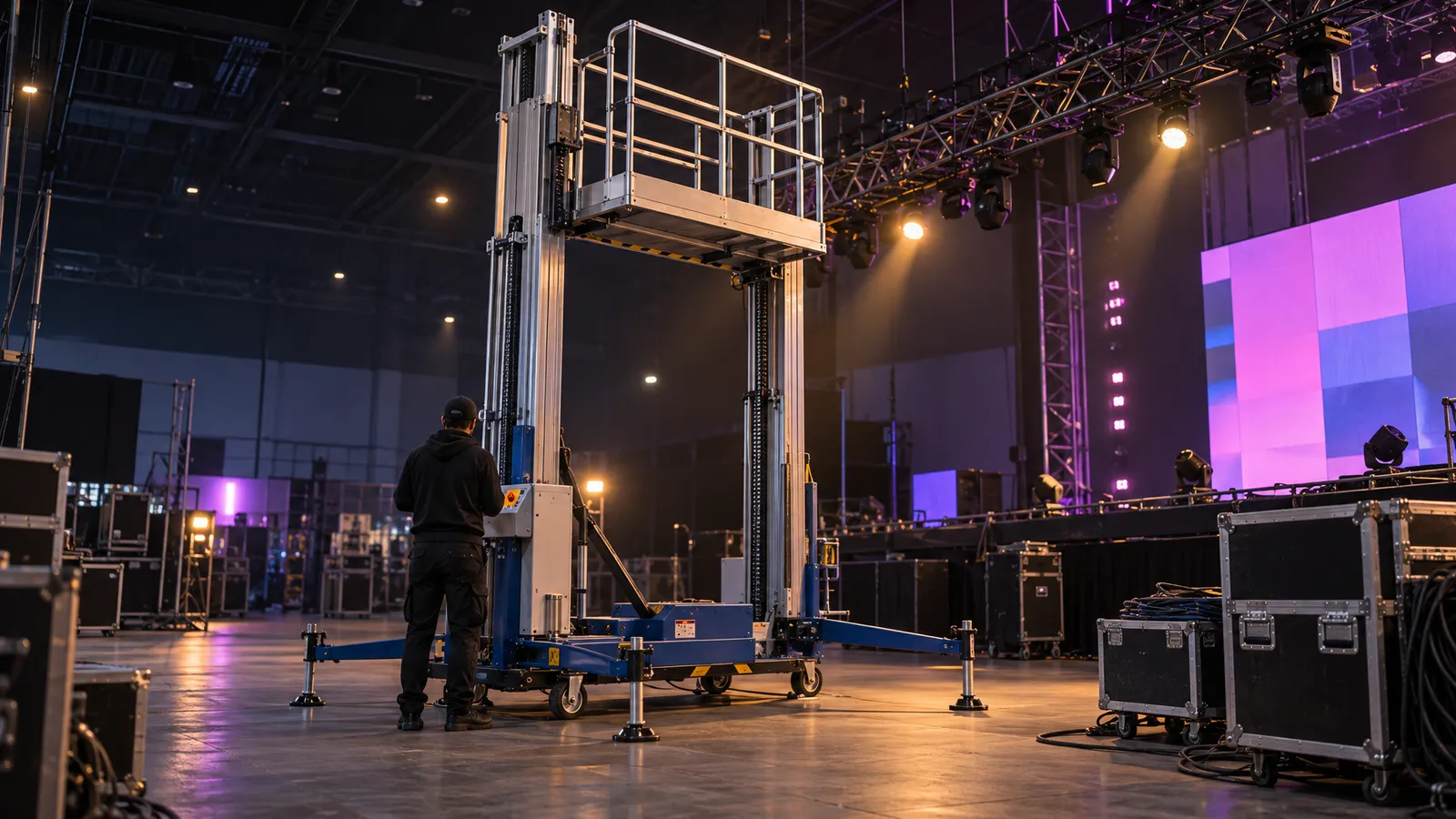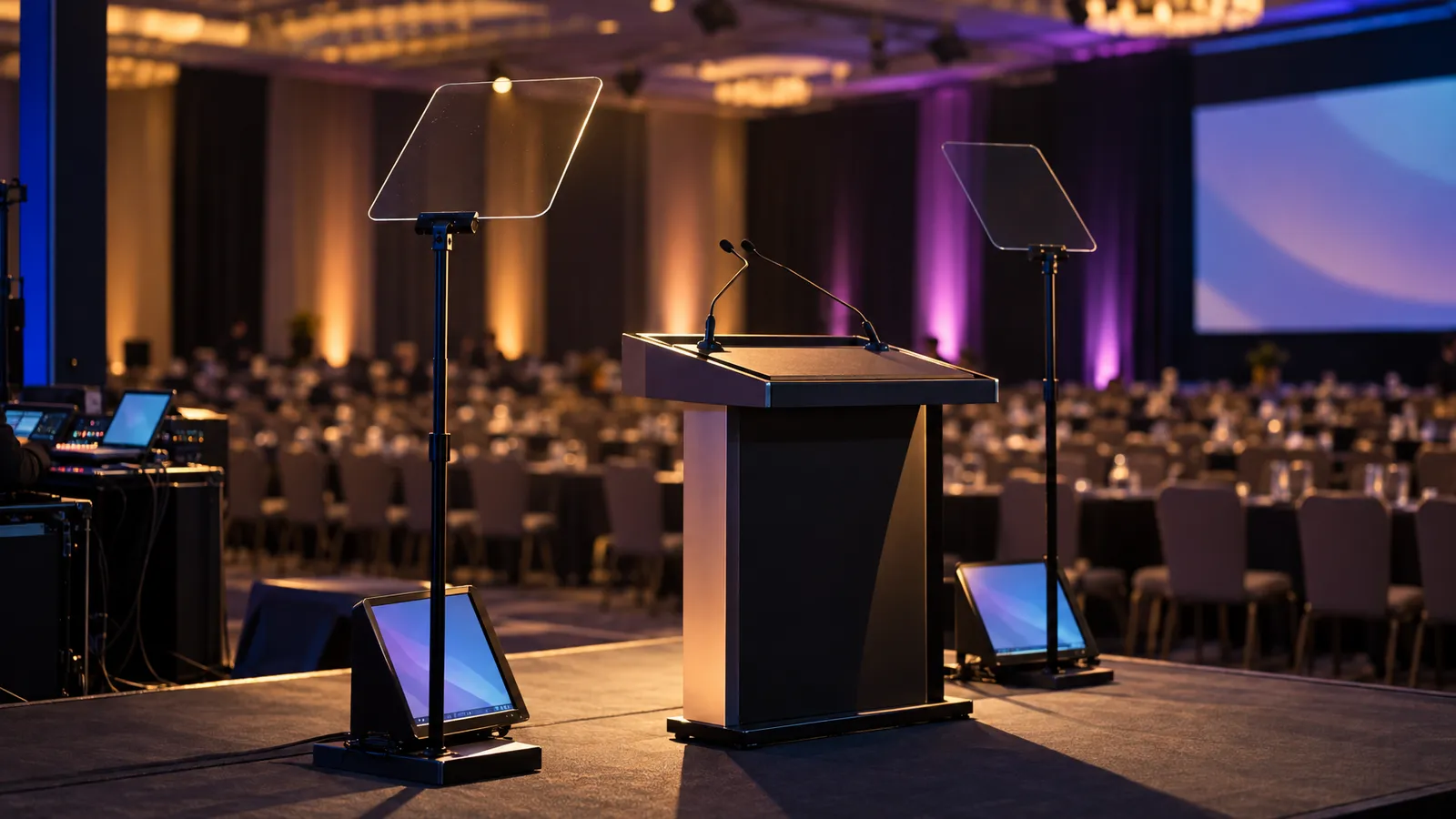
The bar for a South Bay tech conference is not the same as a hotel ballroom banquet. Keynotes may be clipped and re-shared, panels posted online, and all-hands sessions streamed to remote staff. When that is the plan, the question is not only "can the room hear you?" but also "will the recording be good enough to post?" Here's what the AV spec involves for a 200-500 person event in a university auditorium, a museum hall, a convention center or a Palo Alto, Mountain View or Santa Clara campus, and how VENEGEEST puts the package together.
The South Bay tech-event bar
Four things separate a tech-conference package from a generic corporate rental:
- Plan the video for how it will be used. If the clip will be edited, captioned and re-shared, multi-camera coverage and a clean program feed matter even when nothing goes live; a single locked-off camera gives an editor only one angle to work with.
- Screen size for the room. A small screen can look underpowered in a big room, and a branded LED wall is one option. In a daylit room, how well either an LED wall or a projector holds up depends on the exact product's brightness, the ambient light, the content and the viewing distance, so check the specifications and look at sample content in the room at the time of day of the session.
- Audio planned for how the panel is run. If a producer wants to cue the moderator privately ("wrap in 30"), that calls for IFB (interruptible foldback) or a similar earpiece feed. Remote panelists are a separate audio path: they need a return feed of the room without their own voice echoed back (often called a mix-minus) so they can hear and be heard.
- Lighting must hold up on camera. Skin tone depends on fixtures with good color rendering, a deliberate white-balance plan in which the cameras, the stage lights and the LED wall's white point are set to work together, and output that doesn't flicker on camera. Test it with the actual cameras before the show.
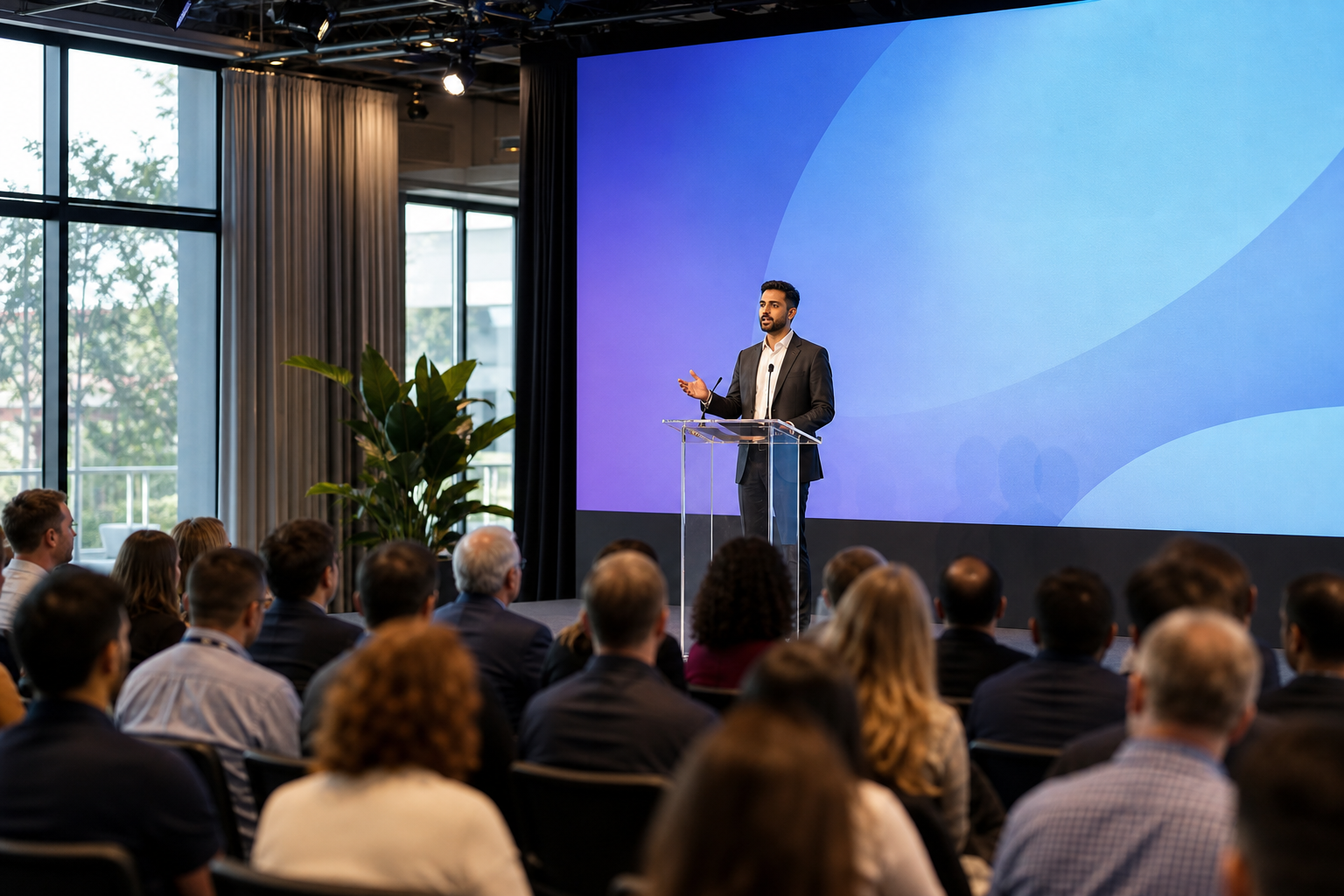
Sound: PA, IFB, frequency coordination
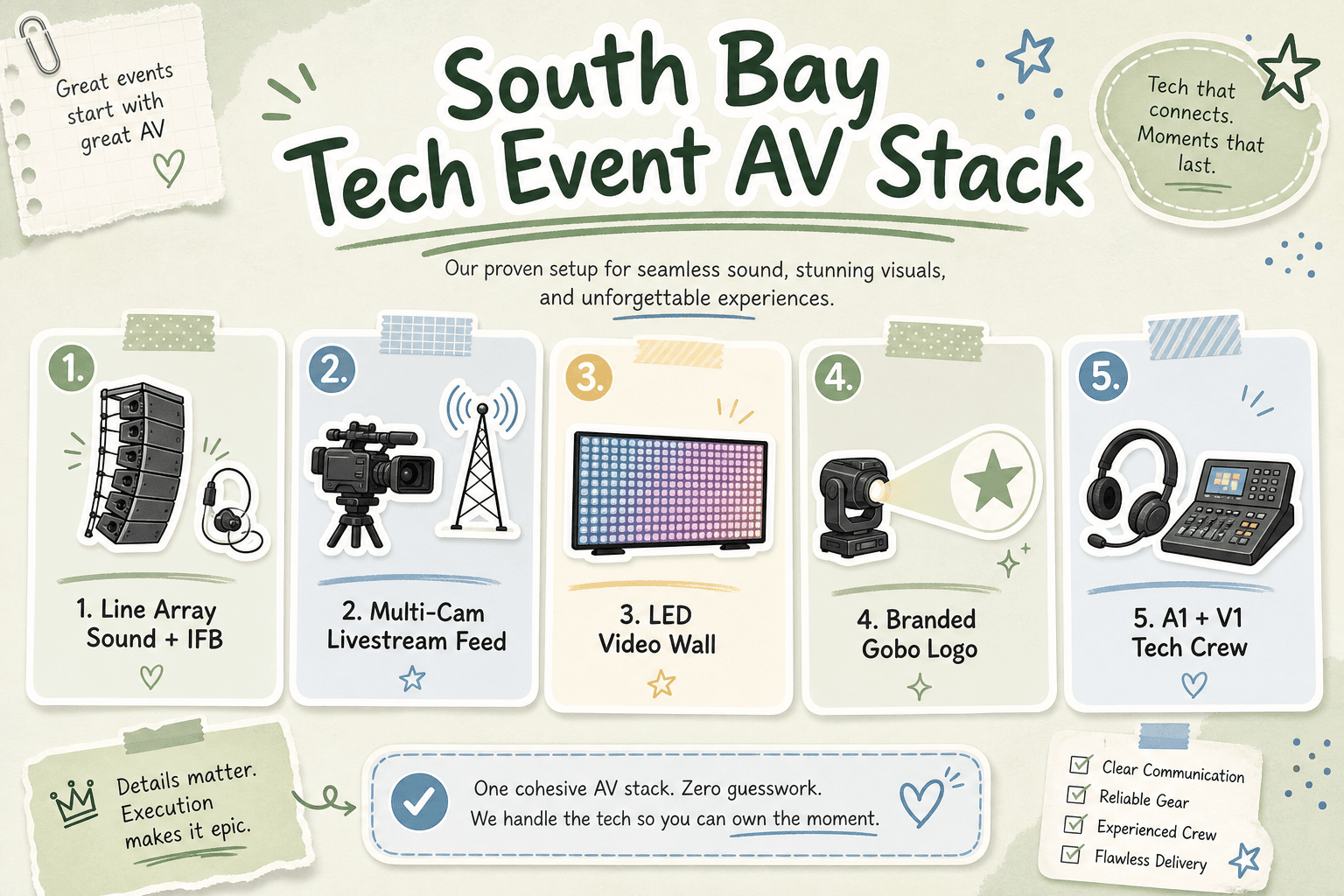
Line array vs point-source. In large rooms with a long throw, an audio designer may specify line arrays hung left and right; whether they give even coverage from front to back depends on the actual system, how it is aimed and the room, so ask for the coverage plan. In shorter rooms, point-source speakers on stands can be simpler to set up. VENEGEEST rents the Commercial PA Speaker ($200 per day) for point-source coverage; line arrays are available on request, subject to availability; contact us for a quote.
Mic kit for a moderated panel. A typical kit is one lavalier per panelist and handhelds for audience Q&A, plus an IFB earpiece for the moderator if a producer will be cueing them, and a return feed for any remote panelists. Wireless mic systems and IFB are available on request, subject to availability; contact us for a quote. If you bring your own audio vendor for this part, tell us who it is, so the PA and stage layout are specified around it.
Frequency coordination. Venues can have a lot of other wireless activity nearby. Whoever supplies the wireless mics should scan the venue at load-in, coordinate channels across every system (mics, IFB, in-ears) and keep a clean spare frequency, rather than reusing the last event's settings.
Audience Q&A. Roving handhelds with runners are the usual starting point. For large rooms or hybrid events, a throwable mic or fixed aisle stands are other ways to get audience questions into the sound system and the recording.
Video: confidence monitor, multi-cam, LED wall
Confidence monitor downstage center. A low-profile screen at the front of the stage facing the speaker, mirroring the deck plus a countdown timer, helps presenters keep their place and their time. A 43″ LED TV Display ($35 per day) on a TV Floor Stand ($20) is one way to set one up, and a Wireless Screen Caster ($60) helps when speakers switch laptops.
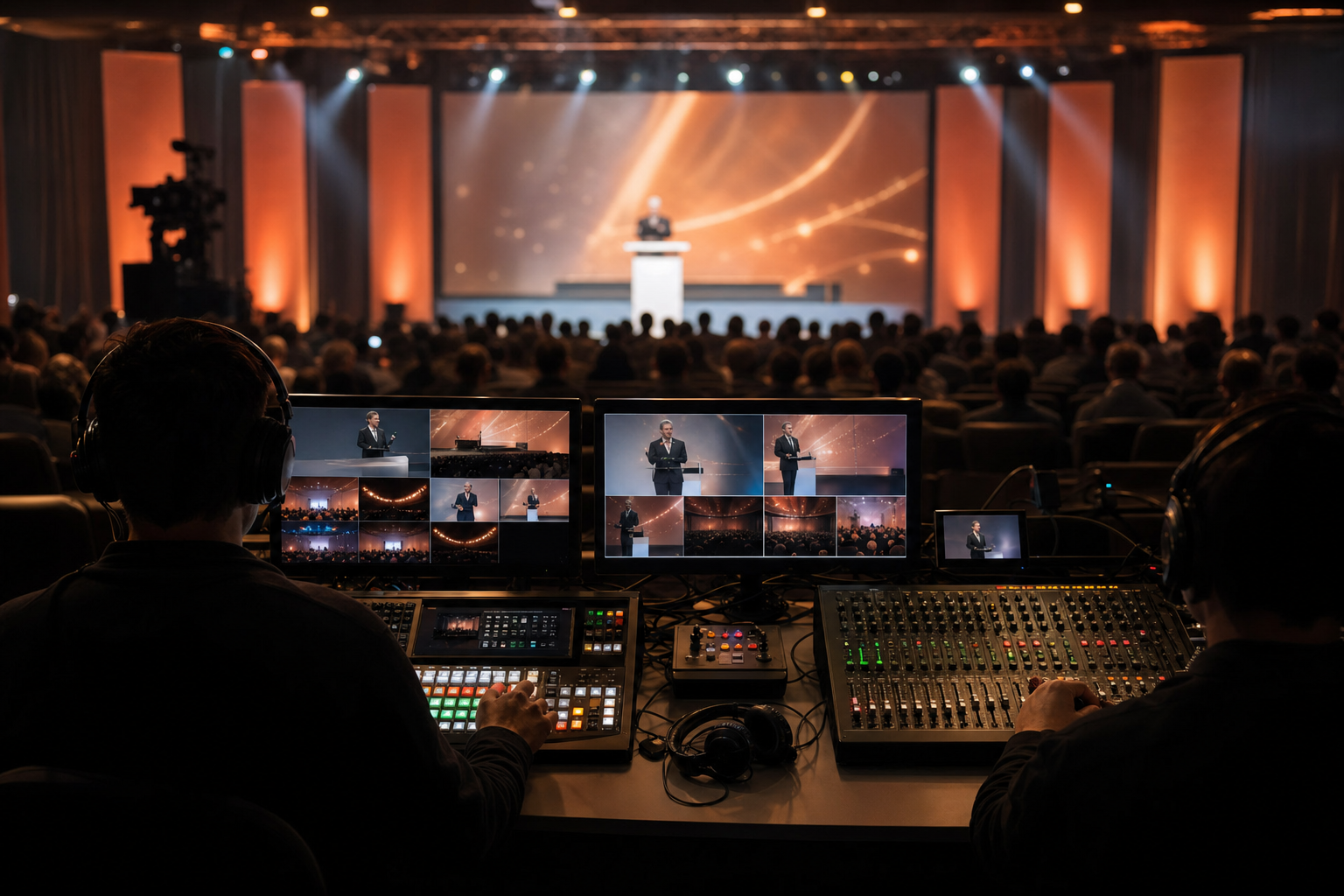
Multi-camera switcher. One possible setup uses three cameras: a wide locked on the stage, a tight shot on the speaker, and a side angle for cutaways. The switcher outputs a clean program feed. If the editor wants every angle in post, arrange isolated (ISO) recordings of each camera, through an ISO-capable switcher, separate recorders or the cameras themselves, and confirm those deliverables when you request the quote. Cameras, switchers and streaming encoders are available on request, subject to availability; contact us for a quote.
Live broadcast vs recording-only. Going live adds a streaming encoder and an internet connection for the upstream; ask the venue for a wired connection rather than relying on shared Wi-Fi, and test the upload speed in the room. Recording-only still needs the program feed, plus ISO recordings of each camera if you want them for editing, backed up to more than one destination.
LED wall sizing. Whether an LED wall or projection works better in a given room depends on the exact display's brightness and the projector's output, the ambient light, the content and the viewing distance, so compare the specifications of the actual products and test in the room if you can. Our P1.9–3.9 LED Rental Screen ($200 per day listed) is configurable from 12 m² to 48 m², and LED TV Displays run from 43″ to 120″ for side screens and breakout rooms. For pixel pitch and viewing distance, see our LED screen and video wall rental guide, and for San Jose and Santa Clara bookings, the LED wall rental page for San Jose.
Aspect ratio. Tech keynotes are not always 16:9. Some presenters run ultra-wide decks built for a branded video wall; others want split-screen with the stage camera on one side and slides on the other. Settle the aspect ratio in pre-production: a 16:9 deck shown unscaled on an ultra-wide wall leaves empty bars at the sides (pillarboxing), and stretching or cropping it to fill the wall can distort or cut off logos. A background designed for the full canvas, or separate content regions, avoids both.
Lighting: front wash, logos, panel light
Front wash for camera. As a starting idea, a pair of front-light fixtures angled in from either side of the stage; the final count, placement and color matching depend on the actual fixtures, the stage size and a test with the cameras. The COB Front Light ($35) is listed for stage front illumination, and the LED Tri-Color Panel Light ($25) is listed as flicker-free with even illumination, which suits fill light for camera. Agree the white balance of the front light, the cameras and the LED wall's white point with the video team, and test on camera.
Branded logo projection. Projecting a company logo onto a side wall, the floor or a scrim takes a fixture that accepts a custom metal or glass gobo, such as a profile (Leko-style) fixture. Wash fixtures such as LED pars aren't made for that. If you want a projected logo, ask a lighting supplier about a profile fixture and a custom gobo made from your artwork.
Light for panel headshots. One approach for a seated panel is a framed pool of light per chair, so light lands on head and shoulders with less spill onto the background; check the look on camera.
Background color and haze. Full-Color LED Par Lights ($25) programmed to brand colors can add color to the backdrop, with levels set against the LED wall, and a Followspot Light ($80) helps when a keynote speaker walks the stage. A touch of haze from a Haze Machine ($25) gives beams shape and the camera depth, but haze can activate smoke detectors, so raise it with the venue well ahead: whether it can run, and any change to how the fire alarm system operates, is decided by the venue and, where required, the local fire authority, and the rules differ from venue to venue. Full lighting range at our stage lighting page.
Questions to ask a South Bay venue
Campus auditoriums, museum halls, convention centers and corporate campuses each have their own rules, and the only reliable answers come from the venue itself. Before you lock the spec, ask:
- What does the house AV cover? Some venues provide a podium mic, playback and basic projection. Find out where an outside vendor can patch into the house system, and whether house technicians must be present.
- Can anything be rigged overhead? If not, LED walls and lighting go on ground-supported structures such as Aluminum H-Frame Truss ($10 listed).
- What are the load-in route and hours? Loading dock, elevator size and any access clearance the site requires decide how early the crew must arrive. Our team needs a minimum of two hours for a standard setup, and larger productions need more.
- What is the policy on haze and other effects? Get the answer and the venue's procedure in writing, including who approves it.
- How much power is available at the stage and the LED wall position? Circuit locations shape where the wall and dimmers can go.
The one South Bay conference on our published record is HYSTA's 26th Anniversary Celebration and Annual Conference at the Santa Clara Convention Center: a multi-screen LED deployment across three venues, 24–30 lighting fixtures and three independent sound systems, with multi-venue coordination, rehearsal support and live technical management.
Tech crew: four roles to plan for
- A1 (audio engineer) at FOH: mics, any IFB, program audio, live mix, frequency coordination.
- V1 (video engineer / TD) on the multi-cam switcher, calling cuts, owning program record and live feed.
- Lighting op running cues: speaker spotlight, brand washes, panel cross-fades, programmed pre-show.
- Livestream tech if going live, dedicated to encoder, uplink and remote-feed monitoring. Recording-only, the V1 can cover it.
Pre-event tech rehearsal. Ask the venue for stage time the day before so speakers can walk the deck, panelists can rehearse any IFB cues, the LED wall can be checked and lighting cues can be programmed against the run-of-show. Day-of, a stage manager calls cues over headset, manages speaker handoffs and keeps the show on time. Our speaker AV coordination checklist covers the questions to send presenters two weeks out.
What the catalog covers, and what is available on request
- From the listed catalog: Commercial PA Speakers, P1.9–3.9 LED rental screens, LED TV confidence monitors and side screens up to 120″, a wireless screen caster, front light, tri-color panels, LED pars, moving heads, followspots, haze, staging and truss.
- Available on request, subject to availability: cameras, switchers, IFB, wireless mic systems, line arrays and streaming encoders; contact us for a quote.
- Crew: delivery, setup, technician services and any overtime are scoped and quoted to your event; ask about a lighting operator when you request one.
What to send when you ask for a quote: venue, date, headcount, run-of-show draft, speaker and panel format, whether any session streams, and brand assets (vector logo, color palette, slide template). For a stage-side checklist, see our corporate stage and LED wall production checklist. Full equipment catalog at our equipment menu.
FAQ: South Bay Tech Conference AV
What does AV cost for a 300-person South Bay tech keynote?
It depends on the LED wall size, the lighting plot, the crew hours and whether you record or stream. For the parts VENEGEEST rents, listed per-day starting prices include $200 for the P1.9–3.9 LED Rental Screen, $200 per Commercial PA Speaker, $35 for a 43″ LED TV confidence monitor and $35 per COB Front Light; delivery, setup and technicians are scoped and quoted to your event. Cameras, switching and streaming are available on request, subject to availability, with a custom quote.
Do we need a livestream feed if we're just recording for internal sharing?
No live encoder is needed if the deliverable is a recording, but you still want a recording from each camera plus a switched program feed, saved to two destinations. With a single tripod camera there is only one angle to cut to.
Can we use the venue's house AV?
House systems vary; some cover a podium mic, slide projection and basic playback. Ask what is included, since multi-cam switching, camera lighting, IFB audio, branded LED walls and livestreaming may need outside vendors. Ask the venue where outside gear patches into its system and whether house technicians must be on site.
How early should we book AV for a tech event in Palo Alto or Mountain View?
Same-week delivery is available across the Bay Area for most items, subject to availability. Every request, LED walls included, is quoted subject to availability for your date, so confirm your date when you ask for a quote. Broadcast crews and venues set their own lead times, so ask them directly.
What's IFB and why does our moderator need it?
IFB is "interruptible foldback," an earpiece feed to the moderator from the producer at the back of the room, so the producer can cue "wrap in 30" or "next question" without the audience hearing. Not every panel needs it; it's worth having if a producer plans to cue the moderator during the session. Remote panelists are a separate question: they need their own return audio feed so they can hear the room.
Get a quote
VENEGEEST designs a custom solution around each event's scenario and requirements. Send your venue, date and headcount through the quote form, or call (415) 890-5555. VENEGEEST serves San Francisco, San Jose and the South Bay, and the wider Bay Area from its South San Francisco warehouse; a booking is secured with a non-refundable 25% deposit once you have written confirmation.