Trade show booths at Moscone, Santa Clara Convention Center and San Mateo Event Center have a few seconds to catch a passing prospect. A screen washed out by the hall lighting, audio that spills into the neighbor's booth, or a demo laptop that won't connect to the screen all cost you those seconds. This checklist covers the AV decisions to settle before the show: booth power and the electrical order form, screen legibility from the aisle, brand-color accent lighting above the flat venue overheads, and the sound limit that show management enforces once a neighbor complains.
Power Planning: Booth Outlets and the Electrical Order Form
Booth power is sold separately from floor space at most convention centers, and the details (what, if anything, comes with the space, and what an extra circuit costs) are in each show's exhibitor manual. Read it before you finalize your AV list. Order extra booth power through the show's official electrical contractor before the advance deadline listed in the manual, and check whether the manual prices on-site orders differently. The planning math is simple: add up the rated wattage on the label of every device you plan to plug in, and compare it to what you have ordered. Anything that runs on battery takes itself out of that calculation. Our Wireless Battery Uplights are listed with a 12–15 hour battery, so if your show hours fit within that rating they can be charged overnight and run without booth power.
- Calculate total wattage from the device labels before the advance electrical deadline; a second screen or hardwired PAR cans are the usual reasons a booth needs more than its base power
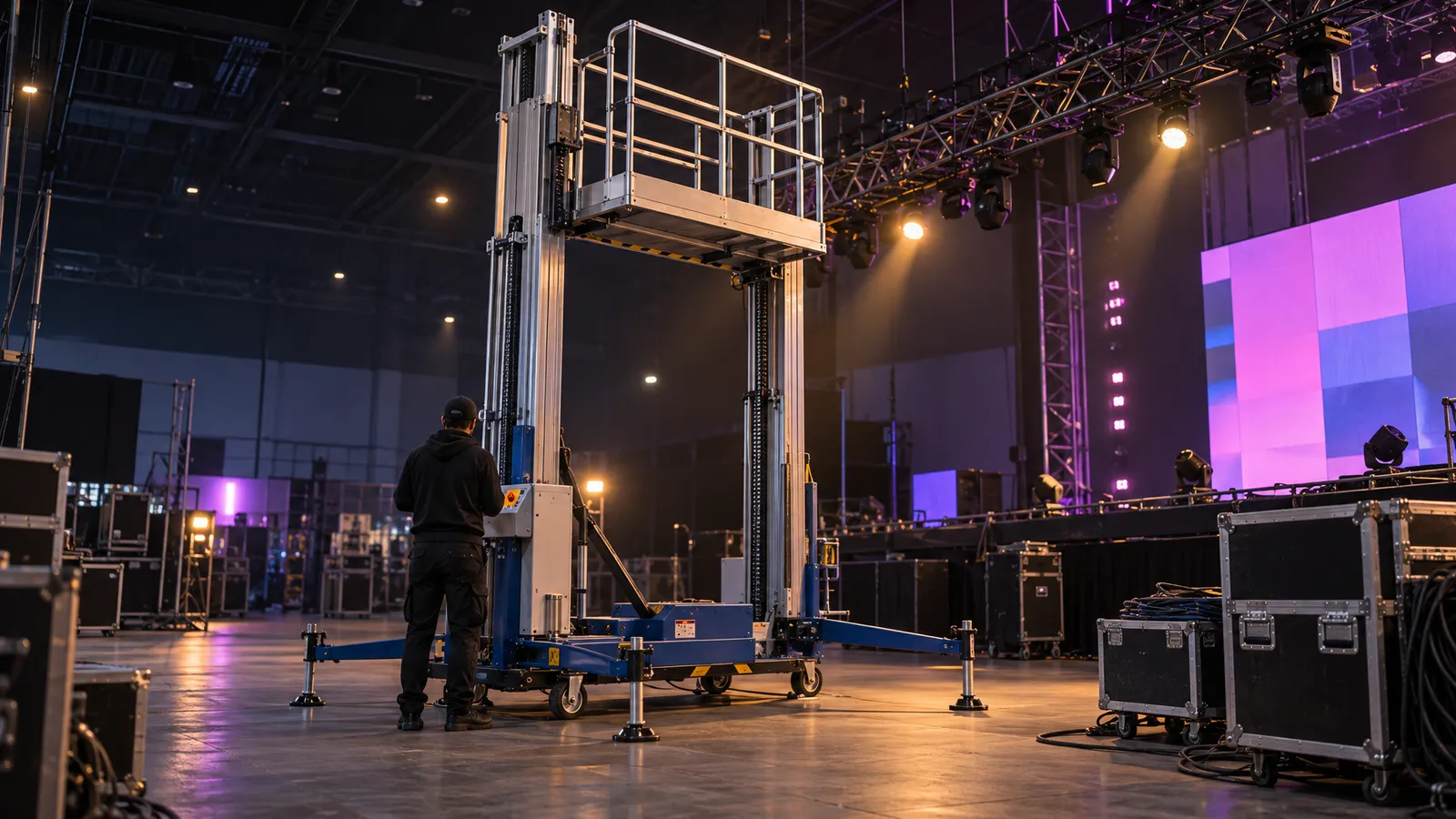
- If you want truss-mounted screens or a hanging fabric graphic, check the exhibitor manual for rigging rules and order rigging and power together, since both have lead times
- Check the manual's material-handling (drayage) rules before deciding whether to self-haul gear from the dock
- Battery-powered uplights don't draw booth power during the show; charge them the night before. The screen caster's receiver and every display still need power, so include them in your wattage list
Screen Choice: Foldable LED Panels vs. Single Large Display for Aisle Visibility
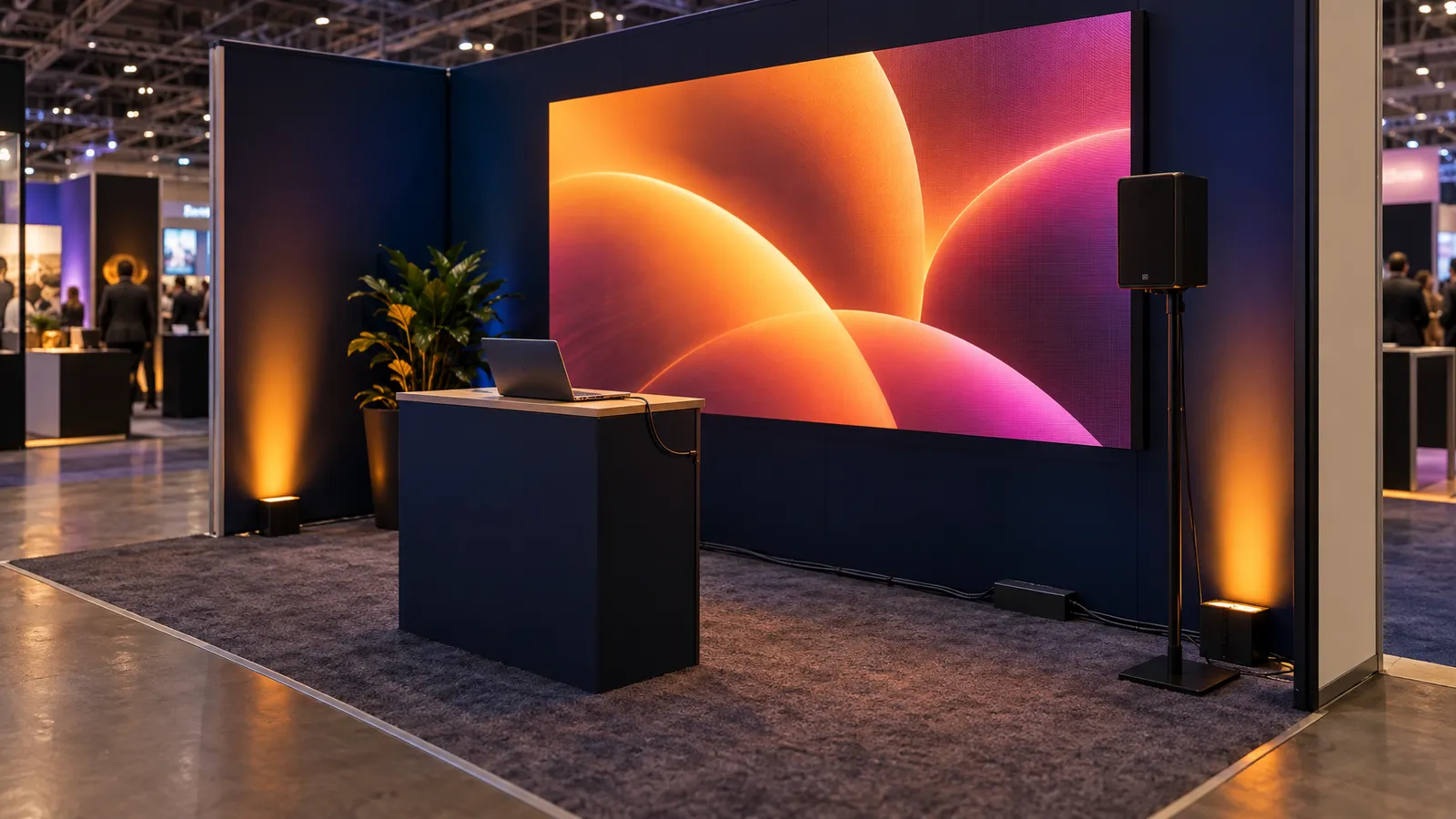
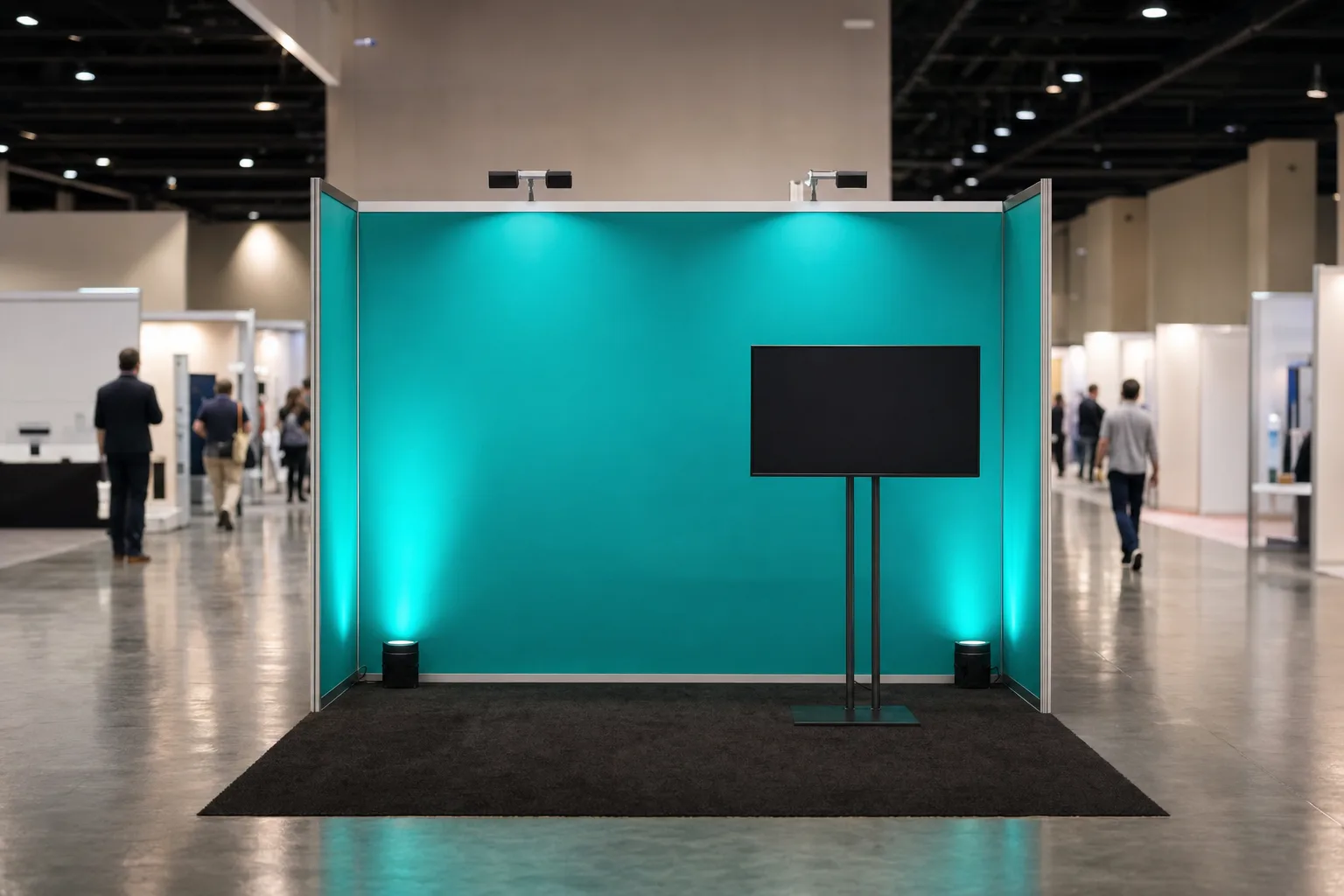
At show pace, with prospects walking past a few feet from your booth edge, a bright, brand-consistent screen reads faster than a product-demo screen. A Foldable LED Ad Screen (2m²–12m², on casters) can show your logo, tagline and product video on a loop, and is listed from $200 per day; ask how content is loaded and played on the unit you rent. For product demos where a sales rep walks someone through a software interface or plays a recorded product video, a single 85″ LED TV Display on a TV Floor Stand gives you a large demo screen at conversation height, and a Wireless Screen Caster can let team members share their laptop screens without swapping cables, once you have confirmed their devices work with it. Listed day rates: 85″ display $95, 120″ display $120, floor stand $20, screen caster $60. In a larger booth, one option is a large LED screen for aisle presence plus a TV at the demo counter.
- Convention hall overheads are bright and flat; a screen that looks vivid in your office can look gray on the show floor. Ask for the brightness (nits) rating of the exact screen you rent and compare options before the show
- The catalog lists the foldable LED screen in sizes from 2m² to 12m²; send us your booth dimensions and confirm the size and configuration that fits your back wall with clearance on each side
- Large displays and stands are heavy; ask for their weights and handling guidance, plan enough people to move them safely, and check the route from the dock to your booth before the show
- If several product managers demo from their own laptops during a shift, wireless casting can save swapping cables between them — test every laptop with the rental caster first
- Outdoor expo spaces in direct sun are much harder on screens than indoor halls; tell us if any part of your event is outdoors so we can talk through what will stay legible
How much brightness do I need for a screen to read from the aisle?
There is no single number, because hall lighting varies from show to show and from spot to spot on the same floor. Ask for the brightness rating of each screen you are considering, and if you can, look at your own content on it under bright lighting from the distance a passer-by would see it. Check for reflections of the hall lights on the screen surface and angle the screen to avoid them. Accent lighting on the wall around a screen is decorative; it does not make a dim screen brighter, and light aimed at the screen adds glare. If your content is text-heavy (pricing tables, technical specs, code samples), add a second, closer screen at the demo counter where the viewer is at arm's length and lighting is easier to control.
Accent Lighting: Brand Color on the Back Wall and Uplights at the Corners
Convention center overhead lighting is flat, institutional, and designed to illuminate aisles, not to define booth boundaries or communicate brand color. You need two layers: Full-Color LED Par Lights (18-LED RGBW, $25 per day) mounted on a back truss or clipped to the top of a hard-wall booth, aimed at the back wall to wash it in your brand color, and Wireless Battery Uplights on the floor at the corners to create vertical color columns that mark your booth perimeter from down the aisle. How many you need depends on the size of the wall and the fixtures, so plan a starting number with your supplier and adjust at setup. The battery uplights run on wireless DMX, so their colors can be changed together without kneeling on the floor during show hours.
- Position par cans a short distance from the back wall, aimed upward, and check at setup for hot spots at the top or dark patches at the bottom
- Match your uplights to your brand color by eye at setup; a fixture's default "blue" preset may not match your brand's blue
- Check the show hours against the uplights' 12–15 hour battery rating before you decide whether you need a mid-day swap or charge
- For outdoor events, color washes are much harder to see in daylight; plan lighting moments for after dark, or rely on screens and graphics during the day
- Test your lighting onsite during setup; the color that looked right in the shop may shift under the venue's overheads, and you'll need to tweak saturation and brightness before doors open
Audio for Demos: Bluetooth vs. Hardwired and the Sound Limit
Trade show audio has one job: make your product demo audible at the booth counter without bleeding into your neighbor's space and triggering a noise complaint. Shows can set a booth sound limit; if yours does, the limit and how it is measured are in the exhibitor manual. A Bluetooth Speaker System (one controller, six speakers and two mics; $60 per day) is one option for background audio and short demos; ask whether it suits your booth layout. For larger booths or live presenter demos, step up to a pair of Commercial PA Speakers ($200 per day each) on stands, fed from a mixer, so your product manager sounds professional rather than shouting over the exhibit hall.
- For looping video, Bluetooth playback is usually simple; for live speech through a microphone, listen for any lag between the voice and the speakers during setup, and use a wired signal path if you hear it
- Position speakers at about head height and angle them inward toward the demo counter, not outward toward the aisle, to help keep your audio inside your booth
- Use an SPL meter app on your phone during setup to check your level at the booth edge before show management walks by with their meter
- Exhibit halls with open ceilings and hard surfaces are reverberant; keeping speakers close to the demo counter and the volume modest helps
- If you're playing music as ambient background, keep it well under speech level; if your prospect has to lean in to hear your pitch, it's too loud
Do I need a subwoofer for trade show audio?
For product demos that involve video with dialogue (software walkthroughs, explainer animations, product videos), no. You're prioritizing speech clarity, and a sub adds low end that doesn't help intelligibility and can carry into the next booth. Consider more low end only if your demo includes music or branded videos where the bass is part of the brand experience, and even then keep it at booth scale; heavy bass carries into neighboring booths.
Wireless Casting and Screen Sharing Without the HDMI Failure Point
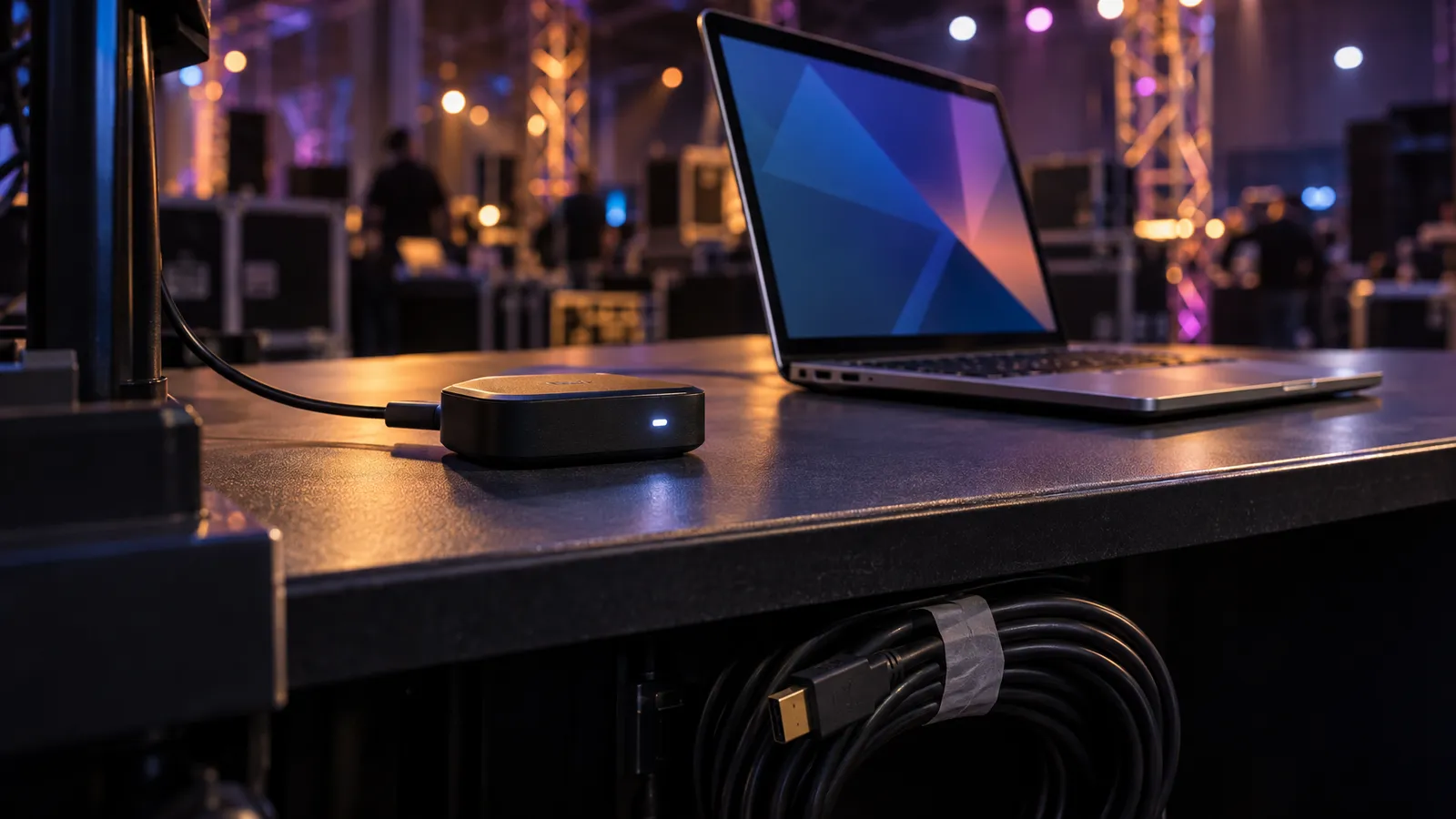
You've got three product managers rotating booth shifts, each with their own laptop, and swapping HDMI cables between demos is a common failure point: the connector bends, the port gets loose, or someone trips the cable mid-presentation. A Wireless Screen Caster is one way around this. Confirm with us how the rental caster connects to your display and which laptops and phones it supports, then test each team member's device during setup. Once it works, handoffs between presenters don't need any re-cabling.
- Exhibit halls are crowded radio environments; test casting on the show floor during setup, not only at the office
- Check the video format your demo needs; slide decks and product walkthroughs cast easily, but high-frame-rate or 4K playback is safer over a cable
- Keep the receiver close to the demo counter; booth walls and metal truss can weaken the signal
- Test casting from every laptop your team will use, Mac and PC, during setup; you don't want to troubleshoot a driver 10 minutes before your first prospect walks up
- Have a backup HDMI cable taped under the demo counter just in case; a wired connection is the fallback if the wireless link drops
Load-In Timing and Drayage Coordination
Every show publishes load-in windows in its exhibitor manual, and missing your slot means setting up in a rush while other booths are polishing graphics. Windows are often assigned by booth size or booth number, and freight handling rules (what must go through the official contractor, and what you can hand-carry) differ from show to show and venue to venue. Read those pages first, then plan the AV delivery around them.
- Coordinate your AV rental delivery with your load-in window; build in a buffer for Bay Area traffic and dock queues. Delivery and setup are scoped and quoted to your event, or you can pick gear up yourself from our South San Francisco warehouse
- Check the exhibitor manual's material-handling rules and weight thresholds before you decide how the AV package reaches the booth; crated screens, lights and speakers add up quickly
- Find out where the loading dock is relative to your hall; a long haul from the dock means you'll need a hand cart if you're self-hauling
- If a show allows vehicles on the floor during load-in, expect paperwork in advance; the manual will say what
- Label every road case and equipment box with your booth number in large letters on all sides; during load-in, freight areas fill up fast, and unmarked boxes cost you setup time
How early should I arrive for load-in if I'm setting up a 10×10 booth myself?
Arrive before your assigned load-in window starts. That gives you time to check in at the exhibitor services desk, grab your credentials, and scope the route from the loading dock to your booth space. For a 10×10 with standard AV (one large TV, four uplights and a Bluetooth speaker system), allow time for unpacking, positioning the TV on its stand, placing uplights, running power, testing the wireless caster and a final sound check, and more if you're working solo or adding truss or a hanging fabric graphic. Show up late and you're competing for floor space with forklifts, pipe-and-drape installers and carpet crews.
FAQ: Trade Show AV Decisions That Cost Exhibitors Meetings
Can I use the venue's house A/V instead of renting my own gear?
You can; the show's exhibitor manual lists what the in-house or official AV provider offers and what it costs. Compare that against renting: a Bluetooth Speaker System rents from $60 per day and a Commercial PA Speaker from $200 per day, with delivery and setup scoped and quoted to your event. Some shows restrict outside AV or labor, so confirm the rules before you book either option. House A/V is often the practical choice for a keynote on the main stage that uses installed rigging and house labor.
What happens if my booth goes over the show's noise limit?
The consequences are set by show management and written into the exhibitor rules, typically starting with a warning and escalating if the booth keeps getting flagged. Keep your speakers angled inward, your volume at conversational level, and check it with an SPL app during setup. If you're doing live demos with a microphone, rehearse your volume before doors open.
Should I bring my own Wi-Fi hotspot or use the venue's network?
If your demo depends on internet (live product logins, cloud software, streaming video), have a plan that doesn't rely on shared show Wi-Fi alone. Exhibitor networks are shared by many booths and can slow down at peak hours; check what the show sells, and test a cellular hotspot on the floor during setup as a backup. For wireless casting or Bluetooth audio, you may not need internet at all; confirm with the specific caster you rent.
How do I prevent my LED screen from washing out under the convention center's overhead lights?
Ask for the brightness rating of the screens you are considering and compare them, look at your content on the screen under bright light if you can, and angle the screen to avoid reflections of the hall lights. A par light washing the wall around a screen is decoration, not a fix for a dim screen, and light aimed at the screen adds glare. Outdoor expos and venues with skylights are the hardest case, so raise them when you request a quote.
Do I need a sound engineer on-site, or can I run the A/V myself?
For a 10×10 or 10×20 booth with one screen, a Bluetooth speaker system and wireless casting, you usually don't need an engineer; your booth staff can handle play/pause and volume. If you're stepping up to a 20×20 island booth with multiple screens, live presenter mics, a mixer and truss-mounted lighting with DMX control, consider a technician for load-in and the start of the show to dial in sound and lighting and walk your team through the basics. Technician time from us is scoped and quoted to your event. For a planning list that covers the rest of the event, see our corporate event AV checklist.