Planning a corporate event in the Bay Area means coordinating dozens of moving parts, and audio-visual problems are among the most visible things that can go wrong. A laptop that won't connect during the CEO's keynote, feedback through the speakers during the panel discussion, or lighting that leaves your award recipient in shadow: these are the kinds of problems a pre-show checklist is meant to catch early, when they are still cheap to fix.
This guide walks through an audio visual event planning checklist for corporate conferences, product launches, annual meetings and executive summits across the Bay Area. You'll get equipment lists for audio, visual, lighting and streaming, plus suggested timeline milestones, venue questions and mistakes that are easy to avoid with some planning. For pricing details on individual equipment categories, see our guide to AV rental costs in SF. Whether you're running a 50-person board meeting in Palo Alto or a 500-attendee sales kickoff in a downtown ballroom, a checklist like this one reduces the chance that something important gets missed.
Audio Equipment Checklist: What You Actually Need
Audio problems are hard for an audience to ignore, so count your microphones carefully and choose the type for each moment of the program. For a panel, the common options are a wireless lavalier or headset per panelist, a handheld per panelist, or gooseneck mics on the table; lavaliers keep hands free, handhelds make it obvious who is speaking, and table mics suit seated formats. Add a handheld for audience Q&A if the program has one, and ask your audio provider how many spare channels and spare batteries they bring. For a keynote speaker who walks the stage, a headset or lavalier keeps the mic at a steadier distance from the mouth than a podium mic.
Speaker choice depends on the room's size, shape and surfaces, not only on headcount. A small room may work with a pair of powered speakers on stands; a long or large room may need more speakers, delay speakers toward the back, or a larger system so the back rows hear as clearly as the front. Rooms with high ceilings and hard surfaces tend to be reverberant; careful speaker placement, and acoustic treatment where the venue allows it, helps keep speech clear. Ask whoever designs the system to base it on the room's dimensions and seating plan and to check coverage at the back of the room during sound check.
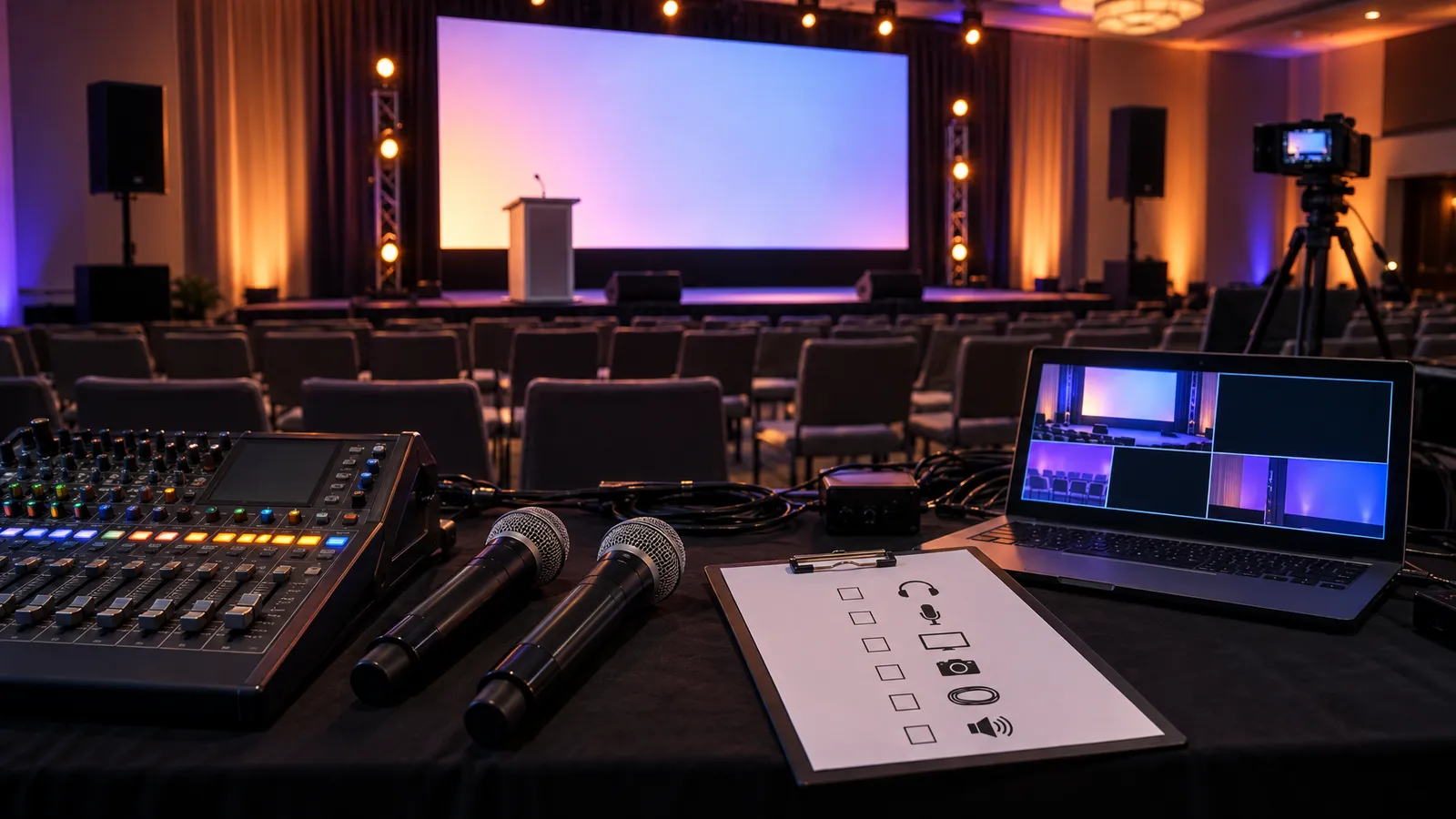
Audio Equipment Checklist:
- A mixer with enough inputs for every microphone and playback source, plus spares
- Wireless microphone receivers, with fresh or fully charged batteries for every transmitter
- Panel microphones in the format you chose (lavalier, headset, handheld or gooseneck) plus a Q&A handheld
- Microphone and speaker cables, with spares
- Direct boxes (DI) or another clean connection for laptop audio
- Adapters for phone and laptop audio outputs
- Speakers sized and placed for the room
- Power distribution rated for the actual equipment load
- Gaff tape for cable management
During sound check, test every microphone channel with someone speaking at presentation volume from where the presenter will actually stand, not just a quick "can you hear me," so feedback problems show up before the audience arrives.
Visual & Projection Equipment Checklist
A common projection problem is a projector that is too dim for the room's ambient light. A projector that looks fine in a windowless room with the lights down can look washed out in a ballroom with large windows during an afternoon session. The brightness you need depends on the screen size and on how much ambient light reaches the screen, so tell your AV provider about the windows and the house lighting. In bright rooms, a much brighter projector or a direct-view LED screen is worth considering.
For screen size, some planners start with a rough rule of thumb that the farthest viewer should sit no more than about six times the image height from the screen; with a back row 40 feet away, that suggests an image roughly 80 inches (about 6.7 feet) tall. Treat that as a starting point only. The professional standard from AVIXA, DISCAS (Display Image Size in Audiovisual Systems), sizes the image from what viewers need to do with the content, such as reading small text, and how tall the smallest element on screen is. The practical check: put your real slides on the real screen and read them from the back row. If a house screen is too small for your content, enlarge the text, add a second screen, or rent a larger display, and make sure the bottom of the image clears the heads of the people in front.
Visual & Projection Equipment Checklist:
- A projector bright enough for the screen size and the room's ambient light, or an LED screen for daylight spaces
- A screen sized for the farthest viewer and the smallest text you'll show
- HDMI and USB-C adapters, plus any older formats presenters may bring
- Spare video cables long enough to reach from the stage to the control position
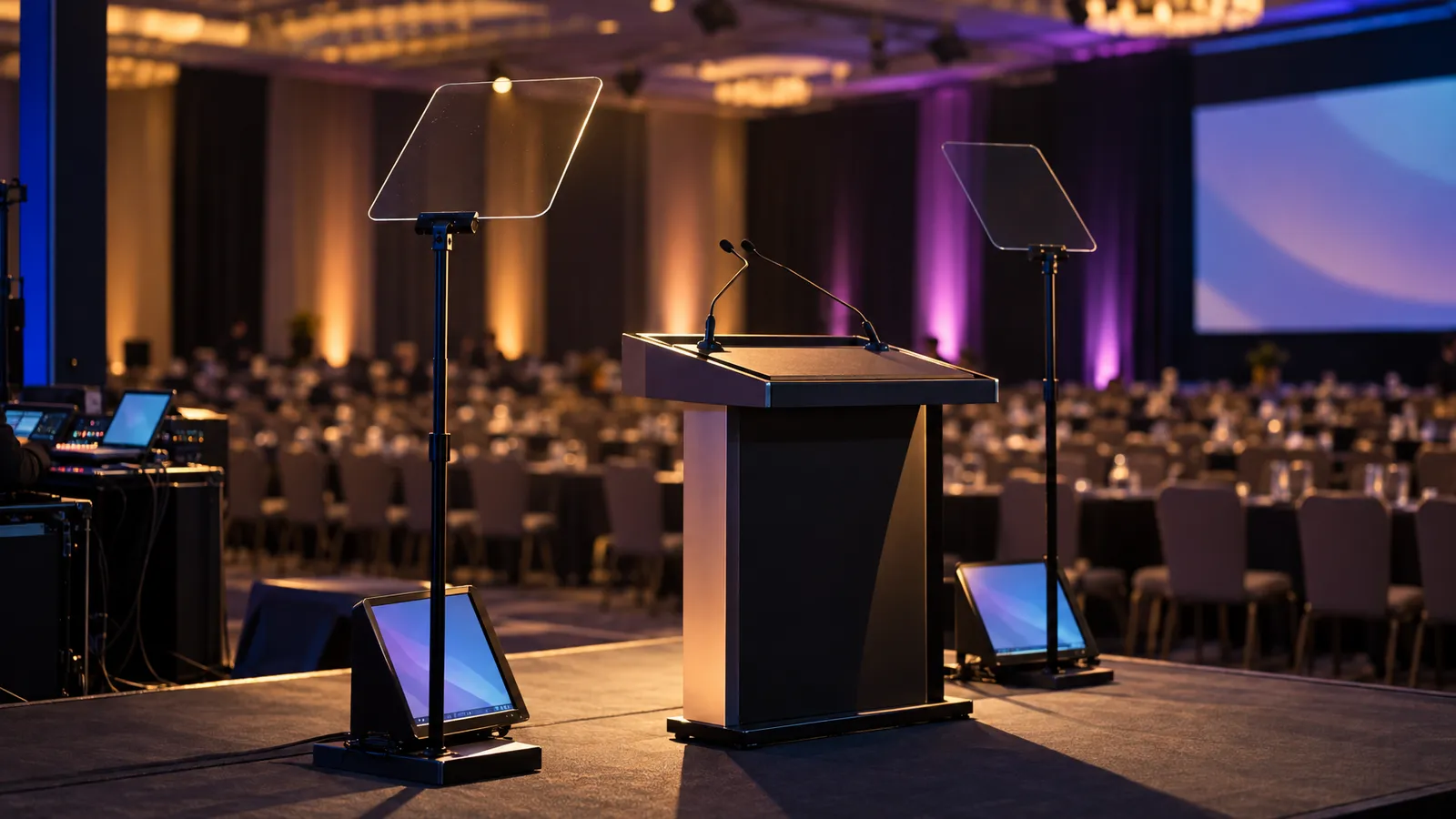
- A confidence monitor facing the presenter
- A backup laptop with all presentations pre-loaded
- Power for presenter laptops
- A presentation clicker with fresh batteries
- A video switcher for multi-presenter sessions, so presenters don't swap cables on stage
Lighting Checklist: Set Visibility and Ambiance
Corporate event lighting has two jobs: making speakers and presentations visible, and setting the room's tone. Overhead house lighting can leave shadows under eyes and noses, which may be fine for a breakout session but tends to look poor on a keynote stage or on camera. Front lighting from both sides, angled down toward the presenter, can reduce those shadows; adjust the angles and levels while someone stands in the presenter's position and check the result on camera.
Presentations also need some control over room light. In a room whose house lights are all-or-nothing, you end up choosing between washed-out slides and a room too dark for note-taking. Dimmable house lighting or separate room washes let you bring the light down during presentations while the room stays navigable. Exit signs and any egress lighting the building requires have to stay as the venue specifies, so ask the venue what must remain on and which zones you can dim. Test this during the walkthrough; some venues control dimming in only some zones.
Lighting Equipment Checklist:
- Front light for each presenter position
- Uplighting for the stage backdrop or a branded wall, battery-powered where cable runs are awkward
- A followspot for awards or recognitions
- A lighting control console or DMX controller for multiple zones
- Venue confirmation of how house lighting is dimmed and who operates it; if you plan to dim or control installed lighting, have the venue's technician or an electrician confirm what is compatible
- Power distribution planned from each fixture's actual power draw and the circuits the venue confirms
- Gaff tape and cable ties for cable management
- Optional: moving-head lights or gobo projections for logo displays, tested during rehearsal
Live Streaming & Recording Equipment Checklist
If remote attendees are part of the plan, decide early how much production the stream needs, because it drives the equipment and the crew. A simple stream can be a single camera with a clean audio feed; a more produced stream might use a wide shot and a close shot with a switcher cutting between them. Whatever the scale, take audio directly from the sound mixer rather than from a camera's built-in microphone, so remote viewers hear the same mix as the room.
If the event must be recorded for legal, compliance or archival reasons, record locally as well as in the cloud so a network dropout doesn't cost you the recording. For a produced stream, consider a dedicated streaming operator in addition to the audio engineer, since one person handling both has less attention to spare if something goes wrong mid-session.
Streaming & Recording Equipment Checklist:
- Cameras for the shots you planned
- A video switcher if you're cutting between cameras or sources
- An audio feed from the sound mixer into the stream
- Stable tripods
- Capture hardware if streaming from a computer
- A wired network connection for the stream where the venue can provide one
- A backup internet connection (a second line or a mobile hotspot)
- Monitors for whoever is operating the stream
- A local recording device
- Spare batteries for cameras and wireless audio
Venue Walkthrough Checklist: What to Verify Before Event Day
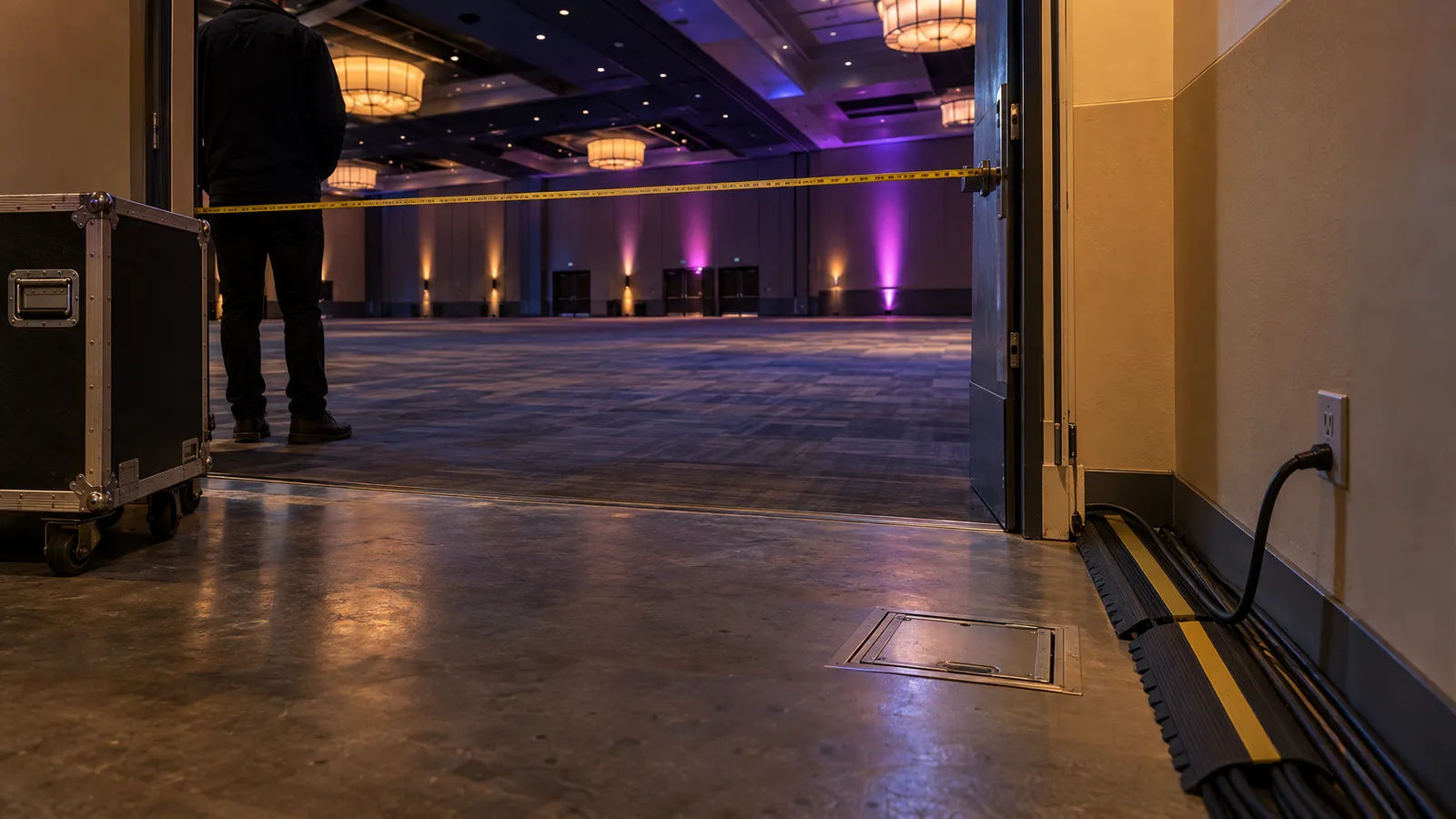
A walkthrough a week or two before the event gives you time to act on what you find. Bring your AV provider or a technical representative, and ask the venue for its technical contact as well as its event manager, so questions about power, rigging and networks go to someone who can answer them. Map the power: how many separate circuits are available near the stage and equipment positions, and what else shares them? Older buildings and converted warehouses may have less power where you need it, and if the venue can't supply enough, a generator or power distribution from a separate supplier may be needed.
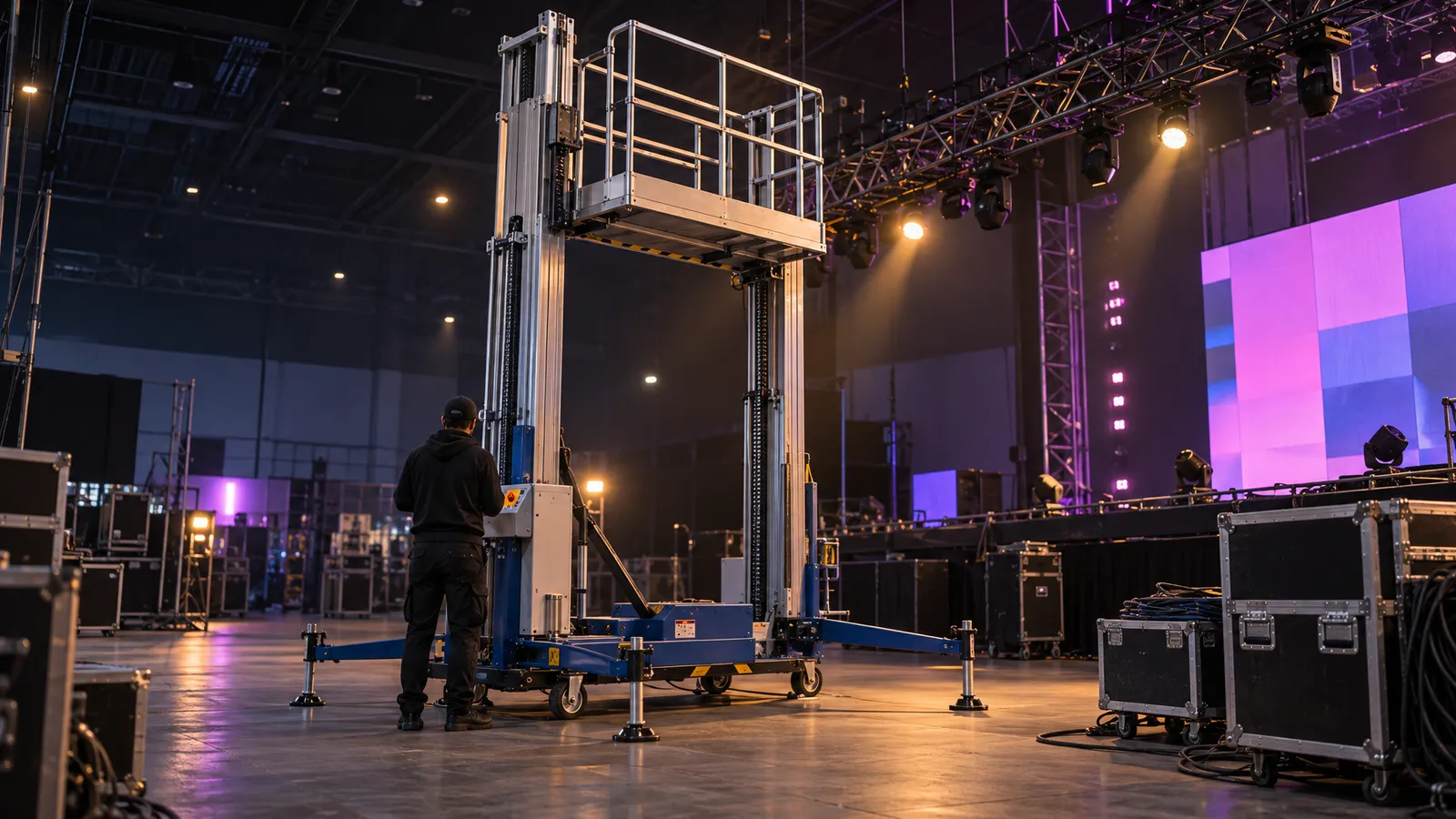
Test the network at the positions where you'll use it. If streaming matters, ask the venue how its network performs with a full room, whether a dedicated wired connection is available, and test upload with a real transfer rather than only a speed-test app. Plan the load-in: which door the equipment comes through, the freight elevator's door and cab dimensions and weight limit (compare them with the largest pieces, such as truss sections, staging and screen cases), and whether union labor rules affect your setup timeline and budget.
Venue Walkthrough Checklist:
- Map available power circuits (location, amperage, what else shares them)
- Test the network, wired and wireless, where you'll use it
- Measure ceiling height and identify rigging points, if any
- Confirm load-in access (doors, elevator dimensions and limits, parking and staging areas)
- Test any house AV you plan to use
- Identify fire exits and accessible pathways, which affect cable routing and equipment placement
- Confirm venue restrictions (noise limits, curfews, union labor rules)
- Get contact details for the day-of venue technician or building engineer
- Record room dimensions and draw a scale diagram for equipment placement
Timeline Checklist: Suggested Milestones for AV Planning
There is no single correct lead time; the milestones below are a suggested planning allowance to adapt to your event, with more time for multi-day conferences, custom staging or anything needing permits. Request quotes once the date is firm; availability is confirmed for your date when you request a quote. Lock the run-of-show (the event schedule with every AV cue) early enough that the crew can prepare from it and last-minute changes don't land during technical rehearsal.
Suggested AV Planning Timeline:
- Two to three months out: request AV quotes, confirm venue restrictions, reserve specialty items such as LED walls and custom staging
- Six to eight weeks out: finalize the AV package, sign contracts, submit venue insurance certificates if required
- About four weeks out: collect presenter materials (slides, videos, special requests) and draft the run-of-show
- One to two weeks out: venue walkthrough with the AV provider, placement diagram, power and network confirmed
- At least five business days out: final changes to the rental order (the notice our rental terms require for changes)
- Before event day: load-in on the schedule you agree with the venue and crew; our team needs a minimum of two hours for a standard setup, and larger productions need more
- Before doors: technical rehearsal with presenters, testing mic, video and lighting cues
- Event day: final checks, battery swaps, backup laptop ready
- During the event: an AV technician monitoring the systems
- After the event: strike on the schedule agreed with the venue and crew
Common Mistakes to Avoid: Corporate Event AV Edition
Underestimating setup time is a costly mistake. Our rental terms set a minimum of two hours for a standard setup, and large productions need more; get the actual load-in and strike estimate from your crew and check it against the venue's access windows. Hotels and conference venues often schedule loading docks and service elevators, so a missed window can push setup into rehearsal time.
Skipping the technical rehearsal is another. A short internal meeting may get by without one, but a client conference with several speakers, a panel and a live product demo has many more cues that can go wrong. A rehearsal is where you find the presenter who doesn't know how to advance slides, the video that won't play on the show laptop, or the wireless mic with interference. Schedule it the day before or the morning of the event and ask every presenter to attend.
Mistakes to Avoid:
- Underestimating setup and strike time; build some buffer into the crew's estimate
- Skipping the technical rehearsal
- Relying on shared venue Wi-Fi for a stream that matters
- Missing adapters for presenters' laptops
- Forgetting spare batteries for wireless mics and clickers
- No backup laptop with the presentations loaded
- Scheduling load-in without checking the freight elevator and service corridor
- Assuming the house AV fits your program without testing it
- Booking equipment without confirming the venue's power
- Not briefing presenters on microphone technique
Bay Area Venue-Specific AV Considerations
San Francisco's Moscone Center publishes production and audio-visual information for event planners, including union jurisdictions and its preferred audio-visual provider, Projection. Read it before you plan, and confirm what you can bring in versus what must go through the venue's partners.
Corporate campuses often have their own in-house AV and policies for outside vendors. Ask early whether the campus requires vendor badges, background checks or insurance certificates naming the company as additional insured, and start that paperwork well before load-in.
Historic venues can pair beautiful architecture with difficult acoustics. High ceilings and hard surfaces create reverberation that can make speech harder to follow without careful system tuning, so allow extra sound-check time in those spaces.
Budget Guide: What Corporate Event AV Actually Costs
Total AV cost depends on the equipment mix, the number of days and how much labor the event needs. For how the pieces add up, see our guide to AV rental costs in SF. For reference, here are day rates from our catalog for common corporate items:
- P1.9–3.9 LED Rental Screen (12m²–48m² configurations): from $200 per day
- LED TV Display: $35 (43-inch) to $120 (120-inch) per day
- Commercial PA Speaker: $200 per day
- Bluetooth Speaker System (controller, 6 speakers, 2 mics): $60 per day
- COB Front Light: $35 per day; Followspot: $80 per day
- Wireless Screen Caster: $60 per day
Under our rental terms, a day rate covers 24 hours, weekly rates apply from 5 consecutive days, and delivery, setup, technician services and any overtime are scoped and quoted to your event; venue-specific permits and approvals are the client's to secure. Microphones, mixers, switchers and other items beyond the listed catalog are available on request, subject to availability, with a custom quote. Whoever you rent from, get itemized quotes and check what the labor covers: load-in, strike, and a technician on site during the event.
FAQ: Corporate Event AV Checklist
How many wireless microphones do I need for a panel discussion?
It depends on the format. One common setup gives each panelist their own lavalier or headset, adds a handheld for audience Q&A, and keeps a spare, so a four-person panel would use six mics. Handhelds or table gooseneck mics are also workable; if panelists will share a mic, plan how it gets passed. Ask your audio provider about spare channels and batteries.
Can I use the venue's built-in AV equipment instead of renting?
You can, and for a simple meeting it may be enough. House systems are often set up for basic meetings rather than staged presentations, so test the venue's projector, microphones and dimming during the walkthrough. If they fall short of what the program needs, rent the gap.
Do I need a dedicated AV technician on-site during the event?
For most events with live microphones, presentations or lighting cues, a technician on site is worth budgeting: someone to watch sound levels, swap mic batteries, sort out laptop connections and run lighting cues. A very simple event, such as background music only, may not need one. Technician time is scoped and quoted to your event. For a produced stream, consider a separate streaming operator.
How far in advance should I book AV equipment for a corporate event?
Once the date is firm, request a quote; availability is confirmed for your date when you do. Same-week delivery is available across the Bay Area for most items. Changes to a confirmed order need at least 5 business days' notice before the event.
What can I do to lower the risk of AV problems on the day?
Hold a full technical rehearsal with the presenters, test every piece of equipment and walk through the run-of-show. Problems found in rehearsal leave time to fix them; problems found minutes before a keynote leave far fewer options.
Do I need a backup internet connection for streaming?
If the stream matters, a backup is sensible. Ask the venue whether a dedicated wired connection is available for the stream, keep a second line or a mobile hotspot as backup, and test both on site before the event with a real upload, so you aren't finding out the speed is insufficient while you're live.