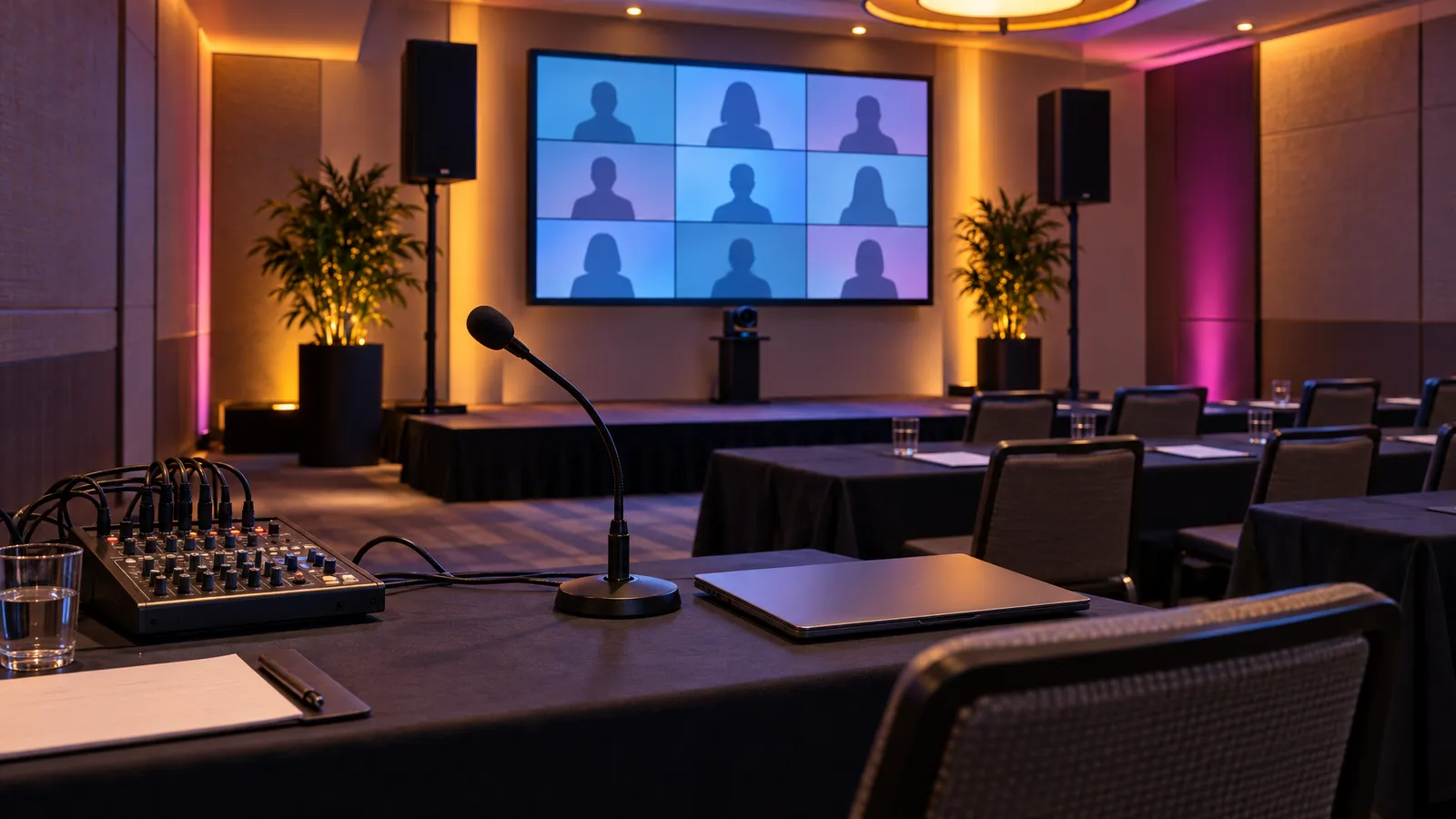
Where Corporate Meeting AV Goes Wrong
Sound is one of the most important things to get right at a corporate meeting, alongside the screen and the connection for remote attendees. Picture it: you've got a VP flying in from Austin to present Q3 results. She steps up to a podium, and the hotel's built-in ceiling speakers deliver her voice as a thin, echoey wash that people in row six can barely understand. The projector throws a washed-out image onto a wrinkled pull-down screen. Someone's laptop won't connect wirelessly. The meeting is already losing the room before the first slide loads.
None of these problems is hard to avoid if it is planned for. The difficulty is that it is easy to underestimate what a room needs until the day itself.
This guide breaks down what audio, video, and lighting a corporate meeting needs, based on room size, audience count, and presentation type. For a pre-event equipment checklist, see our corporate event AV checklist. We'll cover mistakes worth avoiding (hotel AV upcharges, wrong speaker placement, screens that don't match seating depth), and give you an equipment list you can hand to any AV rental vendor, including us.
Sound First: Picking Speakers for Your Room Size
If people can't hear clearly, the slides and lighting matter much less. Room size is a starting point for choosing audio, but the final choice depends on the room's dimensions, its surfaces and the equipment's own specifications, so share the room details when you ask for a quote.
Small rooms (under 40 people)
For boardrooms and small conference rooms, one option is VENEGEEST's Bluetooth Speaker System ($60 per day), which includes one controller, six speakers and two microphones. Whether it suits your room depends on the room's size and layout, so tell us the dimensions and headcount and we can confirm it or suggest something else. It is worth considering for team meetings, investor pitches and training sessions where the presenter stays in one area.
Medium rooms (40–150 people)
As the audience grows, the usual step up is PA speakers on stands, angled toward the audience. Our Commercial PA Speaker (listed as a "high-power event speaker", $200 per day) is one option; how many you need and where they go depends on the room's size and shape, so send the room dimensions with your quote request. For setup steps and room-matching guidelines, see our guide on how to set up a sound system for a live event. Presenters who move around are often given a wireless lavalier mic, with a handheld for Q&A. Beyond the two mics in the Bluetooth Speaker System, wireless lavalier and handheld microphones are available on request, subject to availability; contact us for a quote.
Large rooms (150+ people)
Larger rooms often call for more than one PA speaker, and some presenters want a monitor speaker so they can hear themselves; whether you need either depends on the room's shape, any installed sound system and the program, so describe the room and the agenda when you ask for a quote. With several microphones and video playback audio to balance during the event, a sound technician at a mixing board can manage levels as the program runs. We can send a technician with the equipment; technician time is scoped and quoted to your event. It is also one less thing for the organizer to handle during a keynote.
Screens and Displays: Projectors vs. LED Walls
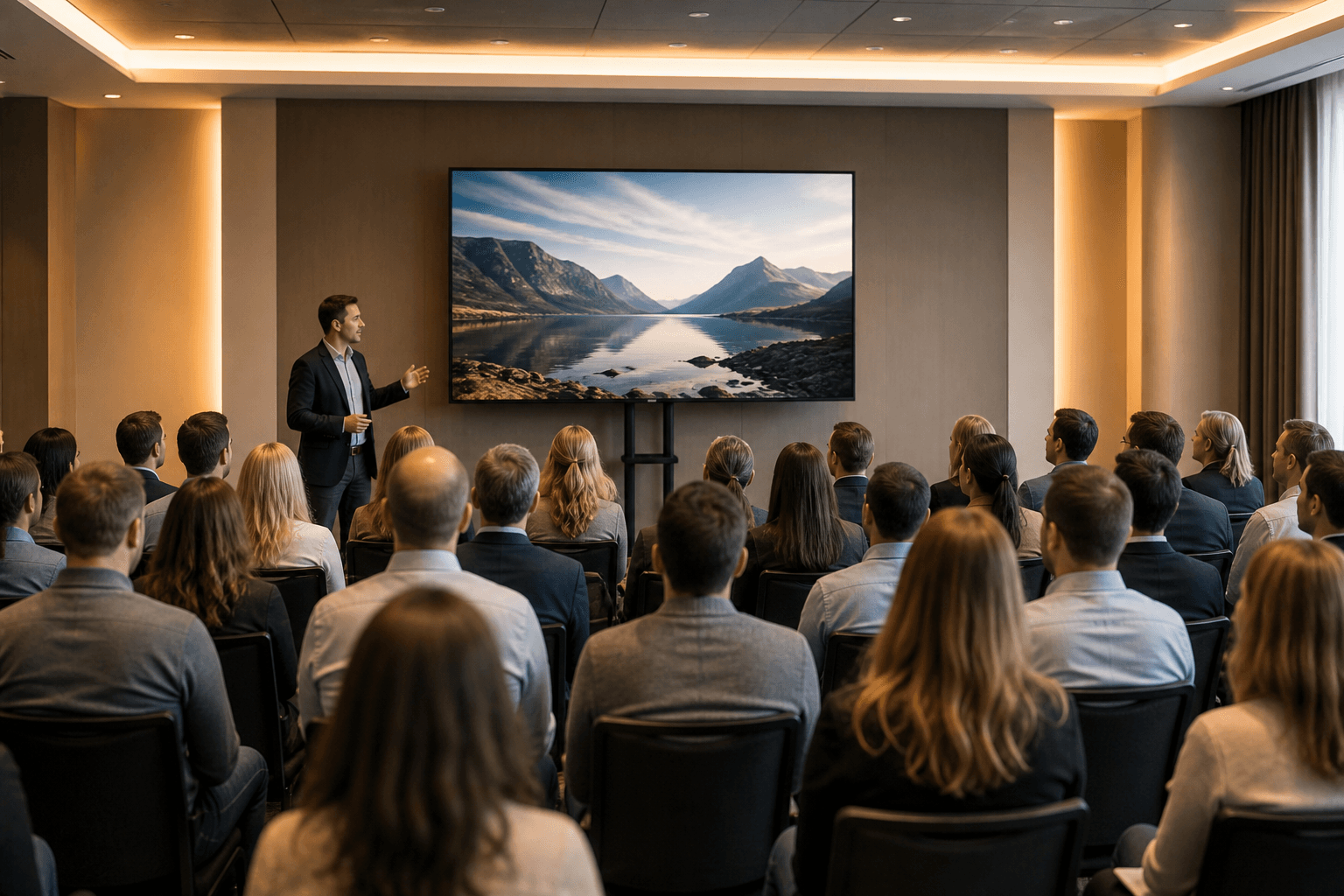
The screen choice depends on two things: ambient light in the room and how far back your last row of seats sits. The farther the back row, the bigger the image and the larger the text on your slides need to be; if people in the back have to squint at a slide from the front row's view, the screen is too small.
Projectors work in rooms where you can control the lighting. If the venue has blackout curtains or no windows, a bright projector onto a large screen gives you a readable image for a modest audience. A key risk with projectors is ambient light: sunlight falling on the screen can wash out the image. If your venue has floor-to-ceiling windows (common in SoMa offices and Embarcadero event spaces), think twice about projection. VENEGEEST's listed catalog covers LED screens and large LED TVs; projectors are available on request, subject to availability, with a quote.
LED video walls are worth considering for daytime meetings, rooms with windows, or larger crowds, because LED panels produce their own light rather than relying on light reflected off a screen. How readable a wall is in a bright room still depends on the panel's brightness, its pixel pitch, the content and the viewing distance, so ask for the specifications of the exact panels and check sample content in the room if you can. VENEGEEST's LED rental screen (P1.9–3.9, configurable 12–48 m²) is listed from $200 per day. For smaller rooms, an LED TV Display runs from $35 (43″) to $120 (120″) per day. Browse the full equipment menu to compare.
An LED wall needs delivery and setup, which are scoped and quoted to your event, so compare the itemized quote for a wall against a large TV for your room. If your slides are the centerpiece of the meeting (product demos, financial reviews, video playback), a larger image can be worth the difference, as long as the content is designed to be read from the back row.
Microphones: Matching the Mic to the Meeting Format
The right microphone depends on the meeting format, not the room size. Here's a quick reference:
- Keynote or presentation (one speaker, standing): Wireless lavalier mic clipped to the lapel. Keeps hands free for slides, clickers, and gestures.
- Panel discussion (3–5 speakers, seated): One handheld wireless mic passed between panelists, or individual gooseneck mics at each seat. Passing a single mic can create pauses between speakers; individual mics add equipment but let panelists respond without waiting.
- Town hall or Q&A (audience questions): A second handheld mic for audience members, or a runner with a wireless mic. If no audience mic is available, the presenter should repeat each question clearly into their own mic, so both the room and remote attendees hear it.
- Hybrid meeting (in-room + remote): Plan how audience comments reach the call: a mic passed to whoever speaks, or room microphones chosen and placed for that room. Test the pickup from the seats before the meeting.
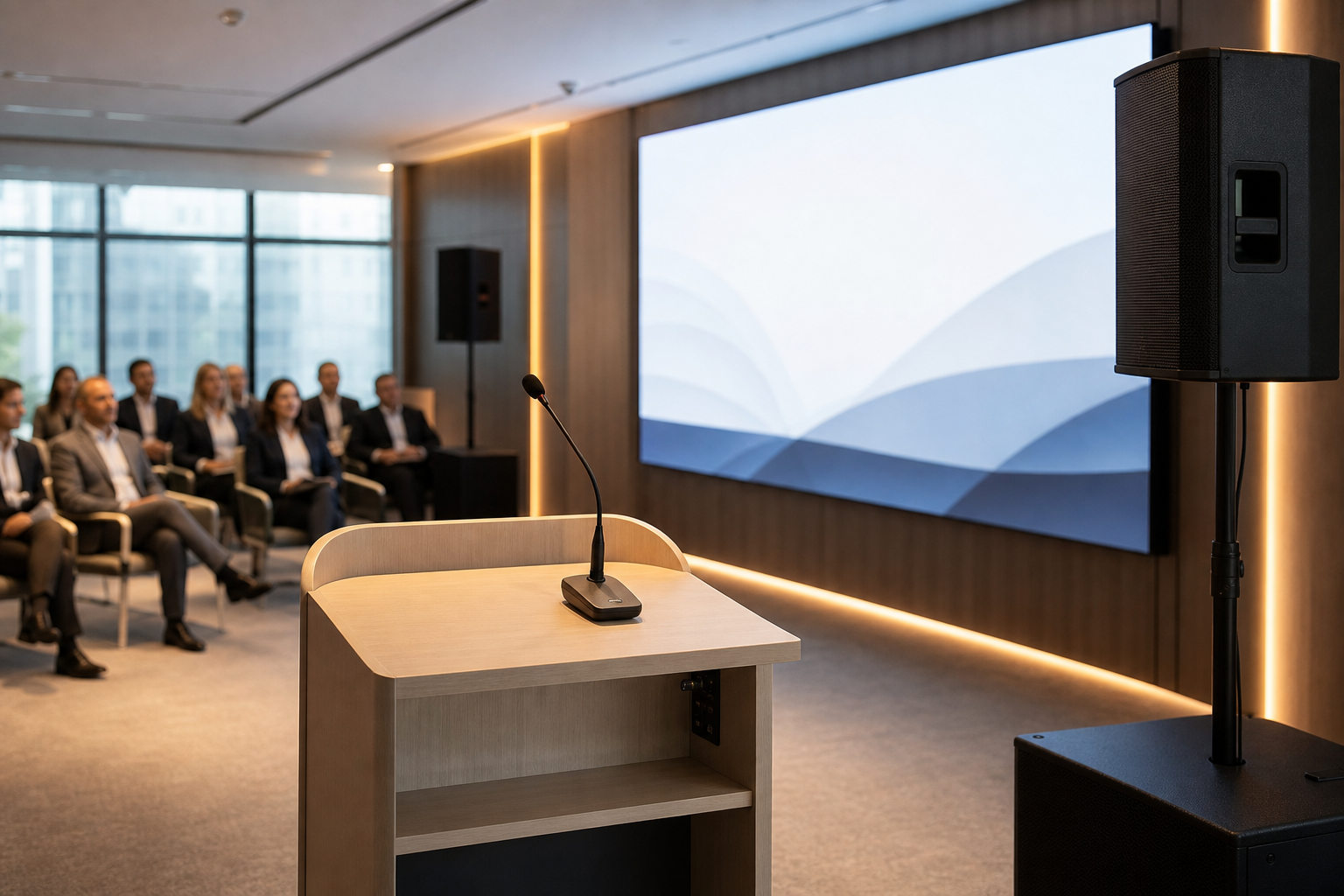
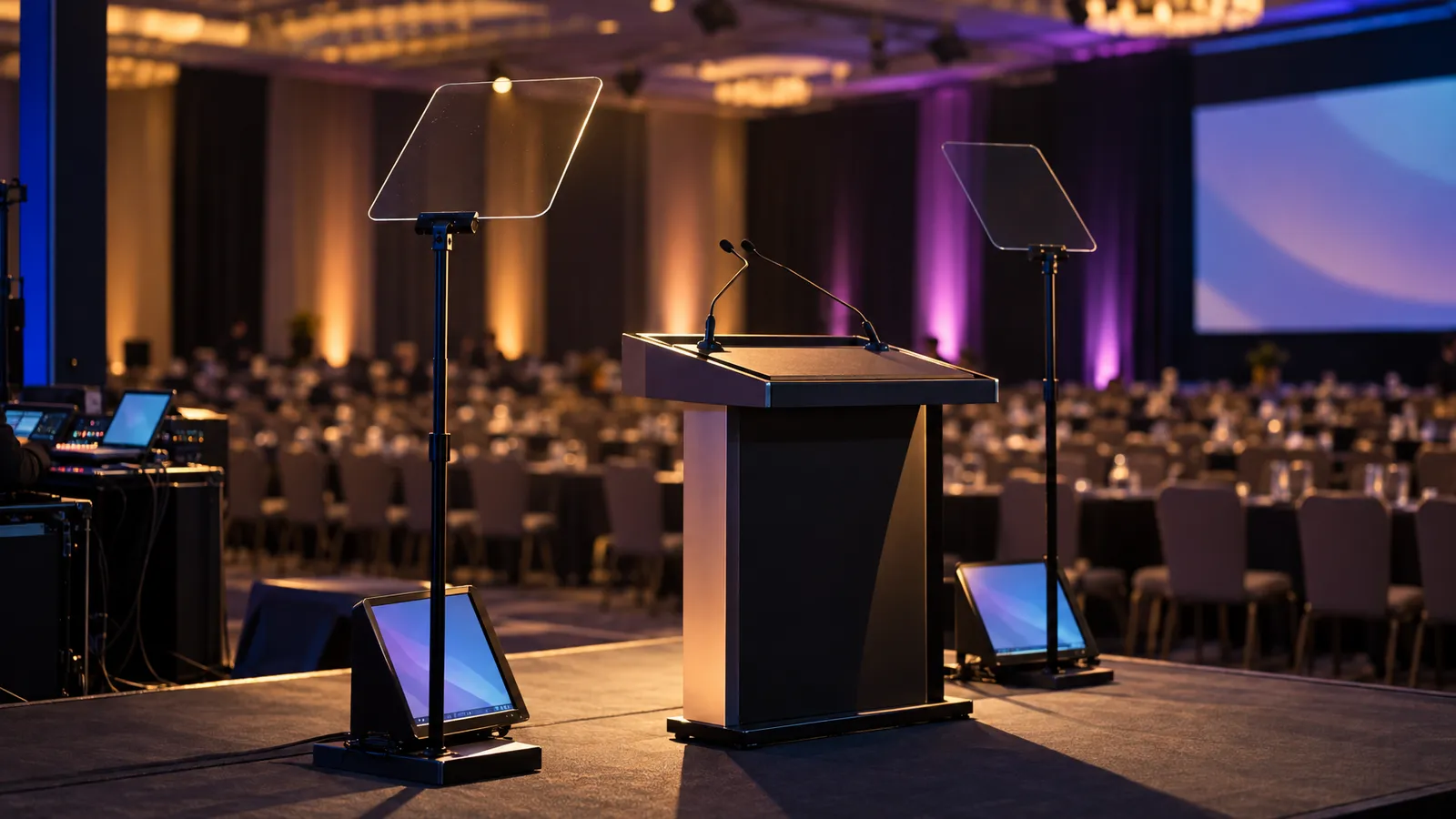
At a lectern, placement matters as much as the mic itself. A mic that sits too far from the presenter's mouth, or points away from it, picks up more of the room and less of the voice, and turning it up raises the risk of feedback. A gooseneck mic on the lectern is convenient because it can be bent toward the presenter; whatever mic is used, set its position and level during the sound check with the person who will actually speak.
Hybrid Meeting Setup: Making Remote Attendees Feel Like They're in the Room
Adding remote attendees changes the AV requirements compared with an all-in-person meeting.
The main challenge is audio pickup. A laptop mic on the podium may capture the speaker's voice but not questions from the audience, so remote attendees can end up hearing the presenter answer a question they never heard.
There are several ways to handle it: a handheld mic passed to each person who asks a question, room microphones suited to the size of the room, or at minimum the presenter repeating each question into their mic. Whatever mics you use, they need to be routed into the Zoom or Teams call alongside the presenter's mic, and a room with open microphones and loudspeakers generally needs echo cancellation set up so remote attendees do not hear themselves back. Test the whole chain, from a seat in the room to a remote laptop, before the meeting starts.
For video, decide what remote viewers need to see. A laptop webcam on the podium may show only a wide, distant view of the room, so many hybrid meetings add a separate camera aimed at the speaker; check the framing from the actual camera position before the meeting. A PTZ (pan-tilt-zoom) camera can be re-aimed and zoomed remotely, but following a presenter who walks around needs an operator, saved presets or a tracking feature you have tested with that camera. For panel discussions, a second camera view of the panel table can help remote viewers see who is talking.
Internet bandwidth is another risk. Hotel Wi-Fi, even "high-speed business" Wi-Fi, is usually shared with other guests and rooms and can slow down at busy times. For a meeting with a large remote audience, order a dedicated wired connection from the venue, or bring a cellular hotspot as backup, and test the upload speed in the room before doors open.
Lighting for Corporate Meetings: Why It Matters More Than You Think
It is easy to assume the venue's overhead lights will do the job. Overheads can leave shadows under eyes and noses, light presenters' faces unevenly, and spill onto the screen.
A common approach is to add front light on the presenter: two lights on stands, angled in from either side of the podium, to fill in facial shadows for the room and the camera. A COB Front Light is $35 per day, and a pair of Full-Color LED Par Lights is $50. For smaller meetings, this may be all the lighting you need.
For larger meetings or keynote presentations, uplighting around the stage or backdrop adds color to a plain room. Our wireless battery uplights are listed with a 12–15 hour battery and wireless DMX, so they need no power cable runs across the stage; how many you need depends on the room and the look.
Lighting also marks the program: dimming the house lights and bringing up the stage lights is a clear signal that a session is starting.
Common Bay Area Venue AV Pitfalls (and How to Avoid Them)
Different venue types trip up first-time planners in different ways. Ask about each of these before you finalize an AV order.
Historic San Francisco Hotels
Older hotel ballrooms can be beautiful and hard on speech: high ceilings and hard surfaces can create echo. One approach is speakers aimed at the audience rather than relying on ceiling speakers, at a volume the room can handle, checked during the sound check. Some hotels also require their own or union labor for rigging and power distribution, so ask what outside vendors are allowed to do before you plan the load-in.
Convention Centers
Large halls mean long throw distances and power that is ordered, not assumed. Check where power is available in your room and order what you need in advance. In a big hall, speaker choice and placement matter more than raw volume for clear audio at the back.
Corporate Campus Event Spaces
Office event spaces are often designed for daily work, not large meetings. Glass walls let in daylight that can wash out a projected image, so check the screen option in daytime conditions. Some offices prohibit drilling, rigging, or wall tape, so plan for ground-supported gear on stands, and ask about loading and parking time limits for delivery vehicles.
Co-Working and Flexible Spaces
Co-working meeting rooms may come with little more than a TV and a cable. If you're hosting a larger group, check what's actually provided and bring the rest. These spaces may share walls with other tenants, so ask about sound restrictions before you plan PA speakers.
Corporate Meeting AV Pricing: What to Budget
Here are VENEGEEST's listed per-day prices for the core pieces of a corporate meeting setup:
- Audio: Bluetooth Speaker System (controller, six speakers, two mics) $60; Commercial PA Speaker $200 each
- Screens: P1.9–3.9 LED Rental Screen from $200; LED TV Display $35 (43″), $55 (65″), $75 (75″), $95 (85″), $120 (120″); TV Floor Stand $20; Wireless Screen Caster $60
- Lighting: Full-Color LED Par Light $25; COB Front Light $35; LED Tri-Color Panel Light $25
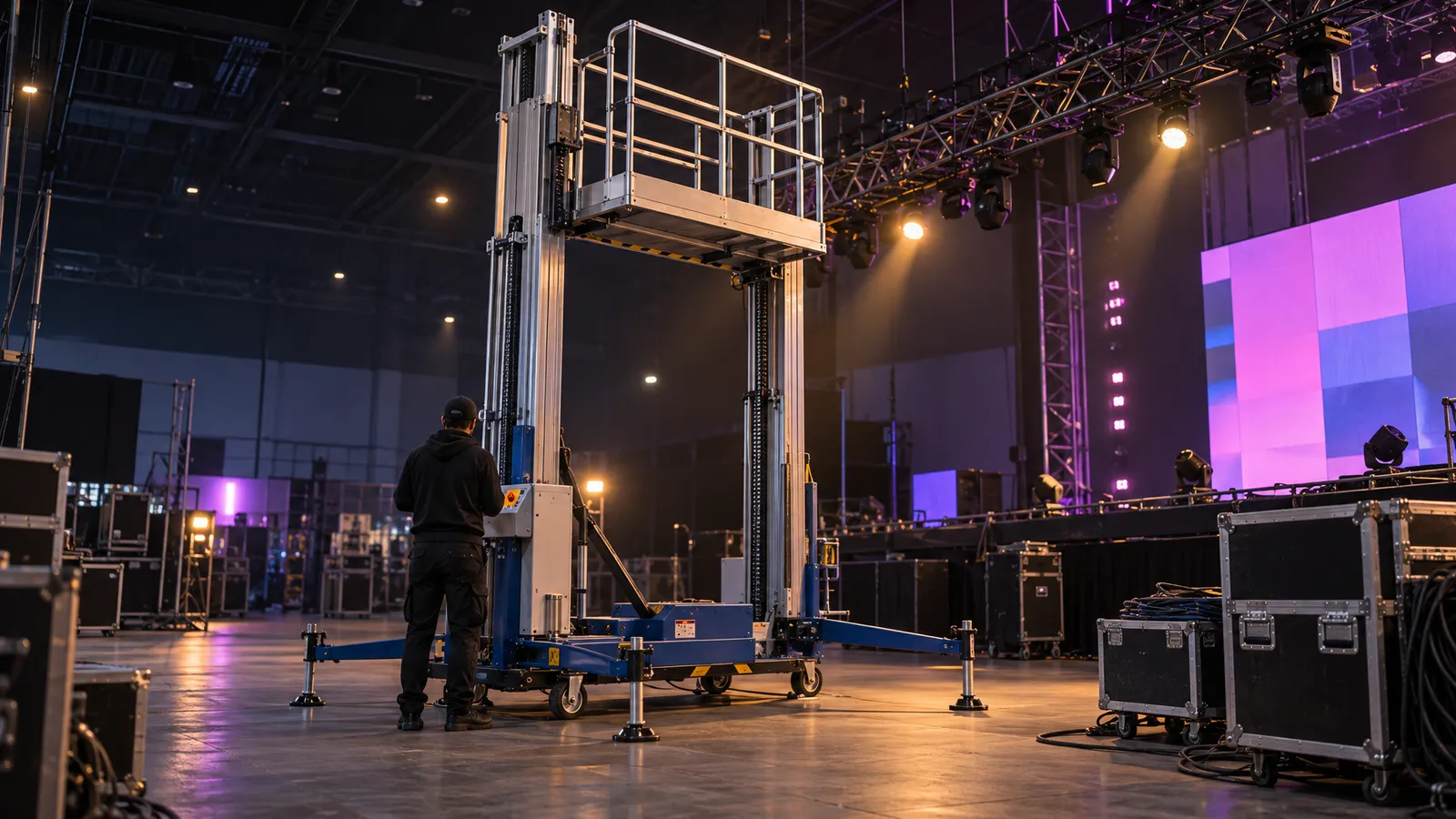
- Staging: Portable Stage Platform $30; Aluminum H-Frame Truss $10
Delivery, setup, technician services and any overtime are scoped and quoted to your event; multi-item packages are quoted per project. For more on how rental pricing works, see our AV rental cost guide for SF. If your venue requires its own labor, ask the venue for those rates early.
What to Expect When Renting AV for Your Corporate Meeting
Here's the typical flow of a corporate meeting AV rental with us:
- Initial request: You share your meeting date, venue, attendee count, and format (presentation, panel, hybrid, etc.). We ask about venue restrictions, load-in times, and any special requirements.
- Venue details: Accurate load-in access, power and timing information from you (or the venue) is what lets us plan the setup and avoid day-of surprises.
- Quote and confirmation: We send a line-item quote with equipment, labor, delivery, and add-ons. A booking is confirmed in writing, with a non-refundable 25% deposit; the balance is due three business days before the event.
- Pre-event coordination: Changes to the order should reach us at least five business days before the event.
- Delivery and setup: If you booked delivery and setup, our crew delivers and sets up the equipment; the terms ask for at least two hours for a standard setup, so build a sound and video check into the schedule before doors open. You can also pick up and return gear yourself at our South San Francisco warehouse. For more detail on each step, read our guide on what to expect when renting AV equipment.
- Event support (optional): If you booked an on-site technician, they handle live mixing, troubleshooting, and cue changes so you can focus on running the meeting.
- Teardown and pickup: After your meeting, the equipment is packed up and returned. Teardown is quoted with delivery and setup.
FAQ: Corporate Meeting AV
How far in advance should I book AV for a corporate meeting?
Request a quote once your date is firm; availability is confirmed for your date when you request a quote. Same-week delivery is available for most items.
Can I use the venue's included AV package?
You can, but read the spec sheet carefully. Venue "standard AV" packages vary, so check what is actually included against your room and audience. Get a line-item quote from the venue and compare it with outside AV providers before committing, and ask whether the venue allows outside AV at all.
Do I need a sound technician on-site during my meeting?
For small meetings with simple setups (one presenter, no video), you can usually self-manage after sound check. For large audiences, multi-session agendas, or hybrid setups, a technician is worth considering. They handle live mixing, troubleshooting, and transitions so you can focus on hosting. Technician time is scoped and quoted to your event.
What's the difference between a wireless lavalier and a handheld mic?
Lavalier mics clip to clothing (lapel or collar) and leave hands free for gestures, slides, and notes, which suits keynote presentations. Handheld mics are held by the speaker and work well for panel discussions or Q&A sessions where the mic gets passed between people. Don't give a handheld to a presenter who needs their hands free.
How much does hybrid meeting AV cost compared to in-person?
Usually more, because you add systems an in-person meeting doesn't need: cameras, a streaming setup, a separate audio feed for remote attendees, and a reliable internet connection. Get those items quoted as their own lines so you can see what the hybrid part adds.
Can you deliver AV equipment to venues outside San Francisco?
Yes. Same-week delivery is available across the Bay Area for most items; the service area includes San Francisco, San Jose and the South Bay. Delivery is scoped and quoted to your event, and self-pickup from our South San Francisco warehouse is also an option.
Ready to Set Up AV for Your Next Bay Area Corporate Meeting?
Whether you're planning a 20-person board meeting in Palo Alto or a 300-person quarterly all-hands at a San Francisco hotel, VENEGEEST designs a custom solution around your meeting's format and requirements and can quote the sound, screens, lighting and staging in one order. Call us at (415) 890-5555 or browse the equipment catalog. We'll walk you through options and send a line-item quote.