What the Tiger Touch 2 Actually Is
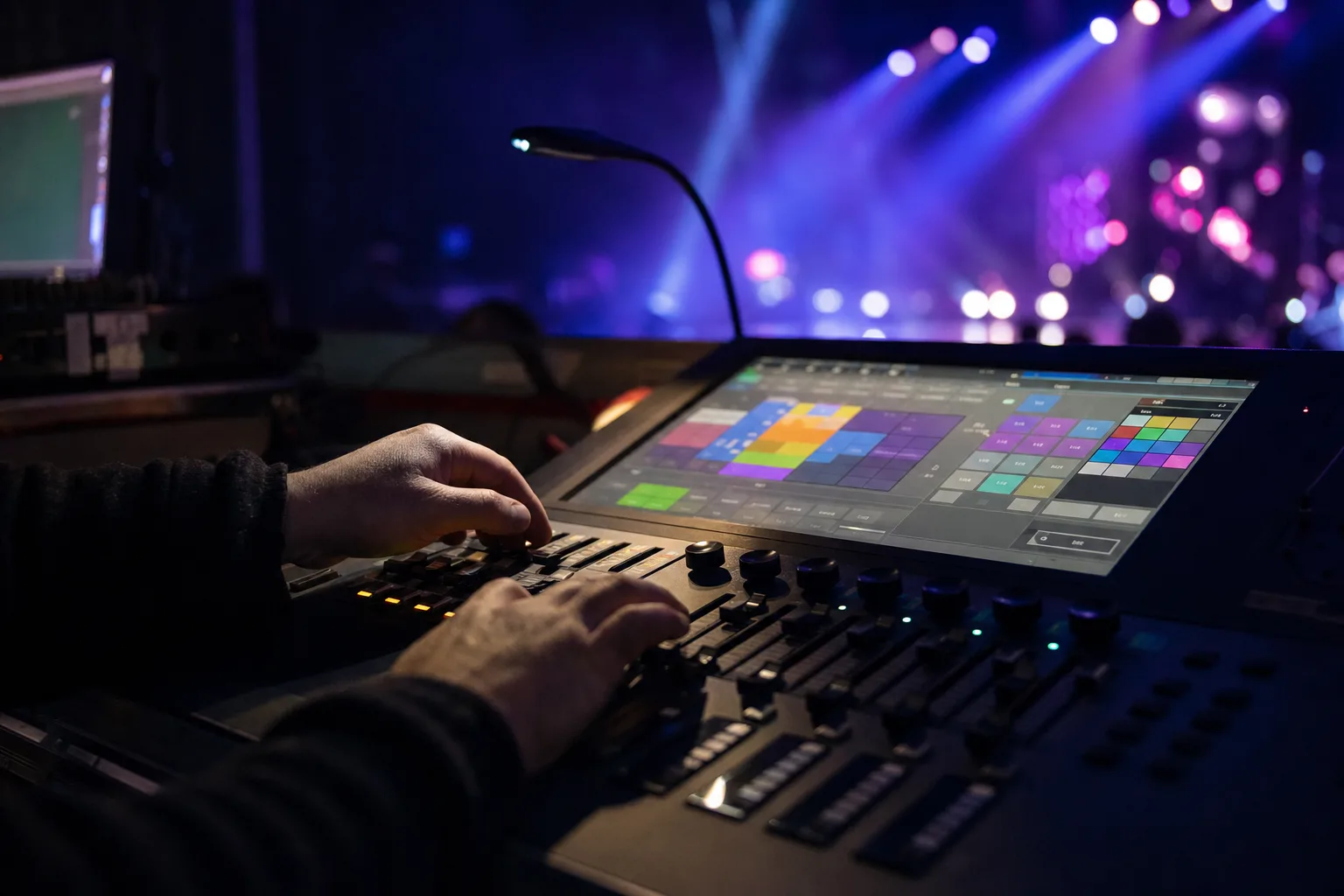
The Avolites Tiger Touch II is a dedicated lighting console, and it is one of the desks listed under our Lighting Control Console rental as "Tiger Touch II (i7 V16)". Avolites lists it with a 15.6" main touch screen, 10 main playback faders with 60 pages, 10 further preset faders and 3 optical attribute encoders. In practice that means an operator can run cues from physical faders and adjust fixture attributes with encoders while watching the stage, rather than working everything through a screen.
For output, Avolites lists "4 physical DMX outputs, up to 16 over ArtNet or sACN - 8192 channels", expandable up to 64 universes with Titan Network Processors. It also lists triggering "via MIDI messages and Timecode", a Key Frame Shapes effects engine, "generative, animation-based pixel mapping", and a "fully integrated UPS with on-screen warning and countdown". Fixture personalities come from Avolites' online personality library.
Each DMX universe carries up to 512 channels of lighting data. A small setup with a dozen LED par cans might use a fraction of one universe; a show running moving heads, LED wash fixtures and pixel-mapped elements together can need several. Whether the console fits your rig depends on the exact fixtures, the channel mode each one runs in, and the total patched channel count, so send us the fixture list and we can check it against the console's listed outputs.
Avolites lists the console at 15.2 kg on its own and 29.4 kg in a flight case. It pairs with the Aluminum H-Frame Truss and the moving head fixtures in the same catalog.
A Dedicated Console vs. a Laptop Rig
Lighting can also be run from software on a laptop, and a laptop system can be paired with physical control surfaces; our catalog, for example, lists grandMA command and fader wings alongside the grandMA onPC options. So the comparison is between the actual systems you would configure, not "faders versus a trackpad". Any computer-based system, dedicated console or laptop, should be set up, updated and tested before the event rather than on the day.
What a dedicated desk like the Tiger Touch II gives an operator is everything in one surface: playback faders, preset faders, encoders and a touch screen, without assembling separate pieces. Whether that matters for your show depends on the rig and on what the operator is used to. Ask your operator which system they prefer and which software version they program on.
- Playback faders let an operator fire, hold and blend cues by hand, which suits shows where the lighting follows what happens on stage
- The touch screen and encoders give direct access to fixture attributes such as color and position
- The effects engine (Avolites' Key Frame Shapes) builds chases and color movements without programming each step by hand
- Timecode and MIDI triggering are listed, for shows where cues must follow other playback equipment
None of this replaces a skilled operator. The right console is the one your operator can run confidently for this show.
Illustration: a lighting control desk with physical faders and a touch screen at a live event.
Which Bay Area Events Might Use This Console
Not every event needs a dedicated lighting desk. A single-room conference with a handful of LED Par Can fixtures on a static wash can often run off a basic controller or a DMX preset scene. A console like the Tiger Touch II becomes useful once a show has more fixtures, more cues or more live changes than a simple controller handles comfortably.
Corporate galas and product launches are one possible use. These events often combine moving heads for key lighting, LED par washes for stage color and a cue sequence tied to a run of show: welcome remarks, video package, award reveal, closing. Programming that sequence in advance and firing it from the faders is a job this kind of console is designed for.
Live music is another. Some bands and operators busk lighting live, reacting to tempo changes, extended solos and encore calls; others run programmed or timecoded cues. The fader and encoder layout suits live busking, and the timecode triggering suits programmed shows, so the choice depends on how your operator plans to run the set.
Weddings vary. A reception with uplighting and a DJ set may not need a full console. A wedding with a live band, a choreographed first-dance cue and color changes timed to toasts may benefit from more control.
If you're unsure, choose by rig complexity, cue needs and operator familiarity: how many fixtures and channels, how many cues and how they are triggered, and what your operator already knows.
Pairing the Console With the Rest of Your Rig
The console controls whatever fixtures are patched into it. A truss rig using the Aluminum H-Frame Truss gives moving heads and wash lights a hang point, subject to the truss's own load ratings and a rigging check.
For rigs mixing fixture types, such as LED Spot-Wash Moving Head (CMY) units alongside 380W Beam Moving Head fixtures, confirm before load-in that a personality exists for each exact model and mode in the Avolites library the operator will use, or that the operator can build one. That is part of the fixture list you send with the quote request.
If your event also runs an LED video wall, lighting and video can be synchronized, but it is not automatic. It needs the video playback system and the console to share a timecode source or another trigger method, set up and tested for your show; Avolites also offers video integration between the console and its own Ai media servers. LED walls are driven by their own processors and playback equipment, so plan the sync with whoever runs the video. Effects such as a Cold Spark Machine are operated according to the effect's own instructions and any fire-authority conditions; confirm with us how the specific unit is controlled before assuming it can be cued from the lighting desk. When VENEGEEST's crew operates the effect, VENEGEEST holds the operating permits; a client who rents it and runs it themselves carries that responsibility and the liability.
Tell us in the quote request whether you want setup, patching and an operator; technician services are scoped and quoted to your event.
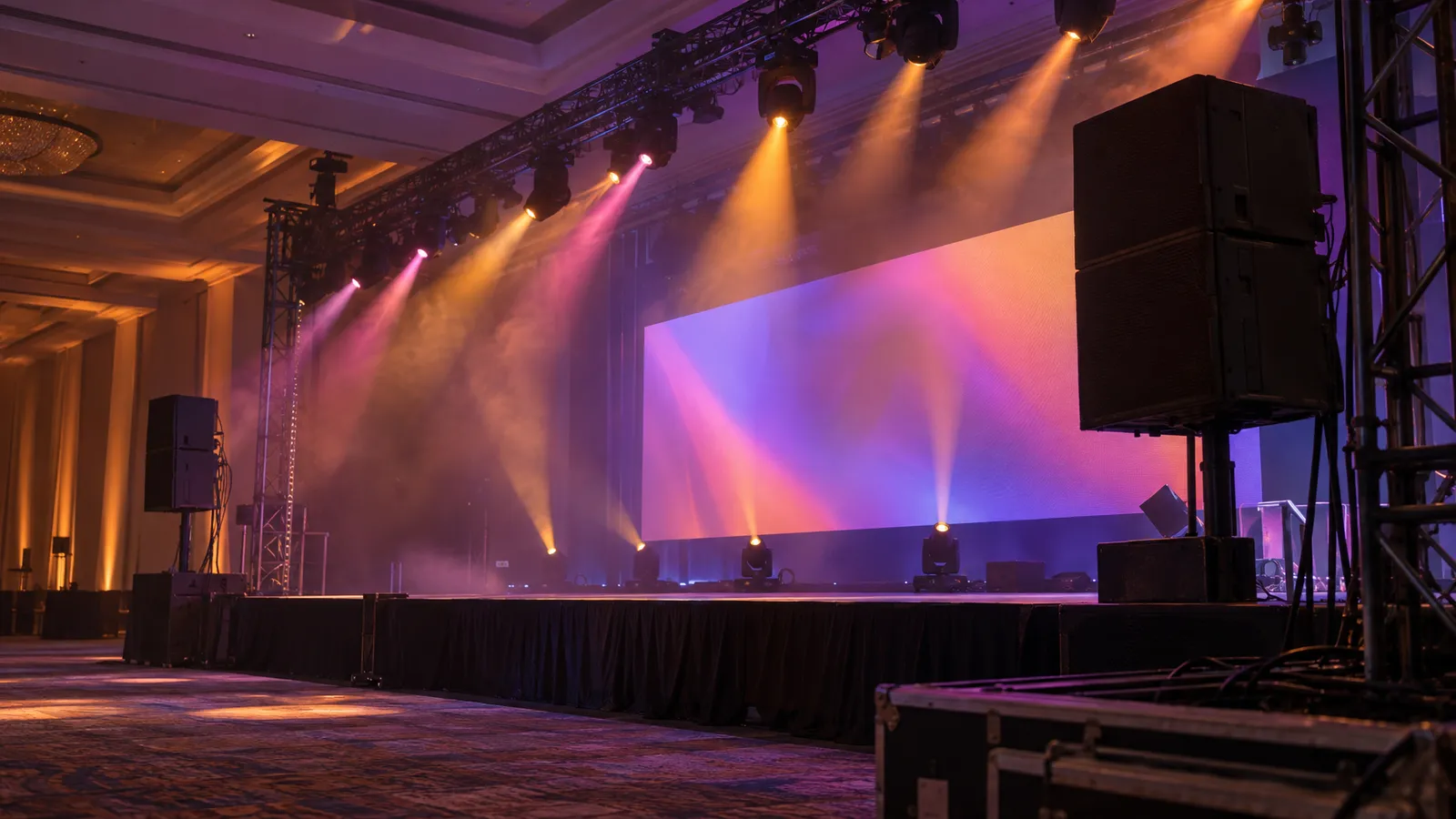
Moving-head beams in haze, photo: Scarlett Alt / Unsplash.
Booking the Console: What to Confirm Before Load-In
Before you lock in a date, confirm a few details so load-in day doesn't turn into troubleshooting.
- Fixture list and channel count: list every DMX device on the rig by exact model and channel mode, add up the patched channels, and check the total against the console's listed outputs before the show day.
- Operator plan: decide whether your own operator runs the console or you want one from us, scoped and quoted to your event. For a live-music show, ask whether the operator plans to busk or run programmed cues.
- Rigging plan: if fixtures hang from truss, that setup needs its own safety sign-off before patching starts. Our truss and rigging safety checklist covers what to confirm for load ratings and inspection.
- Show file prep: hand a run-of-show timeline to your operator in advance so cues can be built before load-in, and confirm the console software version they will program on.
- Video and effects: if lighting must sync with video or cue an effect, name the playback system and the effect units so the interfaces can be confirmed.
You can see the full console listing and the rest of the lighting catalog on our rental menu.
FAQ: Tiger Touch 2 Console Rental
Do I need to know how to program a lighting console to rent one?
No. You can ask for an operator when you request a quote; technician services are scoped and quoted to your event. If you have your own lighting operator, share their fixture list and channel modes with us so the console choice can be checked before the event.
How many fixtures can one console run?
It depends on the fixtures and the channel mode each one runs in. Avolites lists the Tiger Touch II with 4 physical DMX outputs and up to 16 universes over Art-Net or sACN (8,192 channels), expandable up to 64 universes with Titan Network Processors. Add up the patched channels from your exact fixture list and compare the total with those figures.
What's the difference between this and running lighting off a laptop?
A laptop running lighting software can be paired with physical control surfaces, so compare actual configured systems. The Tiger Touch II puts a touch screen, playback and preset faders, encoders and DMX outputs in one desk, with a built-in UPS listed by Avolites. Which is better for your show depends on the rig and on what your operator knows.
Can the console sync lighting with an LED video wall?
It can be set up to, with the right equipment. Avolites lists timecode and MIDI triggering, so lighting cues can follow a video playback system that provides compatible timecode or triggers. That needs the video equipment, the connections and the programming planned and tested during preparation, not added at the last minute.
Does a wedding reception need this console, or something simpler?
Many receptions with uplighting and a DJ can run on a simpler controller. If your wedding has a live band, a choreographed first-dance cue or color changes timed to toasts, more control may help. We can talk through the options when you request a quote.
The Numbers Behind DMX Lighting Control
DMX512 is published by ESTA as ANSI E1.11, and each universe carries up to 512 channels. How many channels a fixture uses depends on its model and the mode it is set to, so read the figure from each fixture's manual. As an illustration only: if a moving head ran in a 24-channel mode, twelve of them would use 288 channels; if twenty LED pars each ran in a 4-channel mode, they would add 80, for 368 channels, which fits in one universe. Change the modes or add pixel-mapped elements and the total can quickly pass 512, which is when a second universe is needed.
That is why the channel count is worth doing before booking. Confirming your total against the console's outputs during planning, rather than on load-in day, lets any mismatch be fixed while there is still time.