Bay Area Quinceañeras, Sweet 16s, and milestone birthday celebrations happen everywhere from community halls to hotel ballrooms. Beyond catering and photography, production choices—color-wash uplighting, an entrance effect, photo-booth placement, and a slideshow display—shape how the event looks on every guest's phone camera. This checklist walks through those AV categories, the questions to ask the venue, and the fire-code rules that decide which effects you can actually run. Planning a b'nai mitzvah instead? See our bar and bat mitzvah production checklist.
Entrance Effect Packages: Cold Spark, CO2, Confetti, and Venue Fire Code
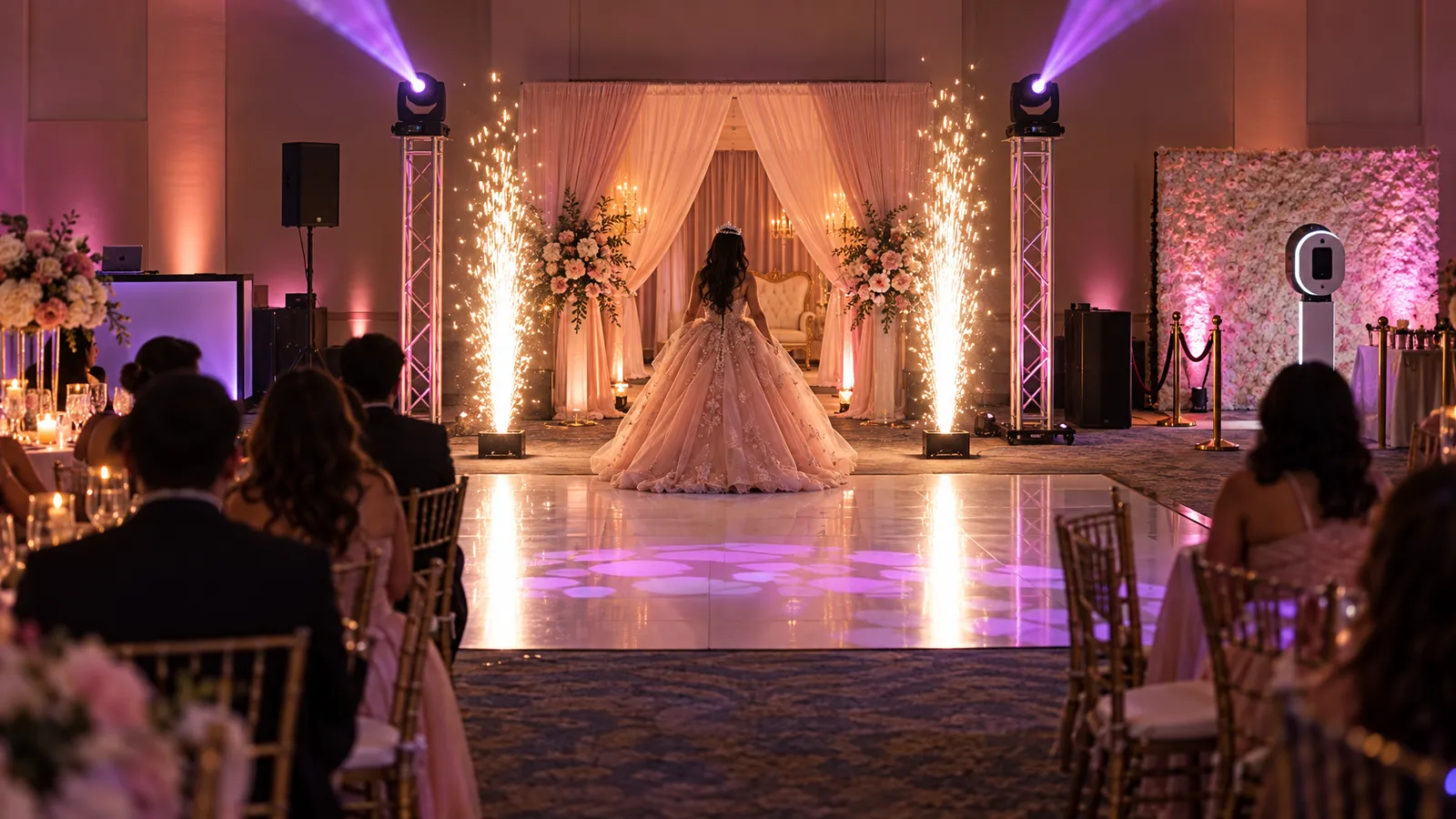
The grand entrance—the Quinceañera's presentation, the Sweet 16 candle-ceremony walk, or a choreographed surprise reveal—is the moment most families want a visual peak. Open-flame pyrotechnics are rarely an option in an indoor venue, which is why Cold Spark Machines, which make a spark fountain without an open flame, come up so often. They are not cold in the everyday sense: the Central County Fire Department warns that cold sparks can still ignite nearby materials, and Burlingame, Millbrae and Hillsborough prohibit the devices entirely. California Health and Safety Code 12505 lists zirconium, and titanium "except in particle size greater than 100-mesh," among the materials that make a firework "dangerous"; whether a particular machine and its spark material fall under that rule is for the local fire authority to decide. Our catalog lists throw heights from 2–3 m for the mini machine to 5–10 m for the largest outdoor unit. Confirm with the venue and the local fire authority before you plan the entrance, and during the walk-through ask about ceiling height, sprinkler and detector locations, and whether the venue wants a certificate of insurance.
CO2 jets give a different look: a short vertical column of white vapor that shows up well under colored light. How long each burst lasts and how it is triggered depend on the specific machine and its controls. A CO2 Jet / Cryo Cannon needs a CO2 supply, so ask what that adds to the quote. Confetti cannons and streamer launchers are in the catalog in manual and electric versions; ask the venue whether it restricts confetti types or charges for cleanup before you choose one.
- Two cold-spark fountains flanking the dance-floor entrance frame the guest of honor symmetrically for phone cameras; the Cold Spark Machine is listed at $35 each and the 360° Rotating Cold Spark Machine at $90.
- Mount and place any effect machine only as its manufacturer's instructions allow, with the clearances the model calls for, and only where the venue has approved it.
- Confetti timing: have one person—the DJ or a production assistant—trigger it on a visual cue rather than on a fixed timer, because processionals run late.
- Bubble machines are a gentle fallback—a plain Bubble Machine ($40) makes bubbles rather than smoke (bubble-and-fog combo units do make fog). Bubble fluid can leave floors slippery, so keep it away from the dance floor walkway.
- Check your venue's contract or addendum for effect restrictions before you book any spark, CO2, fog or confetti effect.
Color-Wash Uplighting: Rose Gold, Royal Purple, Hot Pink, and Camera-Correct Rendering
Uplighting sets the room's color on video and stills. How many fixtures a room needs depends on its actual perimeter, the fixtures' beam spread and output, the wall surfaces, and whether you want an even wash or pools of color on selected walls—not on the guest count. Wireless Battery Uplight units, listed with 12–15-hour batteries and wireless DMX, avoid extension-cord runs in venues where outlets are behind curtains or far from the walls you want to light.
Color needs checking on camera, because phone cameras can render a colored wash differently from how it looks in the room. A rose-gold mix may photograph paler than expected, a royal purple may drift toward blue, and hot pink can clash with salmon or coral linens. Take a test photo during setup on a couple of different phones and adjust the color over wireless DMX before guests arrive. On ivory or white walls, try a slightly lower saturation as well as full output and compare the photos.
How many uplights do I need for a 2,500-square-foot ballroom?
Start from the walls, not the floor area. As one example, a 2,500-square-foot room that happens to be a 50 × 50-foot square has about 200 feet of perimeter; a long rectangular room with the same area has more wall. Measure the walls you actually want to light, subtract doors, windows and stretches hidden behind a stage or buffet, then divide by a spacing you have tested with the fixture you are renting. Columns and archways are natural positions for a fixture each. Dark wood paneling reflects less light than white walls, so expect to need more output there for the same effect. Wireless Battery Uplights are quoted on request, so send the room dimensions and the walls you want lit for a price.
Dance-Floor Wash and Moving-Head Effects for the Party Hour
Once dinner clears and the dance floor opens, many hosts switch from static uplighting to moving color. Full-Color LED Par Light fixtures (18-LED RGBW wash lights, $25 each in the catalog) placed at the dance-floor corners on stands or truss give a color-changing wash; check each fixture's rated wattage when you plan power. With DMX control, the lighting operator can run color chases during the dance hour and hold static colors during speeches. For milestone parties where the guest of honor has a signature palette, program those colors first.
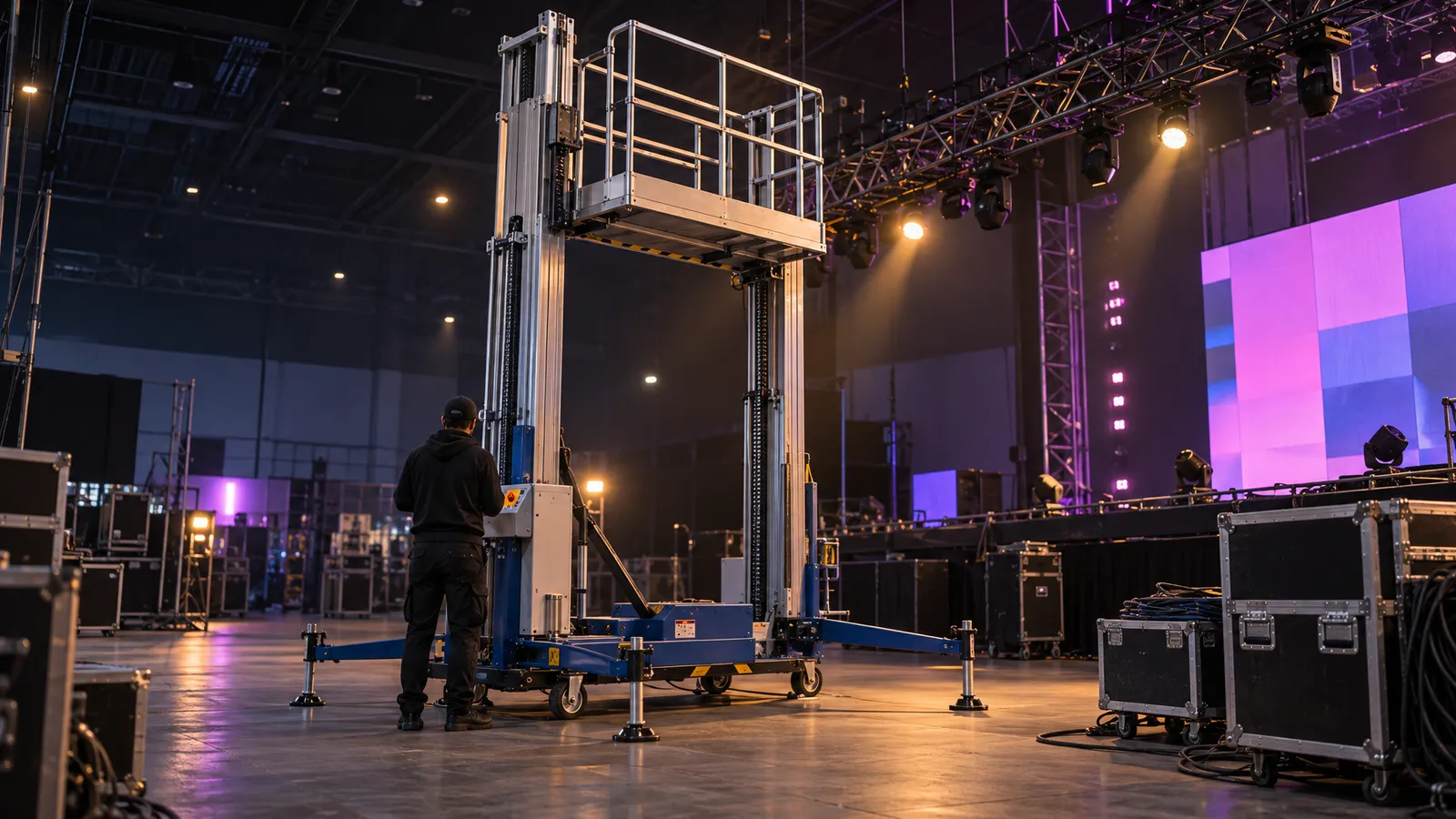
Moving-head fixtures add motion and texture. An LED Pixel-Wash Moving Head has individual pixel control for color blocks and kaleidoscope-style effects. Moving heads need a secure mount—truss such as the catalog's Aluminum H-Frame Truss or a stand rated for the fixture—and some venues do not allow anything hung overhead, so ask before you plan an overhead position. If overhead rigging is not allowed, a floor or stand position at the side of the dance floor is the alternative to discuss with whoever sets up the lighting.
- Add up the rated wattage of the fixtures and the DJ gear before sharing a circuit; a 15-amp circuit at 120V is 1,800 watts on paper, and the venue can tell you which outlets share a circuit.
- Programming: keep moving effects for the dance hour and switch to static looks during toasts, so there's no roving beam in the background of a speech video. Whether a fixture has a sound-active mode depends on the model.
- Gobo projection (patterned light, such as a monogram on the dance floor) needs a fixture with a gobo slot and a gobo made for it; custom gobos are made to order, so ask about lead time and cost early.
- Haze makes beams visible, but it can set off some smoke detectors. Do not test it on your own: ask the venue first, and let the venue and whoever manages its fire-alarm system decide whether and how any test is done.
- For outdoor dance floors, battery-powered fixtures reduce what needs a power run; our wireless battery uplights are listed at 12–15 hours per charge.
Photo Booth Placement, Backdrop Lighting, and Guest-Flow Strategy
The Interactive Photo Booth is listed at $400 and described in the catalog as an interactive experience with instant sharing. Before you pick a spot for it, ask for the booth's actual footprint, power needs and what the rental includes (for example, prints, props, custom overlays or an attendant), since the catalog listing does not specify them. A booth right at the entrance can become a bottleneck if guests queue during cocktail hour; a corner away from the bar, where traffic flows past rather than through the line, usually works better. Leave room in front of the booth for the group being photographed and a short queue.
Light the backdrop and the people separately. Uplights aimed at the backdrop color it, but they do not light the faces in front of it; faces need soft light from the front, and the booth's own lighting may already provide it. Take a few test shots with people standing where guests will stand and adjust until faces are evenly lit and the backdrop is neither blown out nor too dark. If the venue has a brick or wood-panel feature wall, you can skip the fabric backdrop and light the wall directly with two par fixtures set to the event palette.
- Avoid placing the booth with a bright window behind the guests, which tends to turn them into silhouettes in automatic exposure.
- Give the booth a circuit that isn't shared with catering equipment such as warmers, if the venue can provide one.
- If you want event graphics on the photos (name, date, hashtag), ask whether the booth supports them, what file format it needs and by when.
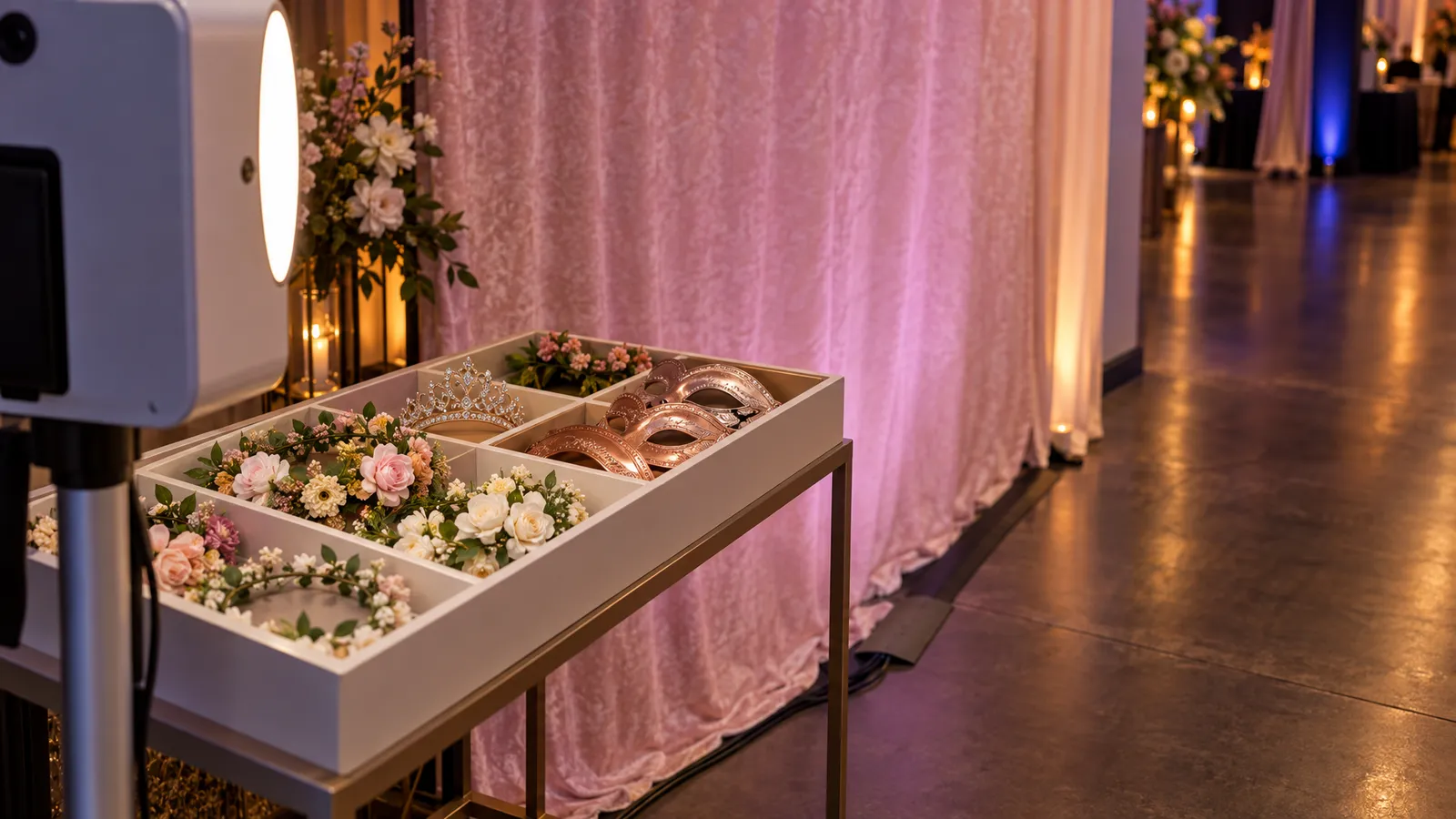
- Props should match the theme: oversized "16" numbers for a Sweet 16, floral crowns and tiaras for a Quinceañera. A labeled bin makes restocking between groups easier.
- For an outdoor booth in summer, shade matters: direct sun can make the preview screen hard to see.
Memory Slideshow Display: Laptop Feeds, HDMI vs. Wireless, and Screen Sizing
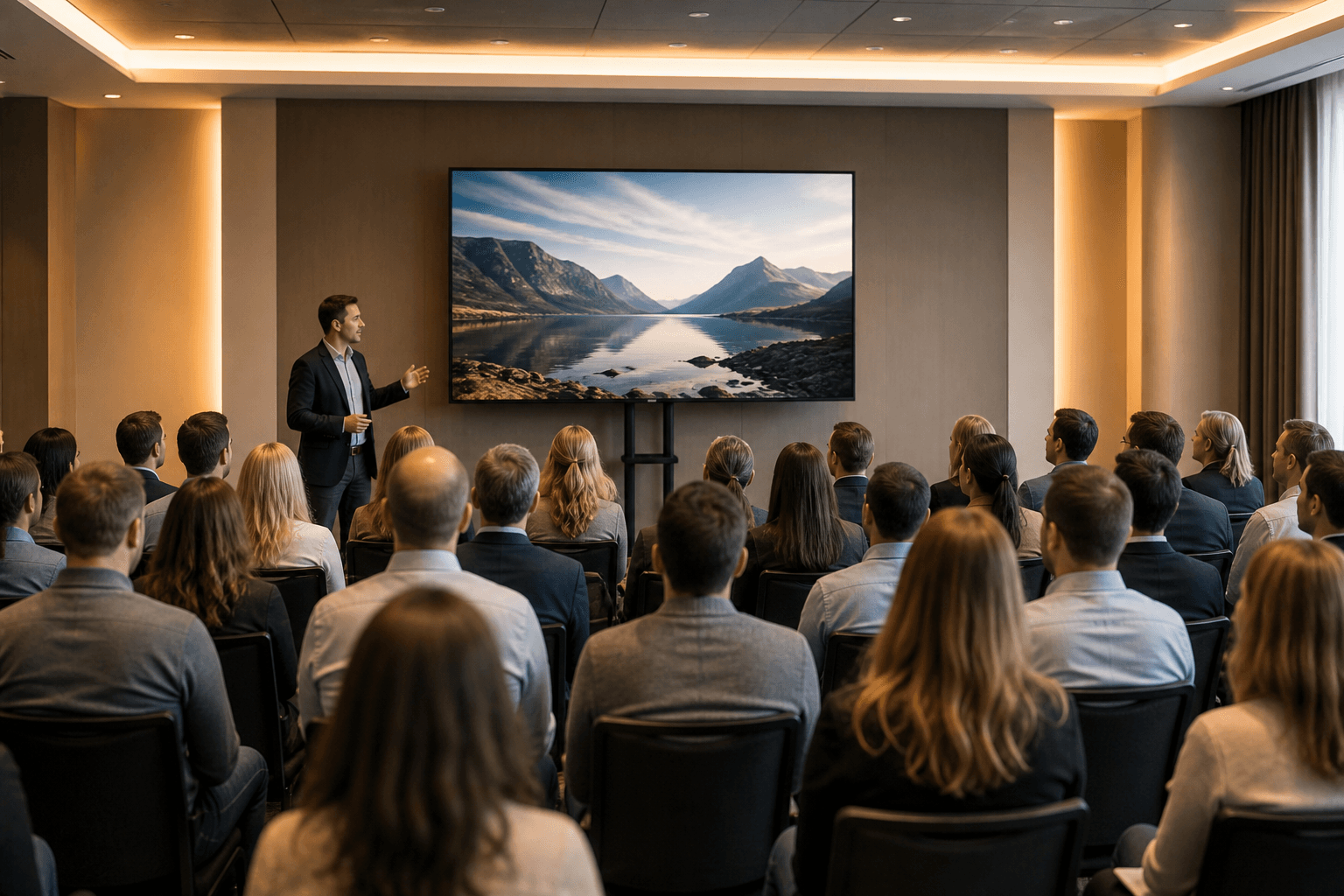
A memory slideshow of childhood photos often plays during cocktail hour and dinner. The catalog's LED TV Display comes in 43″ to 120″ sizes; the 75″ and 85″ models are listed at $75 and $95, and a TV Floor Stand at $20. The right size depends on how far away guests will be and what's on screen, so check the slideshow from the farthest seat you care about during setup. A wired HDMI connection from the laptop is the simplest to troubleshoot: set the laptop to mirror its display and turn off sleep and screensaver settings. Wireless casting comes in two kinds. Some casting relies on a shared Wi-Fi network, which a venue's network may not handle well; other modes connect the sender and receiver directly—Apple, for example, documents peer-to-peer AirPlay on supported devices without the existing network. Whichever you use, test the actual laptop or phone with the actual screen before guests arrive, and bring an HDMI cable as backup. The catalog also lists a Wireless Screen Caster ($60); ask which devices it works with.
Screen placement: put the display to the side of the head table or dance floor rather than directly behind the cake table, where it competes for attention. Raise it high enough that seated guests can see over people standing in front. Set the slideshow to loop continuously; as a planning figure, a 90-photo slideshow at 5 seconds per slide runs 7.5 minutes, so it repeats about four times in a 30-minute cocktail hour. Exporting the slideshow to a video file is one option; whichever format you use, play it through on the actual laptop and screen before the event.
- Check the display's rated wattage along with the laptop and DJ booth before they share a circuit.
- For dual-screen setups—one display in the foyer, one in the ballroom—our LED TV Displays start at $35 for 43 inches; check that the laptop has two video outputs or a hub that supports two displays.
- Photo quality: scan old prints at a high resolution and check the sharpest and softest photos on the actual screen from the viewing positions you care about; drop any that look blurry.
- Slideshow audio should mute during speeches; let the DJ control the music rather than a soundtrack embedded in the slideshow.
DJ Audio and Microphones for Toasts and the Candle Ceremony
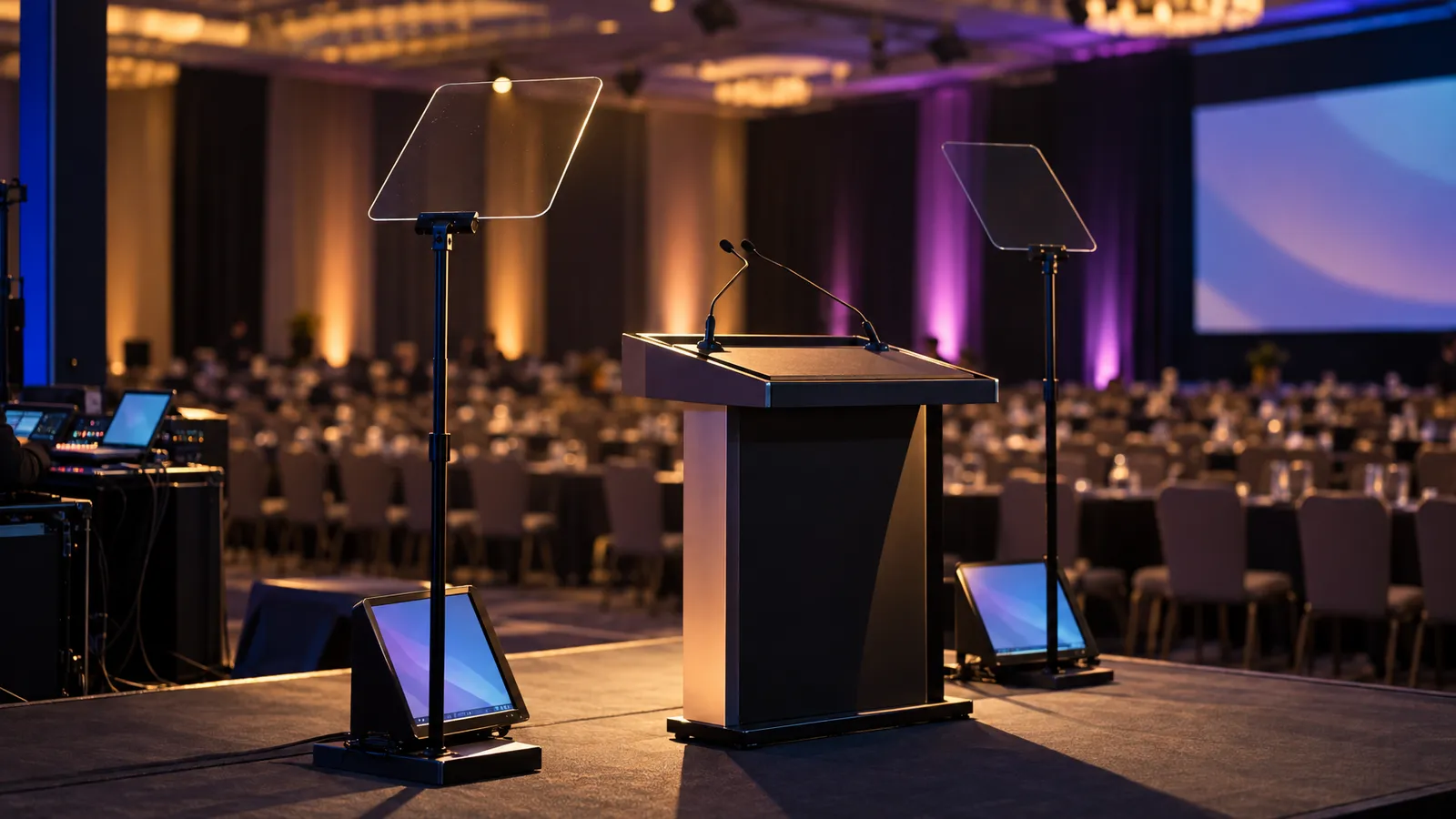
A professional DJ usually brings their own speaker rig. For smaller events, the catalog's Bluetooth Speaker System (one controller, six speakers, two mics; $60) can cover background music and toasts. For a louder dance hour, ask about Commercial PA Speakers ($200 each), and ask VENEGEEST which setup suits your room size and headcount. Hard surfaces such as concrete and glass reflect more sound than carpet and drapes, so a loft or warehouse space can sound busier at the same volume.
Microphone management: decide in advance who speaks when—the MC, a parent giving a toast, the guest of honor for the thank-you speech—and who hands the mic to whom. Ask what type of microphones come with the system you rent, rather than assuming a handheld or lavalier. If you are using more than one wireless microphone, set them up on compatible channels following the system's instructions, and do a range and sound check in the room before doors open, walking to every spot where someone will speak. Check battery or charge levels before the ceremony and keep spares if the mics use batteries.
FAQ: Sweet 16 & Quinceañera Production Gear
What's the cost difference between cold spark and CO2 entrance effects in San Francisco venues?
At VENEGEEST, the Cold Spark Machine is listed at $35 and the 360° Rotating Cold Spark Machine at $90; CO2 jets are quoted on request, and the CO2 supply, delivery, setup and any technician are quoted per event. Which one the venue allows matters more than price: some venues restrict CO2 or confetti, and the materials used in cold spark are regulated under California's dangerous-fireworks rules, with the devices banned outright in some cities, so ask the venue and the local fire authority first.
How do I match uplight color to my rose-gold and blush theme for accurate phone photos?
Test it on camera. Phone cameras can render a rose-gold wash paler than it looks in the room, so during setup take a photo with someone holding a rose-gold balloon or fabric swatch next to the lit wall, and adjust the hue and saturation until the swatch and the wall match on the phone screen. Check on more than one phone if you can. Blush tends to sit well with ivory or champagne linens; cool white on the walls can look stark on camera, so compare it with a warmer setting.
Where should I position the photo booth to avoid guest-traffic jams at a 200-person event?
Place the booth away from the bar and the entrance, so guests flow past the queue rather than through it. Ask for the booth's actual footprint and leave room in front of it for the group being photographed and a line. If the venue has a foyer or adjacent lounge, a booth there can pull some foot traffic out of the main room during dinner service. Confirm power at the spot you choose.
Can I run a memory slideshow and DJ audio from the same laptop without technical issues?
It can work, but it is a risk worth testing rather than assuming. Running slides, video and DJ software at once competes for the same laptop's processor, memory and audio output, and how well it copes depends on the laptop, the software and the files. Do a full run-through on that laptop with the actual slideshow and DJ set playing together. A simpler option is to run the slideshow from a second device, so a problem with one doesn't affect the other. Mute the slideshow's own audio and turn off sleep and screensaver settings.
Do I need a fire permit for cold spark machines at Alameda County venues?
Ask the local fire authority and the venue; rules vary by jurisdiction, and some Bay Area cities ban the devices. California Health and Safety Code 12505 lists zirconium, and titanium except in particle size greater than 100-mesh, among the materials that make a firework "dangerous," and the Central County Fire Department says approved uses of dangerous fireworks must be handled by a pyrotechnic operator licensed by the State Fire Marshal. The fire authority decides how a specific machine and spark material are classified. The venue may also ask for a certificate of insurance. Under our terms, the client is responsible for securing any venue-specific permits or approvals, so start these conversations early.