Rent LED displays for a gallery show when screen-based work is occasional or you want to test the format first; buy when you run digital shows often enough that current purchase quotes, plus storage, come out below the rental quotes for the same runs. VENEGEEST rents 43- to 120-inch LED TV Displays at $35 to $120 per day, so compare against those numbers.
Why Digital Art Exhibitions Need Professional Display Solutions
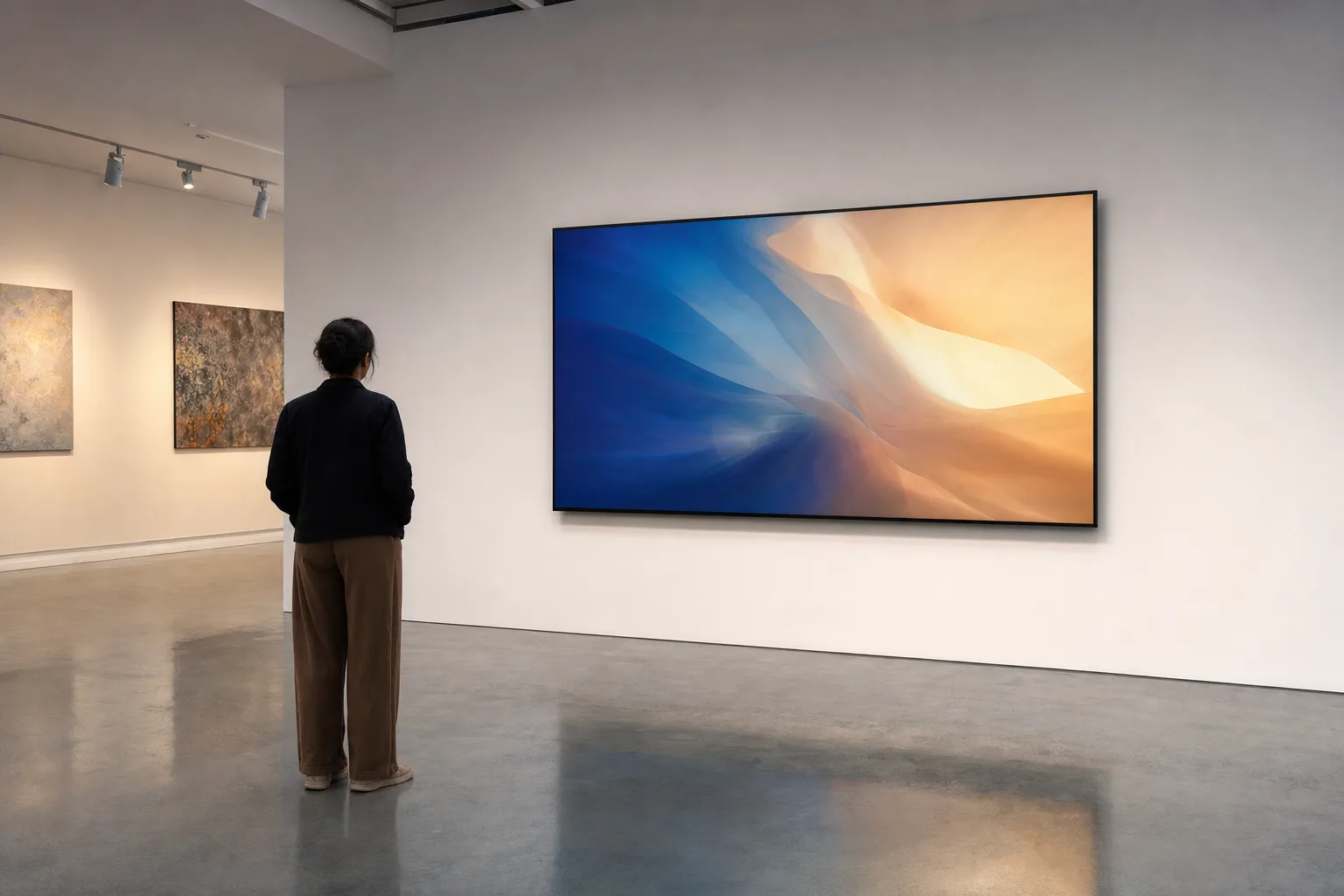
Screen-based work is a regular part of gallery programs now, from video art to digital photography and generative pieces. But projecting digital art onto walls or grabbing whatever TV is on hand rarely does the work justice. The screen becomes part of how the piece is seen, so it deserves the same planning as frames, pedestals and lighting.
Three display properties shape how a piece looks on the wall: brightness (measured in nits), color gamut (the range of colors the screen can reproduce), and aspect ratio. None of them follows reliably from a label like "consumer" or "professional." Samsung's 75-inch QB75C commercial signage display, for example, lists 350 nits of typical brightness and a 16/7 operating rating (16 hours a day). The only way to know what a given screen can do is to read its spec sheet and look at the artist's files on it under your own lighting. If you're showing a photographer's work or a painter's digital portfolio, check which picture mode the screen is in and compare the image side by side with the reference the artist approved.
The rent-or-buy numbers that matter are how often you show screen-based work, how long each show runs, what the rental quote is and what the screens would cost to buy and store. The sections below cover sizing, specs and the break-even math in that order.
Screen Sizing by Gallery Square Footage
Viewing distance in a gallery is different from a corporate presentation or a concert. Visitors tend to walk up close to a piece and linger, rather than watch from the back of an auditorium. That changes the math on screen size: at close range, resolution and image quality matter more, and a screen so large that it fills the whole field of view can break the "framed artwork" feel.
The layouts below are starting points to sketch with, not rules. For a 500-800 sq ft gallery space (a Mission storefront or converted loft), start with 43-65 inch displays. Three to five screens on opposing walls lets each one act like a framed piece, with room for visitors to move between them. If you're showing video work that benefits from immersion, go up to 75-85 inches, but keep it to one or two statement pieces per room so the space still reads as a gallery.
For 1,200-1,500 sq ft spaces (SoMa warehouse galleries, Dogpatch converted industrial), you have room for 85-120 inch displays and a larger multi-screen hang, something like a digital salon wall. Mounting screens at varying heights creates visual rhythm; staggered heights work best in rooms with high ceilings and enough floor space for visitors to step back.
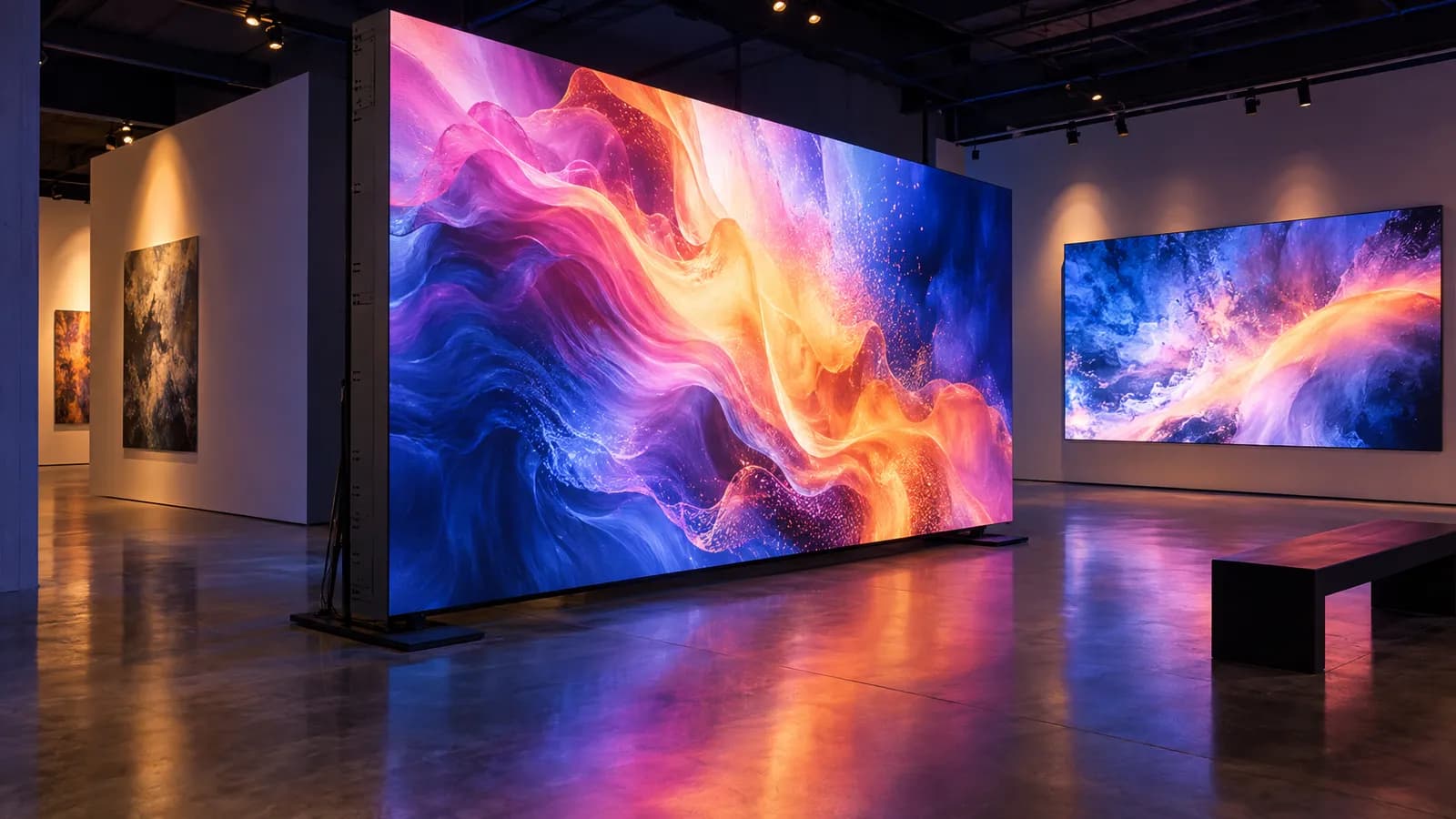
For spaces over 2,000 sq ft, you're looking at 120-inch displays or a direct-view LED video wall (modular LED panels that tile together, such as our P1.9–3.9 LED Rental Screen, listed from $200 per day). A direct-view LED wall has no display bezels between screens, so one piece of video art can run across the whole surface without the black grid lines you get when you tile separate TVs or LCD video-wall panels. A single large display or a projection can also avoid those lines if one image of that size is enough. Pixel pitch matters in a gallery because visitors stand close: Samsung cites a common guideline of about 8 feet of comfortable viewing distance per millimeter of pitch, which works out to roughly 15 feet at 1.9 mm and roughly 31 feet at 3.9 mm. Stand at your planned viewing distance and look at a sample before committing. For most gallery shows where each screen carries a separate artwork, discrete displays are simpler and cost less.
Photo by Artur Matosyan on Unsplash
Rental vs Purchase: Break-Even Analysis
Buying a display means more than the screen: add a mount, cabling, and possibly a media player if you're not running content from a laptop. Get current quotes for the exact model you'd buy, multiply by the number of screens, and that's your purchase number before you've hung a single piece.
For the rental side, use real list prices. Our 65-inch LED TV Display is listed at $55 per day, and weekly rates apply to rentals of 5 or more consecutive days; for a multi-week exhibition, ask for a quote on the full run. A TV Floor Stand is $20 per day if you're not wall-mounting.
The break-even math then depends on how many screen-based shows you run per year and how long each one runs. Multiply the quoted rental cost of one run by the number of such shows you expect in a year, and compare that with the purchase number plus storage (electronics need a dry, stable space, not a corner of the back room). Neither answer is automatic: a gallery with one long show a year and a gallery with several short ones can land on opposite sides of the line, so run it with your own quotes.
There's also a less obvious cost to buying: display technology keeps changing, and a screen you buy is the screen you're working with for every show until you replace it. Renting lets you choose sizes for each show instead of committing to one set of hardware. Plan the displays together with gallery lighting so the two work together.
Color Accuracy, Brightness, and Technical Specs That Matter
Start from the artwork, not a percentage on a spec sheet. Ask the artist which color space the file was made for (for example sRGB or DCI-P3) and which screen they approved it on. Two separate questions follow. Gamut coverage is how much of that color space the panel can physically reach. Color accuracy is whether the colors inside that range land where they should, which depends on the picture mode and on calibration. A screen can have a wide gamut and still look wrong in a vivid mode. If color fidelity is central to the show, have the display calibrated or set up by someone who can measure it, and review the work on it before opening.
Brightness decides whether a screen holds up against your room lighting, but there is no single nit figure that "works" in a gallery. Reflections, screen coating, the content itself and where the lights and windows sit all change the result. Put the actual display in the actual room under show lighting and adjust from there. For long daily run times, check the manufacturer's operating rating: commercial displays often state how many hours a day they're designed to run (the Samsung QB75C above lists 16/7), and running a screen beyond its rating is a question for the manufacturer's documentation, or for the rental company's terms when you rent.
Aspect ratio is the other spec that trips up first-time digital art curators. Widescreen 16:9 displays work for video art shot in that format. But if an artist submits work in 4:3 (classic photo aspect ratio), 1:1 (square), or 9:16 (vertical), you'll either pillarbox it (black bars on the sides) or crop it (lose part of the image). Some displays are designed for portrait mounting; Samsung, for instance, notes centered VESA holes on its QBC series so the screen can be mounted in portrait without tilting. Portrait mounting matters for artists whose work was made for vertical screens. Check with the manufacturer or rental company before rotating any display, because not every model supports it.
Panel type also affects how a display handles long exhibition days. Panel technologies differ in how they respond to static content held for hours, such as a still image, a title card or gallery info, and manufacturers publish their own guidance on it. If a piece is a still image that will sit on screen all day, ask for the panel type and the manufacturer's guidance for static content before you choose the screen.
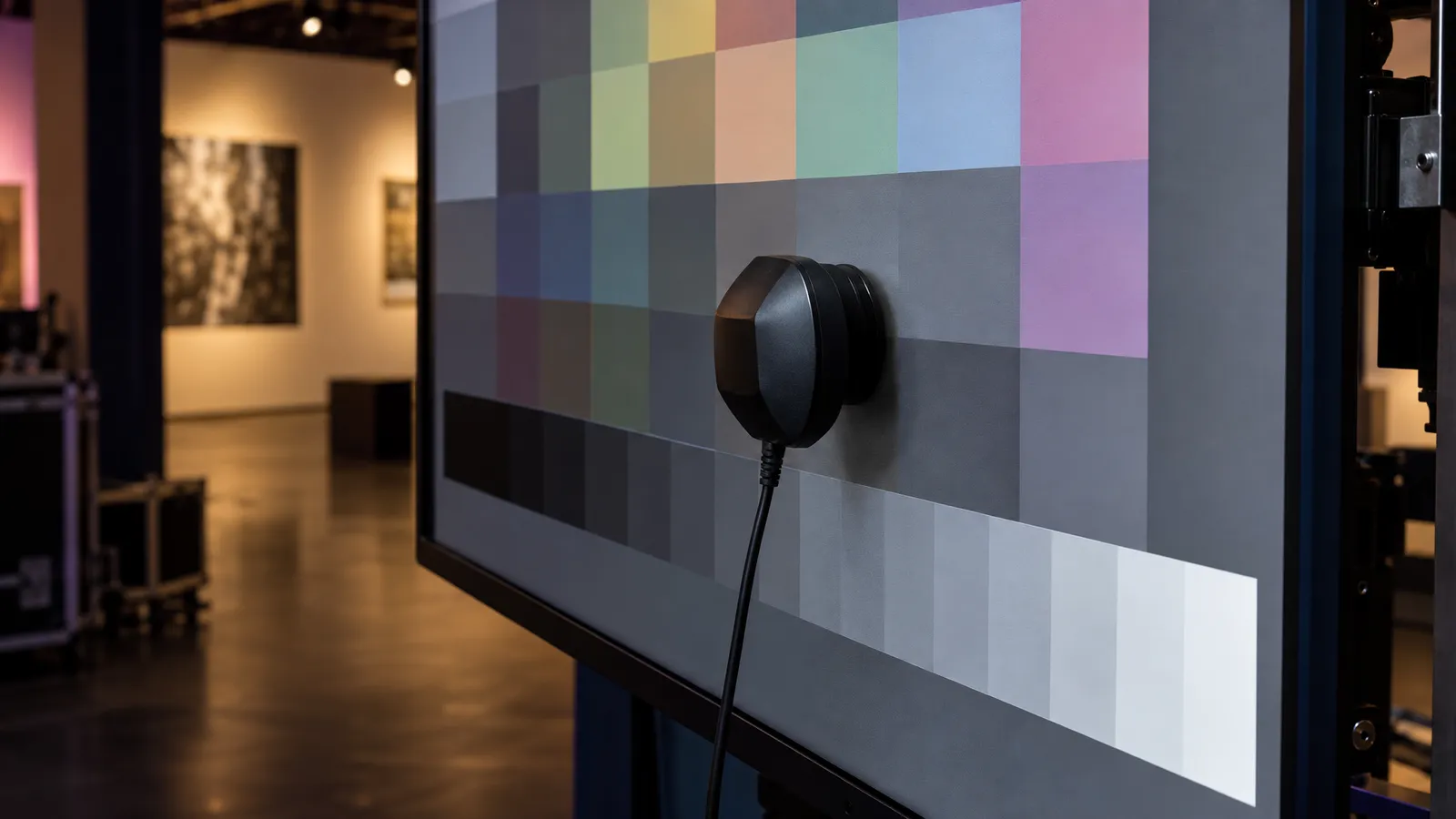
Photo by Darya Tryfanava on Unsplash
Installation, Mounting, and Layout Best Practices
A simple default for mounting height is to treat the screen like a painting and center it near eye level, using the same hanging line as the rest of the show. Artists and curators sometimes place screens much higher or lower on purpose, and that's a curatorial choice, not a default.
Spacing between screens depends on whether you want viewers to see several pieces at once or focus on one at a time. Screens grouped close together on one wall read as a set, which suits thematically linked pieces or a triptych. If you want each piece viewed on its own, space screens well apart or put them on different walls. Wider spacing encourages a slower, more deliberate walk through the show.
Whatever the size, any wall-mounted display needs a mount rated for its weight and a wall structure that can carry it, so confirm both before you drill. Cabling is where many installs go wrong. Running HDMI cables from a laptop to five screens across a large gallery creates trip hazards and looks unfinished. A media server (a computer with multiple video outputs) in a back room or closet, with cables run through conduit or under flooring, keeps the floor clear. If you're renting screens, ask whether cable management is part of the job or on you.
Lighting interaction deserves a walk-through. Track lighting aimed at a screen can cause glare and wash out the image, so aim track lights at the walls around each screen rather than the screen itself. Skylights and large windows change through the day, overcast or not, so check each screen at the times the gallery is open. If a screen can't hold up next to a window, the options are shades, moving the screen, or a display with more brightness, confirmed on site.
Pricing Tiers for Multi-Screen Installations
Using our catalog day rates, a 5-screen installation of 65-inch LED TV Displays is 5 × $55 = $275 per day for the screens, plus $100 per day if all five sit on TV Floor Stands. A 10-screen takeover is $550 per day for the screens and $200 for stands. Mixing sizes changes the math: the 43-inch is $35, the 75-inch $75, the 85-inch $95, and the 120-inch $120 per day.
Under our rental terms, a day rate covers a 24-hour period, weekly rates apply to rentals of 5 or more consecutive days, and multi-item packages are quoted per project, so a multi-week exhibition gets its own quote. Delivery, setup, and technician services are scoped and quoted to your exhibition, and self-pickup from our South San Francisco warehouse is also an option. Wall mounts are available on request, subject to availability — contact us for a quote — or plan for floor stands or your own mounting hardware. With 85-inch or larger screens, paying for experienced handling reduces the risk of damage and injury.
Buying a multi-screen setup is a capital purchase. Under IRS rules, equipment can be depreciated when it meets the requirements, including that you own it, use it in a business or income-producing activity, and expect it to last more than a year; ask your tax preparer how that applies to you. Either way, the purchase ties up cash that could fund additional exhibitions, which is one more reason to test the format with rentals first.
The wildcard cost is content management. If artists submit work in many different file formats (MP4, MOV, ProRes, AVI, MKV) at different resolutions, you'll spend hours transcoding and testing playback. Budget time or a media tech to standardize your content and program playback before install day.
FAQ: LED Displays for Art Galleries
How many screens do I need for a 1,500 sq ft gallery exhibition?
It depends on the work and the hang. A standalone digital exhibition in a 1,500 sq ft space can hold a larger multi-screen layout; if you're mixing digital work with paintings or sculpture, fewer screens used as accent pieces usually sit better. Sketch the layout at scale, walk it with the curator, and remember that screens hung at the same height in a tight grid can look more like a trade show booth than a gallery.
Should I rent or buy displays for digital art?
There's no show-count rule that settles it. Compare a quoted rental for one run, times the number of screen-based shows you expect per year, against current purchase quotes for the same screens plus mounts, cabling, media players and storage. Renting is a low-commitment way to test whether digital shows work for your audience; buying makes more sense once you've settled on your screen sizes and the numbers favor it.
What screen specs matter most for art galleries?
Color first: whether the display covers the color space the work was made for and whether it has been set up or calibrated to show it accurately. Then brightness under your actual lighting, the manufacturer's rating for daily operating hours, and aspect ratio or portrait support if the work needs it. Resolution matters in relation to screen size and how close visitors stand; judge it at the real viewing distance with the real content rather than by the number on the box.
Can I use consumer TVs from Best Buy instead of professional displays?
You can, and for student work or experimental projects where the everyday screen is part of the concept, it may be the point. The label matters less than the model: check its color performance, picture-mode settings, how it behaves at power-on (some TVs show logos or menus), and whether the manufacturer rates it for the hours a day your gallery is open. Check the specs of any display, rented or bought, before it goes on the wall.
How much does it cost to rent LED displays in San Francisco?
At VENEGEEST, a 65-inch LED TV Display is listed at $55 per day; the range runs from $35 (43-inch) to $120 (120-inch) per day, and a TV Floor Stand is $20. Weekly rates apply to 5+ consecutive days, and a multi-week exhibition is quoted per project. Delivery, setup, and technician services are scoped and quoted to your exhibition, and a 25% deposit secures the booking.
Are rental displays newer than what galleries bought a few years ago?
Not automatically. Ask the rental company for the size, model, and specs of the screens you'll get, and check them against what the work needs (color coverage, brightness, portrait mounting) before you book.
2026 Display Technology Update
Display technology keeps moving, so it's worth refreshing the buy-vs-rent math with current purchase quotes each time you plan a digital show. A screen bought a few years ago may still suit the work; compare its specs against what the new show needs rather than assuming either way.
That check matters more for galleries than for corporate AV because visitors look at the work up close, not at a slide deck from the back of a room. For a gallery running its first digital show, renting avoids committing to one generation of hardware. Check current display sizes and prices before locking in dates for your next exhibition.
Quick Reference: Screen Size, Pricing, and Setup at a Glance
Here's the gallery display planning in scannable form, pulled from the sections above:
Screen size by gallery square footage (starting points)
- 500-800 sq ft (Mission storefront or converted loft): 43-65 inch displays, 3-5 screens on opposing walls
- 1,200-1,500 sq ft (SoMa warehouse, Dogpatch industrial): 85-120 inch displays, a larger salon-wall hang
- 2,000+ sq ft: 120-inch displays or a direct-view LED video wall (no display bezels for single-piece work across one surface; check pixel pitch against viewing distance)
Rental vs. purchase break-even (65-inch display)
- Buy: current quote for display + mount + cabling + media player, per screen
- Rent from VENEGEEST: $55 per day per screen, weekly rates from 5 consecutive days, multi-week runs quoted
- Compare: one run's rental quote × shows per year, against the purchase total plus storage
- Decide on your numbers, not a rule of thumb
Installation checklist for a multi-screen exhibition
- Confirm a rated mount and a wall structure that can carry it for every wall-mounted display
- Check the display against the color space of the work, and calibrate if color fidelity is central
- Look at brightness and reflections in the room under show lighting, at the hours the gallery is open
- Check the manufacturer's daily operating-hours rating against your opening hours
- Test every input cable and media player 48 hours before opening night, not the morning of
- Plan gallery lighting alongside the displays so track lighting doesn't wash out the screens