PTZ vs USB: Two Different Questions
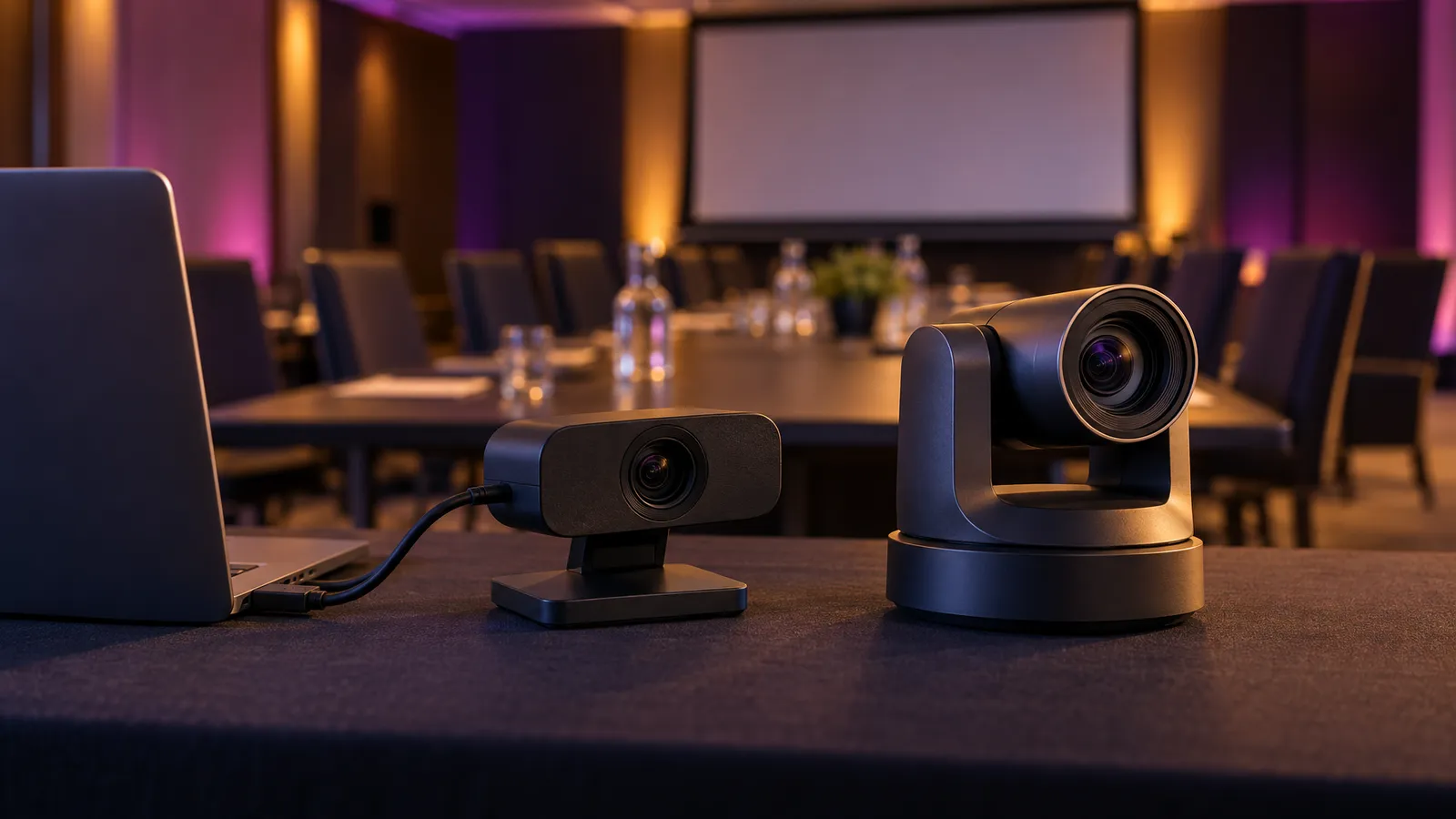
"PTZ or USB?" mixes up two separate things. PTZ (pan-tilt-zoom) describes how a camera moves and zooms: a motor physically turns it and a zoom lens changes the framing. USB describes how a camera connects to a computer. A camera can be both. Logitech's PTZ Pro 2, for example, has ±90° motorized pan, a 10x HD zoom and "plug-and-play USB connectivity." PTZOptics' Move 4K offers NDI, SDI, HDMI, USB and IP streaming outputs on one PTZ camera.
So the useful comparison for a hybrid meeting room is between two designs, and then, separately, how the camera connects:
- Fixed-lens cameras with electronic framing. The lens does not move; the camera or its software crops and reframes inside a wide image (digital zoom). Some USB conference cameras work this way.
- Motorized PTZ cameras. The camera body pans and tilts and the lens zooms, so it can point at different parts of the room. Depending on the model, it may connect by USB, HDMI, SDI or over an IP network.
Remote attendees need to see and hear the people in the room, and camera framing is one part of that alongside audio and how the meeting is run. The rest of this guide explains how each design behaves, what to check for your room, and what setup involves.
Fixed-Lens Cameras With Electronic Framing
A fixed-lens conference camera covers the room with one wide view and reframes digitally. Because the enlarged picture comes from cropping the sensor's image, the result depends on the sensor resolution and how much of the frame a face occupies: the further someone sits from the camera, the smaller they are in the frame and the more a crop has to enlarge them. There is no single distance at which every camera stops working; it depends on the model, the lens and the light.
Where a design like this fits: a meeting where people sit around one table or in a few rows facing the camera, and the presenter stays in one place. Connection is usually simple when the camera is USB: plug it into the room PC or laptop and select it in Zoom, Teams or Google Meet. Some "huddle room" cameras blur the line between the categories: Logitech's MeetUp has a 120° diagonal field of view, "motorized pan (+/- 25°) and tilt (+/- 15°)", a 5x HD zoom and RightSight auto-framing, and Logitech describes it as a camera for huddle rooms of up to six participants (eight with an expansion mic).
The limit to watch for is reach. If a speaker stands at the far end of a long room or walks across a stage, a fixed wide view may leave them small in the frame, and digital cropping cannot follow them outside the lens's field of view. Test that before the event rather than relying on a headcount rule.
For matching mics, speakers and cameras to a mid-size room, see our conference room AV setup guide.
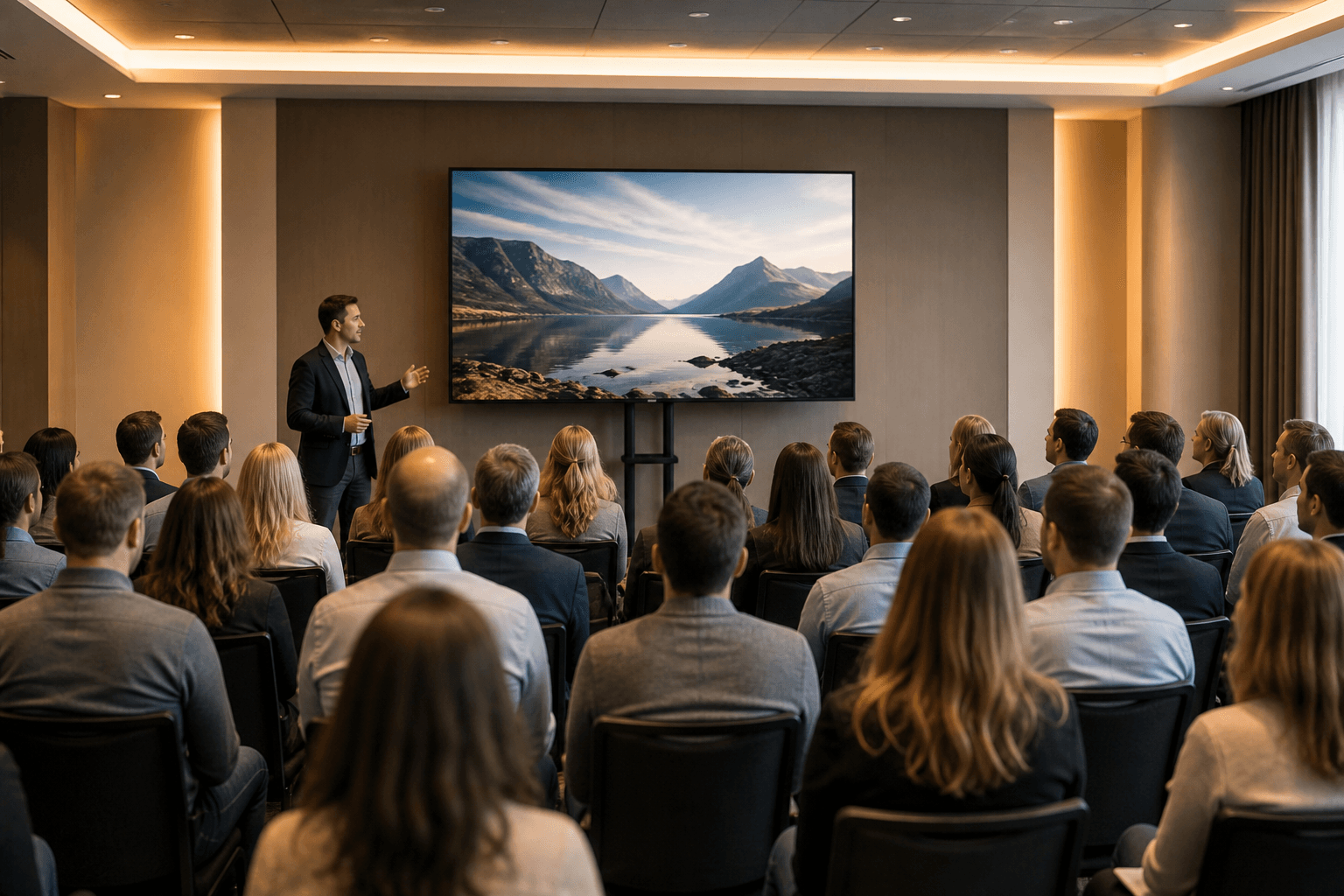
Photo by Craig Lovelidge on Unsplash.
Motorized PTZ Cameras
A PTZ camera can be pointed at different parts of the room: the podium, a screen, a questioner in the audience. Its zoom lens can enlarge a distant subject optically, which is different from cropping. Zoom specifications vary by model and some combine optical and digital zoom: PTZOptics lists the Move 4K 12X at 12x optical zoom, "up to 24X total zoom when combined with 2X digital SuperZoom." Optical zoom does not add light or guarantee focus or sharpness; exposure and image quality still depend on the lens, the sensor and how well the speaker is lit, so test the actual shot at the actual distance.
How a PTZ camera changes shots matters as much as the hardware. There are four distinct modes:
- A fixed shot. The camera is set once and left. No one needs to touch it, but it will not follow anyone.
- Manually recalled presets. Saved positions (for example podium, screen, audience) that someone recalls with a remote, controller or software. The PTZ Pro 2 stores "3 camera presets plus home position." A preset is a stored position, not automation: a person still has to trigger each change.
- Programmed automation. Control software or a video system triggers presets from cues you set up in advance. What triggers each change depends on the system.
- Auto-tracking. Software keeps a chosen subject framed. PTZOptics describes its Presenter-Lock auto-tracking as keeping designated subjects framed "with less operator involvement," which is less, not none.
Mounting also depends on the model. Some PTZ cameras are designed for ceiling or wall mounting; the PTZ Pro 2 comes with a bracket for "both wall mounting and tabletop elevation" plus a standard tripod thread. Multi-camera setups add a way to switch between cameras, which can be a hardware switcher or software.
We cover the network and streaming side, including NDI and HDMI, in our NDI camera streaming guide.
Choosing for Your Room: Test, Don't Count Heads
Headcount alone does not decide it. Room shape, where people speak from, whether the presenter moves, and how far the furthest speaker sits from the camera matter more. A practical approach:
- Map the speaking positions. Table seats, a podium, a stage, audience microphones for Q&A. Each position a remote viewer needs to see is a shot the camera has to reach.
- Check face size at the furthest position. With the actual camera, make a test call from the room and look at the far speaker on a remote laptop. If a face is too small or soft, you need a closer camera, a zoom lens, a second camera, or better light on that position.
- Decide who changes shots. If the presenter moves or there is Q&A, decide whether a person will recall presets or operate the camera, whether automation or auto-tracking will do it, or whether a fixed wide shot is acceptable.
- Think about light. Every camera needs the speaker's face lit; a bright window behind the presenter can silhouette them regardless of zoom.
As illustrative examples only: a board meeting with everyone seated at one table facing a screen may be well served by a single wide fixed-lens camera; a town hall where the speaker walks a stage and audience members ask questions may call for a camera that can be pointed and zoomed, and someone or something to change shots. A wide, shallow room may work with two fixed cameras at opposite ends plus a way to switch between them. Confirm any of these with a test in the actual room.
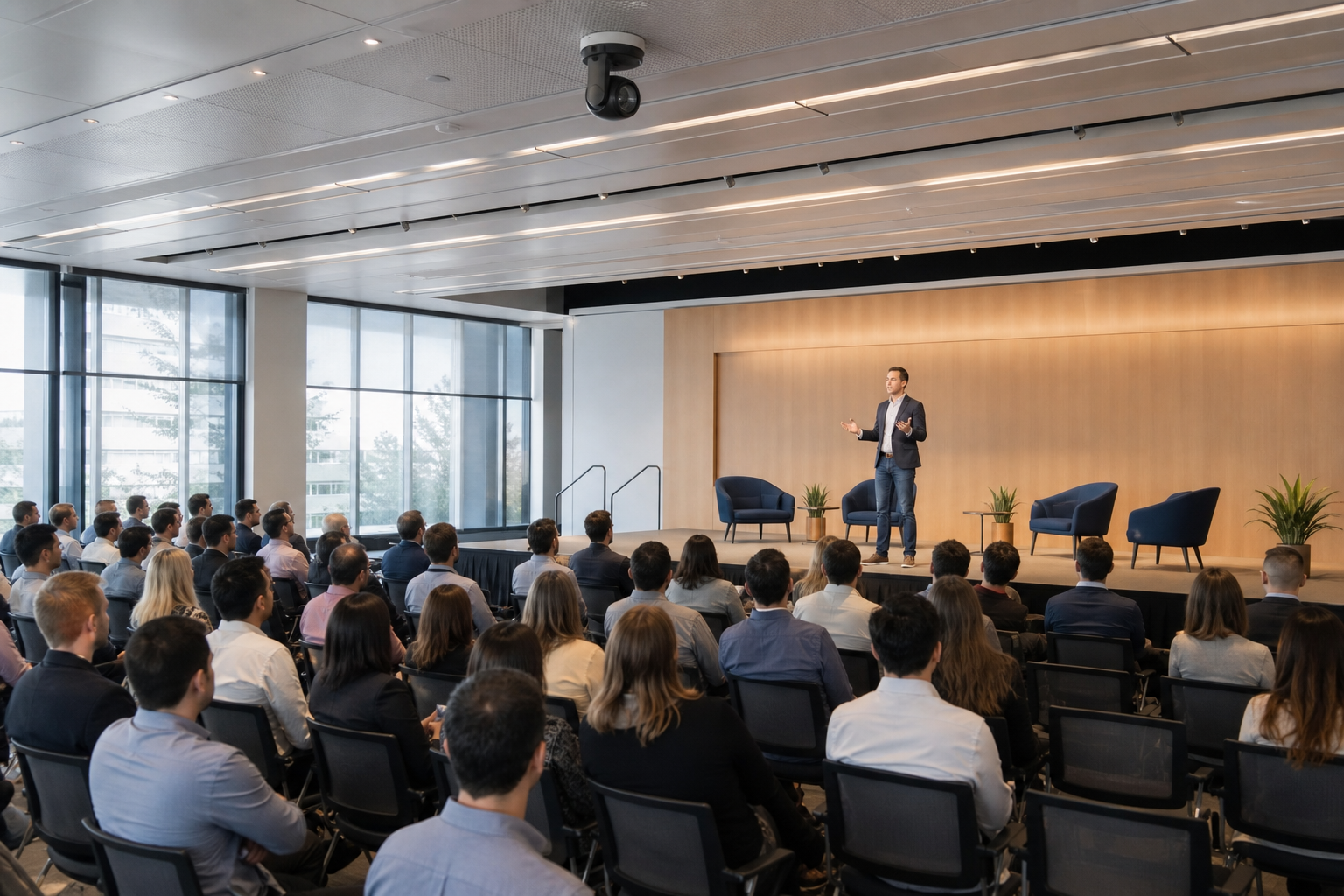
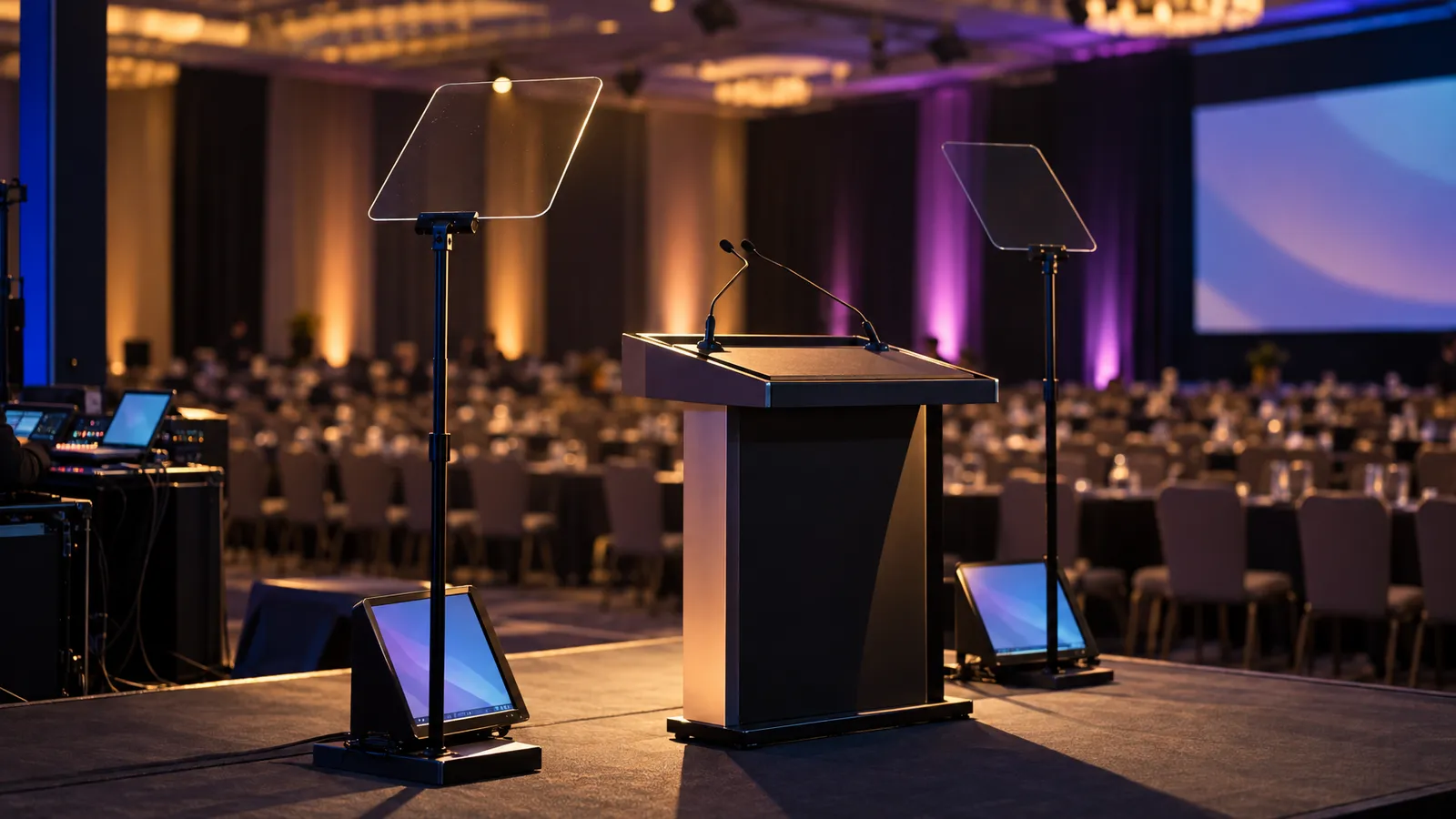
Illustration: in a stage-and-seating room, the camera has to reach a presenter who may move.
Setup: What Each Option Involves
A USB camera, fixed-lens or PTZ, typically needs a computer with a free USB port and the video platform you already use; Logitech's instruction for the PTZ Pro 2 is to "connect PTZ Pro 2 to the conference room computer or your laptop through USB." How long setup takes depends on the room, cable runs and the equipment, so ask the vendor supplying the cameras for their estimate and leave time for a test call.
More complex setups add steps: a mount point if the camera goes on a wall or ceiling, power and a video or network cable back to wherever the computer or switcher sits, preset programming, and a rehearsal with the presenter so shots can be checked. Plan the rehearsal time with your camera vendor and the venue.
For IP-connected cameras, network conditions matter. A wired connection can reduce the interference and contention that come with shared Wi-Fi, but it does not remove every network problem: congestion, configuration and equipment limits still apply. Ask the venue's IT contact about capacity and test the stream on the network you will actually use.
Cameras go beyond VENEGEEST's listed catalog; they are available on request, subject to availability, so contact us for a quote. The listed catalog covers the display and sound side of a hybrid room: LED TV displays from 43" ($35/day) to 120" ($120/day), a wireless screen caster ($60/day) for wireless casting from a device, and a commercial PA speaker ($200/day) for in-room sound. Delivery, setup and technicians are scoped and quoted to your event. Our hybrid town hall AV guide covers the full room, and the equipment rental menu lists everything available.
FAQ: PTZ vs USB Cameras for Hybrid Meetings
Is a PTZ camera the opposite of a USB camera?
No. PTZ describes motorized pan, tilt and zoom; USB is a connection type. Some PTZ cameras connect by USB (Logitech's PTZ Pro 2 is one), and others add HDMI, SDI or IP outputs.
Can I use two fixed cameras instead of one PTZ camera?
In some layouts, yes. Two fixed cameras at opposite ends of a wide room can cover more seats, but you need a way to switch between them (a switcher or software), and neither will follow a presenter who moves out of its view. Test the shots in the room first.
Do PTZ cameras need someone to run them during the event?
It depends on how shots change. A fixed shot needs no one. Presets are stored positions that a person recalls. Programmed automation or auto-tracking can reduce operator involvement, depending on the system. If you need to catch Q&A questioners or follow a moving presenter reliably, plan for an operator or test the automation thoroughly.
Does optical zoom guarantee a sharp picture from the back of the room?
No. Optical zoom enlarges the subject without cropping, but sharpness and exposure still depend on the lens, sensor, focus and lighting. Some zoom specifications also include digital zoom. Test the actual shot at the actual distance.
Does a PTZ camera need a wired network connection?
Only if it connects over IP; USB and HDMI models do not use the network for video. For IP cameras, a wired connection can reduce Wi-Fi interference and contention, but capacity and configuration still need testing on the venue's network.