The Short Answer: Build the Schedule Backward From Doors
A good event AV load-in schedule starts at the moment guests arrive and works backward. Take the doors time, subtract the rehearsal buffer, subtract the line check, then subtract the install in the order the gear has to go in. Whatever time is left over before that is your venue access window. If the window is shorter than the total, you change the plan now, not at 3 p.m. on the day.
AV setup can feel like a black box: a truck shows up, things appear, and nobody can say when the room will be ready. It doesn't have to be. Setup moves in a predictable order, and delays tend to trace back to the same five things:
- A venue access window that starts later than the plan assumed
- A loading dock or freight elevator that's shared or has its own booking
- Power that isn't where the load list expected it
- Another vendor (florals, catering, staging) working in the same space
- No buffer between "everything's on" and "doors open"
The sample timeline later in this guide is for a hypothetical evening event with a seated program, an LED wall, a PA and lighting. It's a template to adjust, not a promise. Real timings depend on the room, the size of the rig and the number of people on the crew, and for your event they're scoped with you when you request a quote. If you haven't worked out the electrical side yet, start with our guide to event power requirements for AV equipment, because power drops decide where gear can go first.
Lock Down Venue Access, the Dock and the Elevator
The hour-by-hour plan is only as good as the first hour. Before you build the schedule, get four things from the venue in writing.
Access window
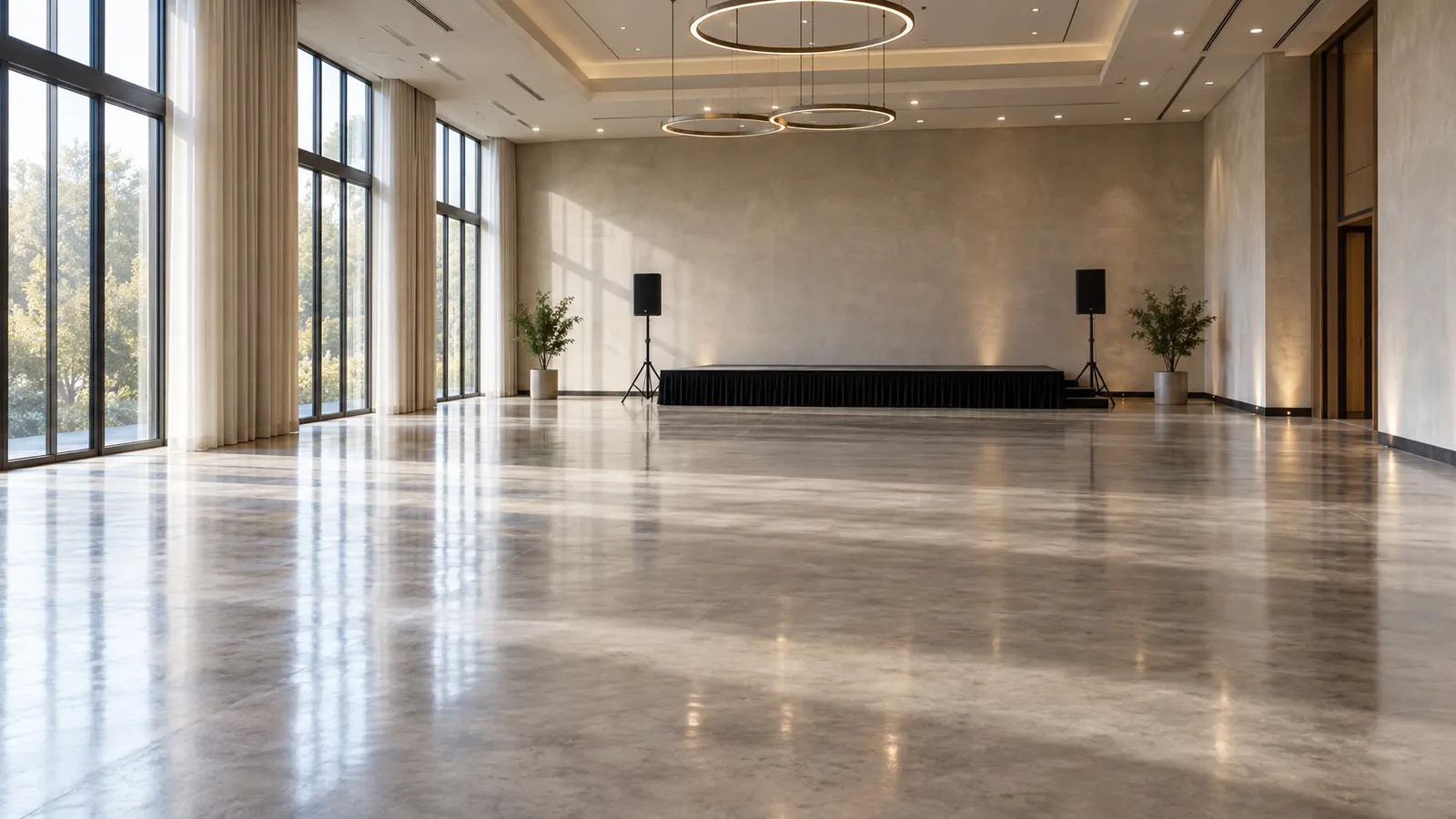
Ask when the loading door opens and when the room itself is released to vendors. They can be different times. A ballroom might be available at 6 a.m., or only after the morning meeting there ends at noon. Ask what's in the room the day before and the day of.
Dock and elevator
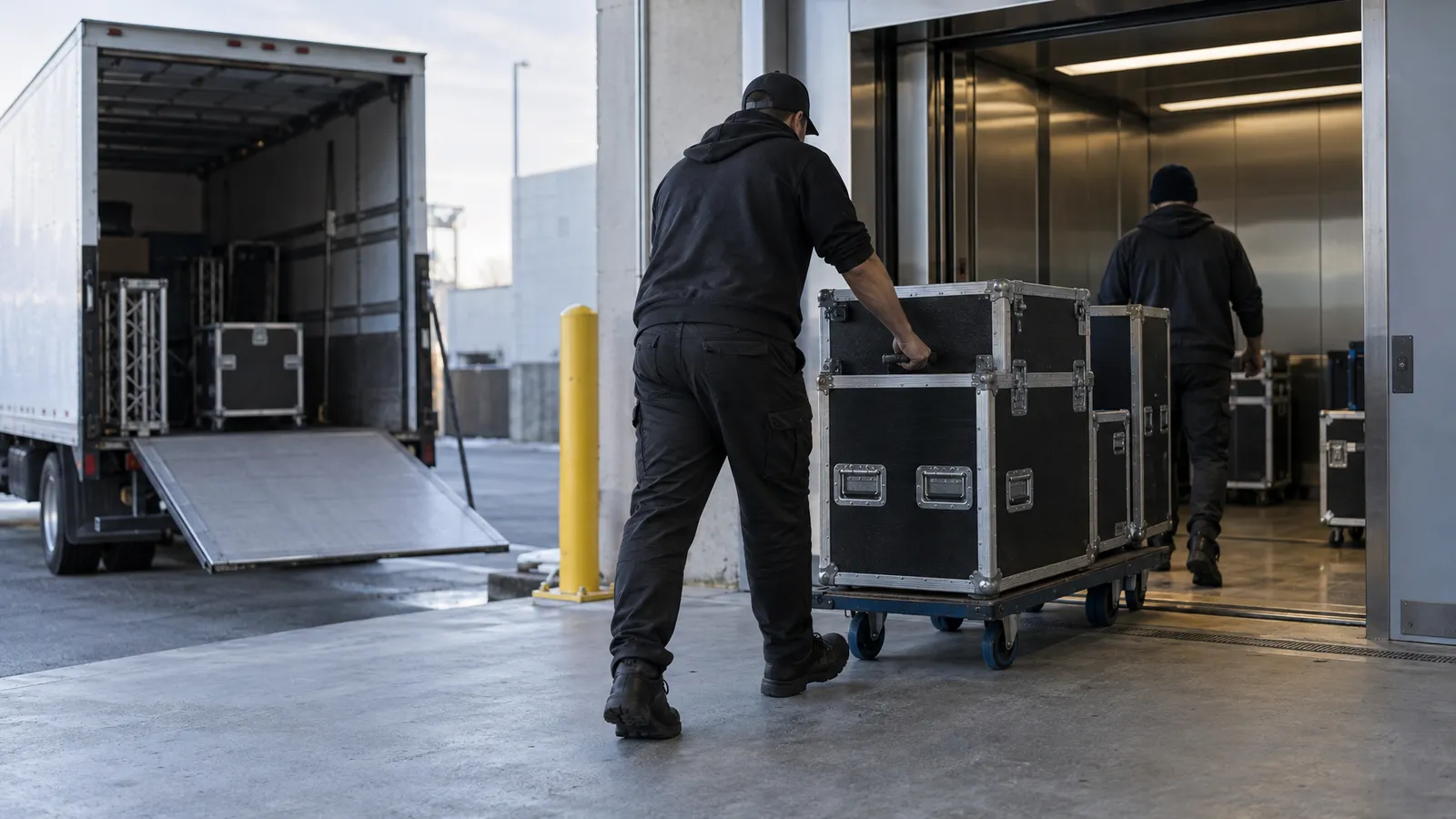
Ask whether the venue has a single loading dock and a freight elevator shared by every vendor. Then ask whether the dock needs a reservation, how long a truck can stay, the elevator's size and weight limit, and whether it needs an operator. A long flight case that doesn't fit the elevator can cost you more time than any setup task. Where there's no dock at all, find out about street loading and parking rules, and add time for hand-carrying.
Insurance and house rules
Ask whether the venue requires a certificate of insurance from every vendor before the truck can come in. Our write-up on AV rental insurance and what planners should ask explains who needs to send what. Also ask about quiet hours, restrictions on taping floors, and house crews or union rules.
Who else is in the room
Get the schedule of every other vendor. Florals, catering and rentals all need the floor at the same time you need it. Agree who goes first, and hold that order in writing.
A shared dock and a single freight elevator set the pace for the whole morning.
What Goes In First: The Install Order
Setup follows a consistent logic: big and structural first, delicate and finishing last. Anything that has to be built before something else can sit on it or hang from it goes at the front of the line.
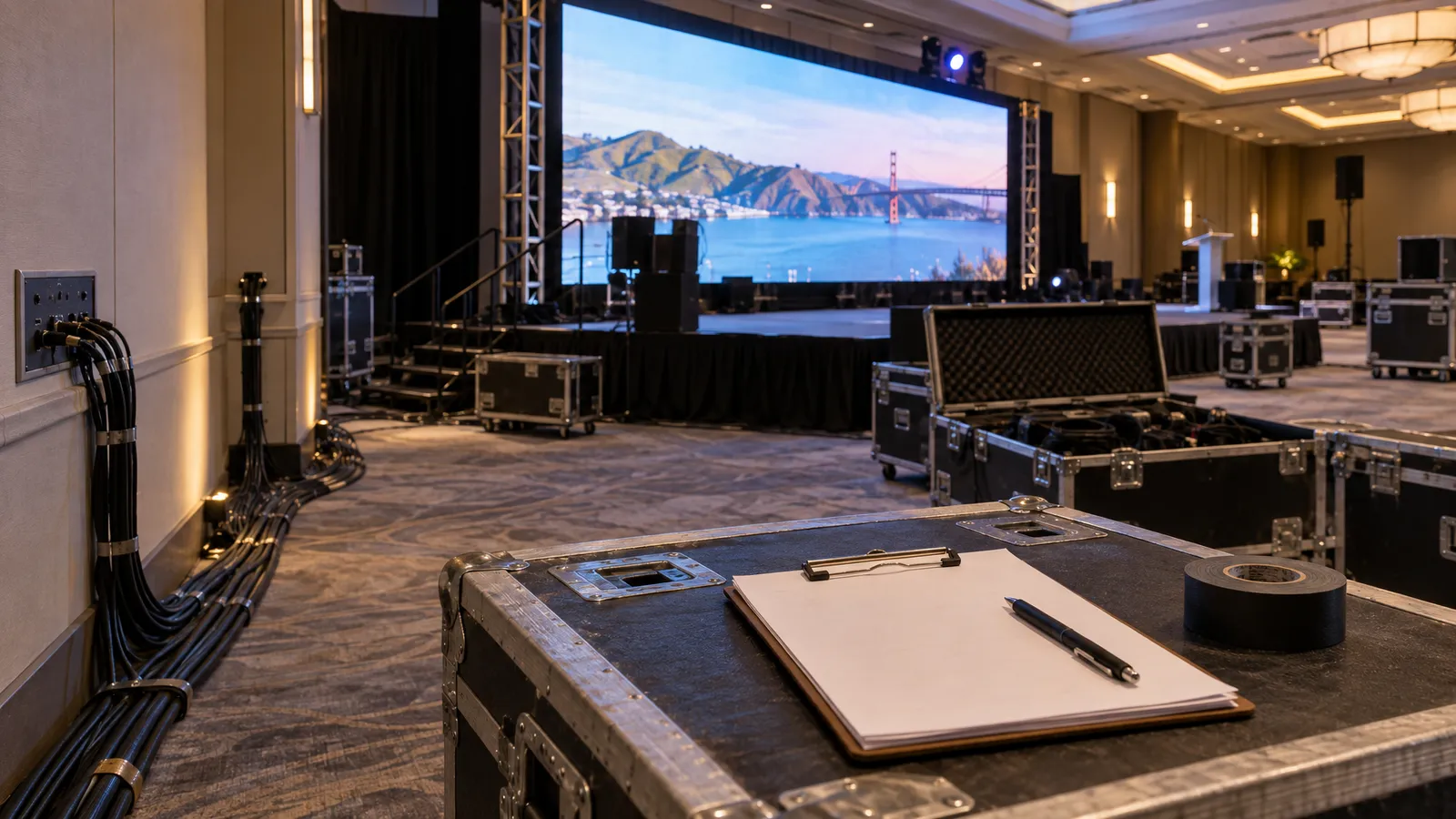
- Staging and structure. Platforms and truss go in before anything else, because everything else depends on them. A portable stage platform has to be level and locked before cables are run across it, and ground-supported structure like an aluminum H-frame truss has to be assembled and checked before fixtures go on it. Our truss and rigging safety checklist lists the sign-offs to schedule here.
- Power and cable paths. Run the main feeds, cover the walkways and label both ends. This is much easier on an empty floor than around a built wall.
- LED wall or screens. Panels are mounted, the processor is connected and a test pattern goes up. Do it early so there's time to fix a dead panel or a bad cable.
- Audio. Speakers go in position, then mixer and microphones. Sound needs a quiet room, so schedule it before the loudest work.
- Lighting. Fixtures are hung or placed, addressed and aimed. If a fixture sits high, plan for lift access, such as an electric lift scaffold, and make sure the venue allows it on the floor.
- Effects last. Haze, fog and cold spark machines go in once everything else is working. Venue approval and any fire-authority permit still apply, and when our crew operates the effects we hold the operating permits.
The reason for this order is the dependency chain, not tradition. You can't focus a light on a stage that isn't built, and you can't line-check a PA while a crew is drilling. When another vendor needs the same floor, give them the slice of time between structure and cabling, or after the AV install is tested.
Sample Hour-by-Hour Setup Day Schedule
Here's a template for a hypothetical evening event: 200 guests in a hotel ballroom, doors at 6:30 p.m., with a stage, an LED wall, a PA and lighting. The clock times are illustrative and anchored to the doors time. Use them to structure your own conversation with the venue and with us.
- 7:00 a.m. Venue releases the loading door. Confirm the dock slot and the freight elevator.
- 7:15 a.m. Truck arrives and unloads. Cases are staged by group near the elevator, not in the room.
- 8:00 a.m. Room released. Walk it with the venue contact, find the panel and test the outlets.
- 8:30 a.m. Staging and truss. Build, level and check.
- 10:30 a.m. Power and cable runs. Cover walkways and label.
- 11:00 a.m. LED wall installed. Test pattern and content check.
- 1:00 p.m. Lunch break and a hard stop for loud work. The room is quiet for audio.
- 1:30 p.m. Audio install. Speakers, mixer, microphones.
- 3:00 p.m. Lighting hung, addressed and aimed.
- 4:30 p.m. Effects placed and tested if the venue has approved them.
- 5:00 p.m. Line check. Every mic, every playback source, every cue.
- 5:30 p.m. Speaker and program rehearsal. This is the buffer.
- 6:15 p.m. Room reset. Hide cases, clear the floor, final walk.
- 6:30 p.m. Doors.
Notice what that gives you: roughly an hour of buffer before the line check and 75 minutes between the line check and doors. If an early step slips by thirty minutes, the buffer absorbs it and the doors time doesn't move. How long each step takes depends on the rig and the number of people on the crew, and for your event the crew size and setup time are scoped and quoted with you.
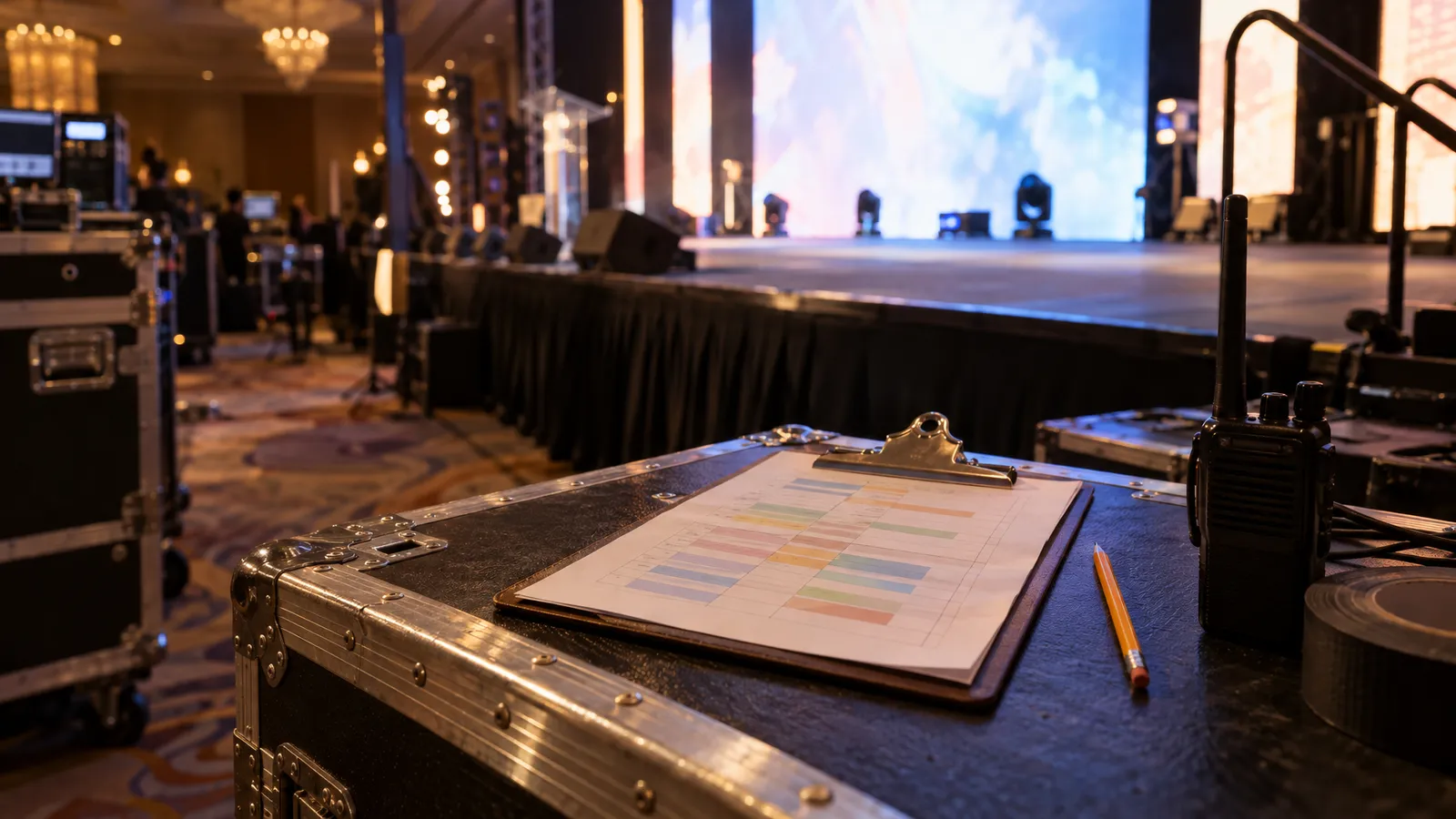
A printed schedule at the edge of the stage keeps every vendor working to the same clock.
Line Check, Sound Check and the Rehearsal Buffer
The line check is the moment the setup becomes a show. Every source, every microphone and every cue gets tested in the room, with the people who'll use it. Treat it as a separate block on the schedule. If you fold it into "setup," it's the first thing squeezed when something runs late.
What a line check covers
- Audio: every microphone, every playback source and every monitor, one at a time, with someone walking the room to listen from the back.
- Video: every input the LED wall or screens will show, including the presenter's laptop, with the real slides or video files if you have them.
- Lighting: the cues for arrival, program, applause and exit, checked against the run of show.
- Effects: a short test if the venue has approved them, and a conversation about where people will stand.
- Comms: radios or phones, and who's the single person who calls a stop.
Why the buffer matters
The rehearsal buffer is the cushion between the finished line check and doors. In the sample schedule it's an hour or so, and it's where the speakers and the host walk the program once. Presenters sometimes arrive with slides that aren't ready for the screen. A buffer lets you fix a wrong aspect ratio, a laptop that won't output video or a microphone that sits at the wrong height without anybody noticing.
If your program uses multiple wireless microphones, our comparison of lavalier, headset and handheld mics will help you pick the right type for each speaker before the line check starts. Pick them early, because changing the mic type on the day means retesting the whole signal chain.
The simplest rule: nothing new gets added after the line check. Late changes go to the buffer, not into the rig.
Strike: Loading Out Without Breaking Anything
Load-out runs the install in reverse, but the clock is different. People are tired, guests may still be leaving and the venue wants the room back. Plan strike with the same care as setup, because a tired crew, a deadline and a waiting venue make it easy to rush.
- Agree the start time. Strike can't begin until the last guest has left the area the gear sits in. Decide in advance who gives the signal.
- Power down in order. Effects and lighting first, then the LED wall, then audio last. Leave the lights people need to see by.
- Coil and pack as you go. Every cable goes back in its case, labeled the same way it came out. Loose cable in a pile becomes a tangle at the next event.
- Take down the structure. Truss and staging come down last, because everything else is working around them.
- Do a damage check. Look at floors, walls and the elevator, and take photos with the venue contact so there's no dispute later.
- Clear the dock on time. Confirm the dock slot for load-out separately from the morning's, since the two can differ.
Ask the venue for its load-out deadline and whether it charges penalties for running past it. Get both when you ask for the access window. If the venue has a house crew, ask whether they need to be present at strike.
On a multi-day event, strike is partial. Overnight security, who has the key and whether the room can be locked with gear in it are all questions for the venue. Decide them before the first day, not at 11 p.m. when the last session ends.
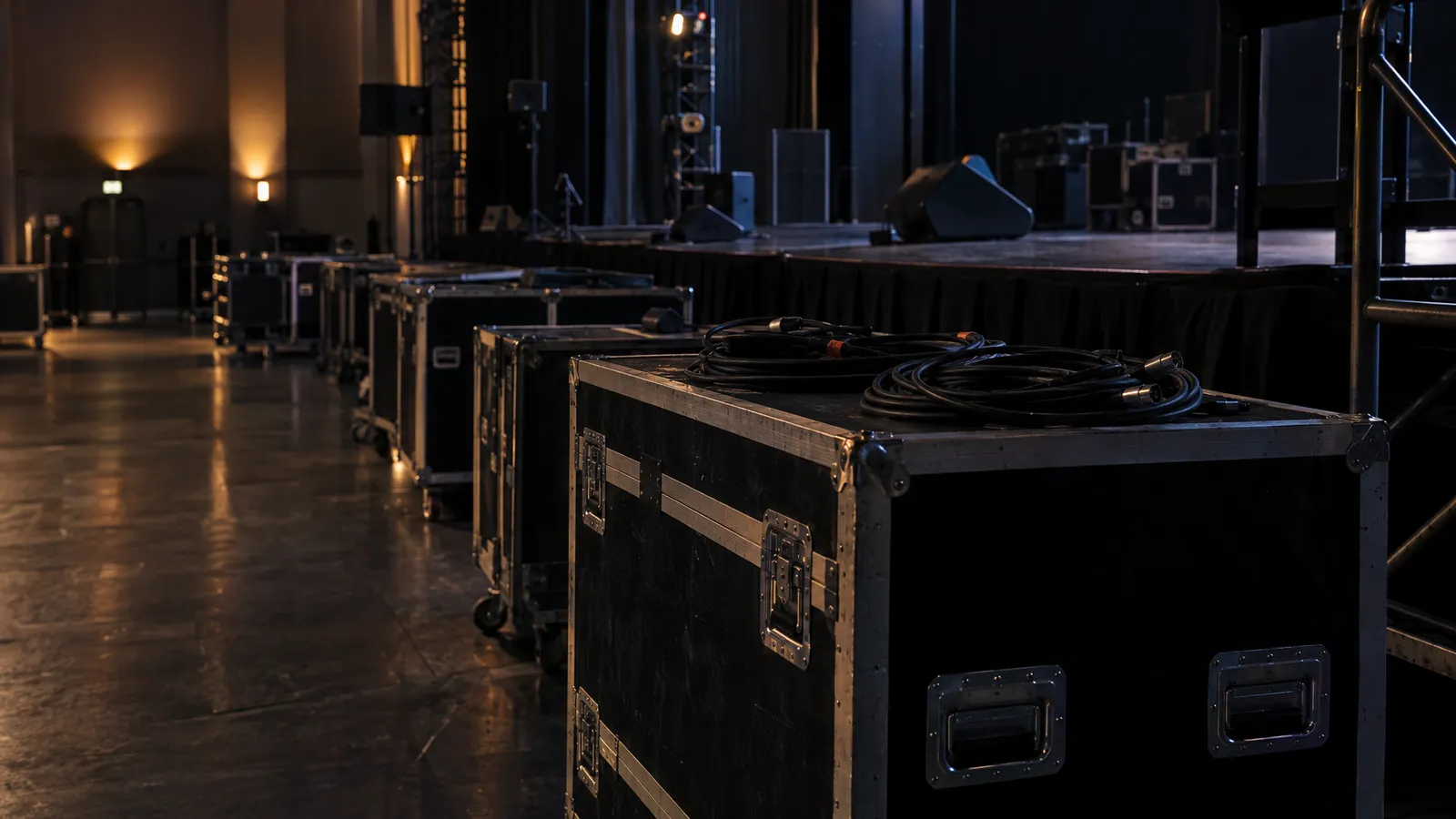
Labeled cases and coiled cable make strike faster and the next load-in easier.
What to Send Your AV Team So the Schedule Holds
A schedule is a shared document. The more your AV team knows before the truck leaves, the fewer surprises there are at the dock. Send this list as early as you can, ideally a week before load-in:
- Venue name, address and the loading door location, with a contact who'll be on site that day.
- Access window and strike deadline, as the venue wrote them.
- Dock and elevator details: reservation, size limits and whether an operator is needed.
- Power details: circuits at the stage and screen position, their amperage and who can reach the panel.
- Floor plan and ceiling height, with the stage and screen positions marked.
- Run of show, including who speaks, who performs and when the lights and video change.
- Other vendors and their times, especially anyone who needs the floor at the same time.
- Insurance requirements and the name of the person who receives the certificate.
With that, the crew can build a real timeline for your room instead of a generic one. The equipment, the crew size and the setup time are scoped and quoted to your event, and availability is confirmed for your date when you request a quote. If you're still deciding what the event needs, browse what we rent and tell us about the room. We design a custom solution around each event, and gear beyond the listed catalog is available on request, subject to availability.
One last habit that helps: print the schedule and tape a copy at the dock, one at the stage and one at the production desk. When everyone can see the clock, the buffer is much more likely to survive the day.
FAQ: Event AV Load-In Schedule
How early should AV load-in start before an event?
Plan backward from doors. For a mid-size evening event with a stage, an LED wall, a PA and lighting, the sample schedule above starts the loading door at 7 a.m. for 6:30 p.m. doors, which leaves an hour of buffer before the line check. The right start depends on the rig and the venue's access window, so confirm both before you set the time.
What goes in first during AV setup?
Structure goes first: staging and truss. Then power and cable runs, the LED wall or screens, audio, lighting and, last, effects. Each step depends on the one before it, and loud work such as audio testing needs a quiet room.
How long does a line check take?
It varies with the number of microphones, sources and cues. Give it its own block on the schedule instead of folding it into setup, and don't schedule anything after it except the rehearsal buffer.
What should I ask a venue about load-in?
Ask when the loading door and the room open, whether the dock needs a reservation, the freight elevator's size and weight limit, whether other vendors share the space, the insurance requirement and the strike deadline. Get the answers in writing.
What causes setup delays?
A late room release, a shared dock or elevator and unexpected power layouts are common causes of setup delays. A buffer between the finished line check and doors absorbs them.