
Memorial Service & Celebration of Life AV Guide
AV rental guide for Bay Area memorial services and celebrations of life — slideshow display, sound reinforcement, and quiet ambient lighting.
A memorial service or celebration of life usually needs three things from AV: a photo slideshow on a display everyone can see, microphones for several speakers, and, for many families, a way to stream or record the ceremony for relatives who can't travel. Whether the service is in a funeral home chapel, a cemetery chapel, or a rented hall, the goal is the same: gear that works reliably without making the gathering feel like a production. This guide describes display, sound, and lighting setups to consider for Bay Area services, which pieces are in VENEGEEST's listed catalog, and what else to plan for; VENEGEEST designs the setup around each service and room, and equipment beyond the listed catalog is available on request, subject to availability, with a custom quote. Every room is different, so treat the layouts below as examples to check in the actual space.
Photo and Video Tribute Display: Slideshow, Looping Video, and Wireless Content Handoff
A photo tribute often runs during visitation and between speakers during the program. Two display options from our catalog: a large-format LED TV Display near the podium, casket or urn, and a Foldable LED Ad Screen for a larger image. The LED TV Display comes in 43″ ($35), 65″ ($55), 75″ ($75), 85″ ($95) and 120″ ($120) per day. The foldable screen ($200 per day) is portable on casters and configures from 2 m² up to 12 m². If you are considering either one outdoors, under a tent or on a lawn, confirm with us first that the specific screen suits the conditions (daylight, weather, power) before planning around it.
Families preparing the slideshow at home often export a looping video file, and some prefer to control transitions live so they can pause on a specific photo during a eulogy. The Wireless Screen Caster ($60 per day) is listed for wireless casting from a device, which can spare you a cable across the aisle; test it with the laptop or phone you will actually use. An adjustable TV Floor Stand ($20) raises the screen for better sightlines over seated guests; it is specified for 32″–85″ screens up to 132 lb, so the 120″ display needs a support rated for it, which can be requested with the quote, subject to availability.
- Choose the display size from the actual room: measure the distance from the screen to the furthest seat, check sightlines over the front rows, and consider what content you are showing (full photos read from further away than small captions). AVIXA publishes a display-sizing method and calculator (DISCAS) if you want a formal approach.
- Wireless screen caster to avoid cables across the chapel aisle, so a family member seated nearby can control the slideshow, once you have tested it with their laptop.
- Content as a looping video file or as a live PowerPoint or Keynote presentation with manual advance. No single file format is guaranteed to play on every device, so run the complete playback chain (laptop or player, caster, display) with the final files before the day.
- A backup USB drive at the AV table with a duplicate copy of the slideshow files, in case the family laptop fails to connect.
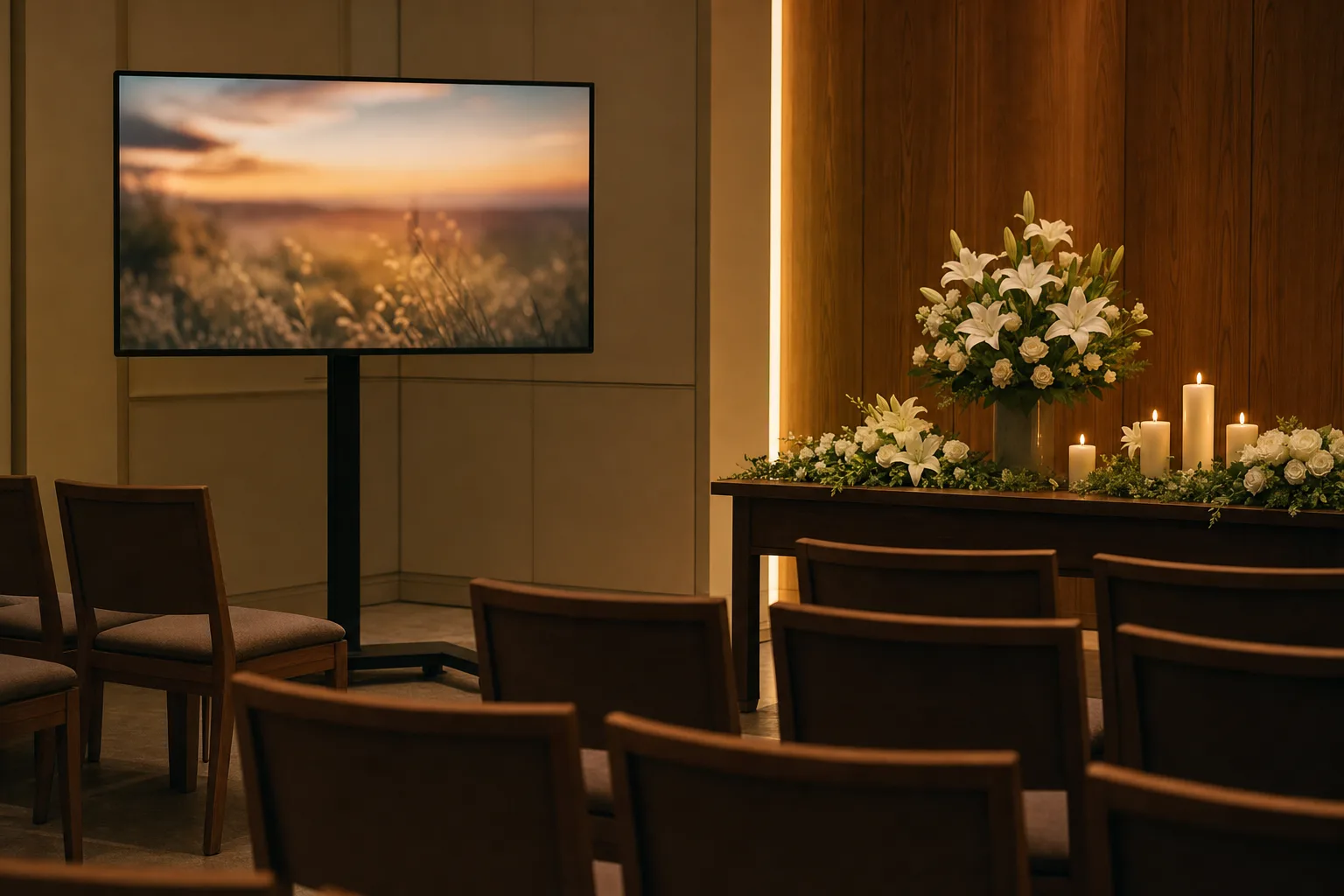
Sound Reinforcement for Eulogies and Ambient Music: Clarity Without Theatrical Impact
Whether eulogies need microphones depends on the room, its acoustics and noise, the number of guests, how loudly each speaker talks, and who is listening; older relatives may have trouble hearing. Visit the room if you can, have someone speak from the podium at a normal volume, and listen from the back row. If speech isn't clear there, plan on reinforcement. The Commercial PA Speaker ($200) is a high-power event speaker; for a eulogy it would be run well below full level so speech stays conversational. As an example layout, a pair of speakers placed toward the front of the room and aimed at the seating is one possible starting point, but coverage depends on the speaker, the stands and the room, so check it by walking the seating during a sound check.
For smaller gatherings in private homes or garden settings, the Bluetooth Speaker System ($60 per day) may be enough: one controller, six speakers, and two mics. The speakers can be spread around the room, and the family's phone can play ambient music between speakers. For an outdoor service, ask us about power needs before you plan speaker positions far from an outlet.
How do you plan sound for a seventy-person memorial at a community hall?
The aim is for spoken eulogies to stay clear at the back row without feeling loud at the front. Shure's feedback guidance points out that placing loudspeakers closer to listeners reduces the volume the system needs, which is why speakers aimed down the room from near the front can keep the front rows comfortable. How many speakers and where they go depends on the room, so test with a sound check. Plan enough microphones for the program, for example one at the podium and one handheld for speakers who come up from the audience, and mute any microphone that isn't in use.
Lighting That Respects the Moment: Warm Uplighting Around the Tribute
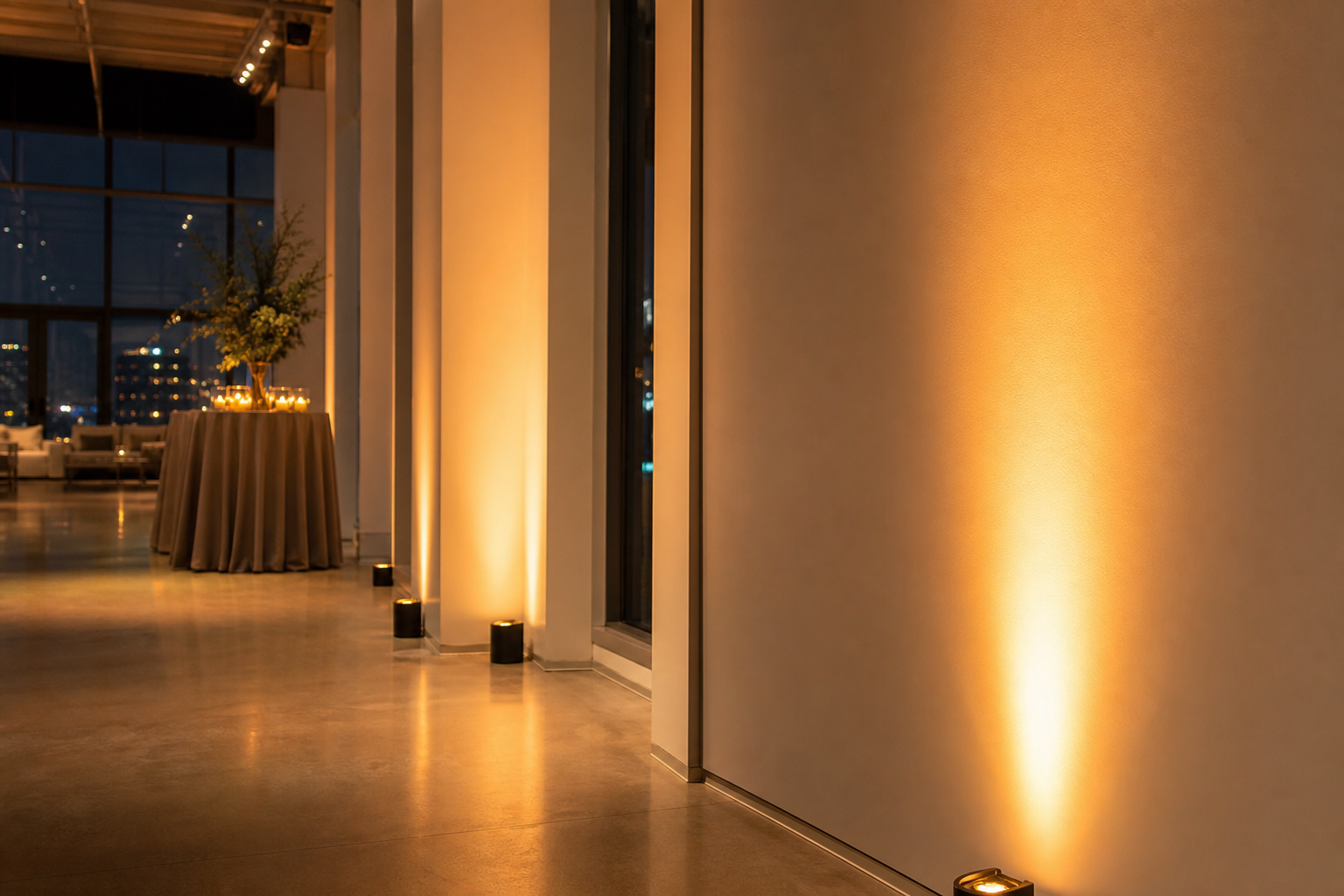
Memorial service lighting can do two things: light the surroundings of the tribute (flowers, printed photo boards, the altar or podium) and provide a soft ambient wash. It helps to separate printed displays from electronic ones. A printed photo board or framed portrait needs light on it to be seen in a dim room. An LED TV or LED screen makes its own light, so it doesn't need to be lit; light falling on the screen surface can wash out its contrast, so aim fixtures at the surroundings rather than at the screen. Full-Color LED Par Lights can work as soft uplights behind floral arrangements or along the wall near the display. Each Full-Color LED Par ($25) is an 18-LED RGBW wash light that can be set to a warm color to sit with a chapel's existing warm fixtures. Keep the intensity low enough that the glow is noticed and the hardware is not; adjust it by eye in the room.
Outdoor services in gardens, parks, or private estates often lack access to permanent power. Wireless Battery Uplights can avoid extension cords across lawn pathways. The catalog lists this category at 12–15 hours of battery, wireless DMX and IP65; runtime varies with the model and brightness setting, so confirm the specific model, the output you plan to run and how long you need it to last when you book. For outdoor use, choose a variant listed as IP65 and follow that fixture's operating conditions; weatherproof ratings are not a guarantee against every condition, so keep a plan for protecting or pulling fixtures if the weather turns.
- Full-color LED par lights positioned as uplights behind floral displays, printed photo boards, or along the chapel's front wall, in a warm white or amber at a low intensity set by eye.
- Wireless battery uplights for garden ceremonies or venues without accessible outlets, using an IP65-listed variant outdoors, with runtime confirmed for the model and setting you choose.
- Warm white or amber color to sit with existing warm fixtures in funeral chapels and community halls, avoiding a cool blue-white cast.
- Light aimed at the area around an electronic screen, not at its surface; light printed photo boards directly.
- No moving heads, strobes, or theatrical effects that pull attention from the ceremony to the equipment.
Hybrid and Remote Attendance: Single-Camera Streaming for Out-of-State Relatives
Not every relative can travel, particularly on short notice. A single-camera stream to a private YouTube or Zoom link lets out-of-state family watch live and can provide a recording for those who cannot. Streaming cameras go beyond the listed catalog: they are available on request, subject to availability — contact us for a quote — or the stream can be arranged through the funeral home, a videographer, or a family member comfortable with the equipment. A simple setup is a camera on a tripod at the rear of the room, connected to a streaming laptop, framing the podium and the photo display in one wide shot.
The stream needs one tested internet connection, preferably wired Ethernet from the venue if available. A separately tested backup, such as a cellular hotspot, is worth having, but switching to it will likely be manual, so decide in advance who will do it. Guest Wi-Fi at a funeral home or hall may not have enough upload speed for a steady stream, so test it at the venue beforehand. Send the private stream link to remote relatives ahead of the service.
- One camera (on request and quoted, or arranged through the funeral home or a videographer), on a tripod at the rear of the room, framing the podium and photo display in a single static wide shot.
- Streaming laptop connected to the camera and to a tested internet connection, sending the stream to YouTube or Zoom, with a tested backup connection if possible.
- Private stream link sent to remote attendees before the service, with the recording shared afterward if one is made.
- Audio for the stream taken from the sound system if your equipment allows it, rather than relying on the camera's onboard microphone; test it during the rehearsal.
- Coordination with the funeral director ahead of the service to confirm internet availability, reserve space for the camera tripod, and test the stream link from a remote device.
FAQ: Memorial Service and Celebration of Life AV
What display size is appropriate for a sixty-person memorial in a community hall?
It depends on the room, not only the headcount. Measure the distance from where the screen will stand to the furthest seat, check sightlines over the front rows, and consider what you are showing. As a hypothetical example: if the furthest guest sits well back in a long hall, a 65″ or 75″ screen may show photos clearly to the middle rows but not to the back, and the 120″ LED TV or a foldable LED screen may suit better. AVIXA's DISCAS display-sizing method gives a formal way to size a display to viewing distance and content. Before the day, stand at the back of the room with the actual screen and content.
How do you reduce feedback with microphones in a small chapel?
Shure's guidance on controlling feedback: move the microphone closer to the person speaking, keep microphones and loudspeakers far away from each other, keep microphones pointed away from speakers, turn off microphones that are not in use, and use directional microphones. Wireless microphones make it easier for speakers to stay in a good position, but going wireless doesn't prevent feedback by itself. Set microphone gain following the instructions for your specific mixer or receiver, and do a sound check in the room with the people who will speak.
Can a family member operate the slideshow and music playback, or is a technician required?
A family member comfortable with a laptop can often run the slideshow and music: the slideshow runs as a looping video or a manually advanced presentation, and music can play from a phone or second device between speakers. How volume is controlled depends on the sound equipment you rent, so ask for a quick walkthrough and rehearse once. A technician is worth considering if the service includes live streaming, several cameras, or lighting changes timed to the program; technician services are scoped and quoted to your event.
What is the lead time to book AV equipment for a memorial service in the Bay Area?
Same-week delivery is available across the Bay Area for most items. Book as soon as the service date and venue are confirmed, even if the program is still changing; a booking is confirmed once you have written confirmation, and larger setups such as a foldable LED screen benefit from extra notice so delivery and setup can be coordinated with the funeral home or venue.
How much does memorial service AV cost to rent from VENEGEEST?
Equipment is priced per item from the catalog, per day: a 65″ LED TV Display is $55, a TV Floor Stand $20, the Wireless Screen Caster $60, a Commercial PA Speaker $200, the Bluetooth Speaker System (six speakers, two mics) $60, and a Full-Color LED Par $25 each. A day rate covers a 24-hour period from delivery or pickup, which can cover an evening visitation and a next-morning service. Delivery, setup, and technician time are scoped and quoted to your event; self-pickup from our South San Francisco warehouse is also possible. A non-refundable 25% deposit secures the booking. See the AV equipment rental page for the full range.