
LED Screen Rental Sunnyvale: $200/Day Pricing & Venues
LED video wall rental in Sunnyvale: $200 catalog price, 12–48 m² configurations, venue questions and sizing by image height.
Short answer: At catalog rates, the P1.9–3.9 LED Rental Screen is $200 and builds from 12 m² to 48 m², with the final size and pixel pitch quoted for your venue. We quote Sunnyvale and Santa Clara events the same way, and delivery, setup, technicians and operators are scoped and quoted to your event. To size the wall, measure from the screen position to the farthest seat. For ordinary text slides, the image should be roughly one-fifth to one-sixth of that distance tall (a 40-foot room points to about 7–8 feet of image height). Request a quote or call 415-890-5555 with your venue and floor plan.
Sunnyvale corporate events—whether you're running a product launch at the Santa Clara Convention Center next door, a quarterly all-hands in a Sunnyvale hotel ballroom, or a tech conference at a nearby Mountain View venue such as the Computer History Museum—demand screens that read from the back row without washing out under overhead lights. A deep ballroom needs a bigger image than a small boardroom, venue power and rigging rules vary from one building to the next, and nobody wants to discover on setup morning that their 16:9 content looks stretched on the wrong layout. This guide covers the LED screen rental decisions that matter for Sunnyvale event production: what the screen costs, what else goes into the quote, the venue questions to ask about power and access, and how to size the image so the slides can be read from the back.
LED Screen Rental Pricing in Sunnyvale: What You Actually Pay
The P1.9–3.9 LED Rental Screen is $200 in the catalog and builds from 12 m² to 48 m²; send your venue for a configured quote. The screen is made of modular tiles, so the final size, pixel pitch and mounting (ground-support frame or truss, where the venue allows it) are set in the quote rather than picked from a fixed menu. Catalog rates cover a 24-hour rental period starting from delivery or pickup, and rentals of five or more consecutive days get a discounted weekly rate.
VENEGEEST designs the setup around your event's scenario and requirements. Delivery, setup, technician services and any overtime are scoped and quoted to your event. Self-pickup from the South San Francisco location is also allowed during business hours. A booking is secured with a non-refundable 25% deposit, and the balance is due three business days before the event. Same-week delivery is available for most items, and availability is confirmed for your date when you request a quote.
- LED rental screen: $200 catalog price, configurable from 12 m² to 48 m²; exact size and pitch quoted per venue
- Smaller needs (registration desks, sponsor booths, breakout rooms): an LED TV display from 43″ ($35/day) to 120″ ($120/day), or the Foldable LED Ad Screen (2–12 m², on casters, $200/day)
- Laptop hand-offs without cables: a Wireless Screen Caster at $60/day
- Delivery, setup and teardown: scoped and quoted to your event
- On-site technician for the event: scoped and quoted to your event
Sunnyvale Venue Power and Access: What to Ask
An LED wall draws power for as long as it runs, and stage lighting and sound add to the load, so the whole rig has to fit the circuits available. Before you finalize the screen size, ask the venue for the circuits available at the stage position, whether additional drops must be ordered through the venue's electrical contractor, what that costs and how far ahead it must be booked. Convention centers and hotels each set their own rules and price lists, and they change, so get the current numbers in writing from the venue.
Rigging rules matter just as much. Some venues don't allow hanging from the ceiling, which means a ground-support frame or stands; where overhead rigging is allowed, ask whether the venue requires its in-house team or its own contractor to be involved. Ask for ceiling height at the stage, where power is accessible, and how load-in works: loading dock reservations, freight elevators, and the time window you get before catering and other vendors need the dock. Venues often ask vendors for a certificate of insurance, so raise that early.
- Power: circuits at the stage position, cost and lead time for extra drops
- Rigging: ground support only, or overhead rigging, and who at the venue must be involved
- Room: ceiling height at the stage, floor-box or wall power locations
- Load-in: dock reservation, freight elevator access, time window
- Paperwork: certificate of insurance and any vendor forms the venue requires
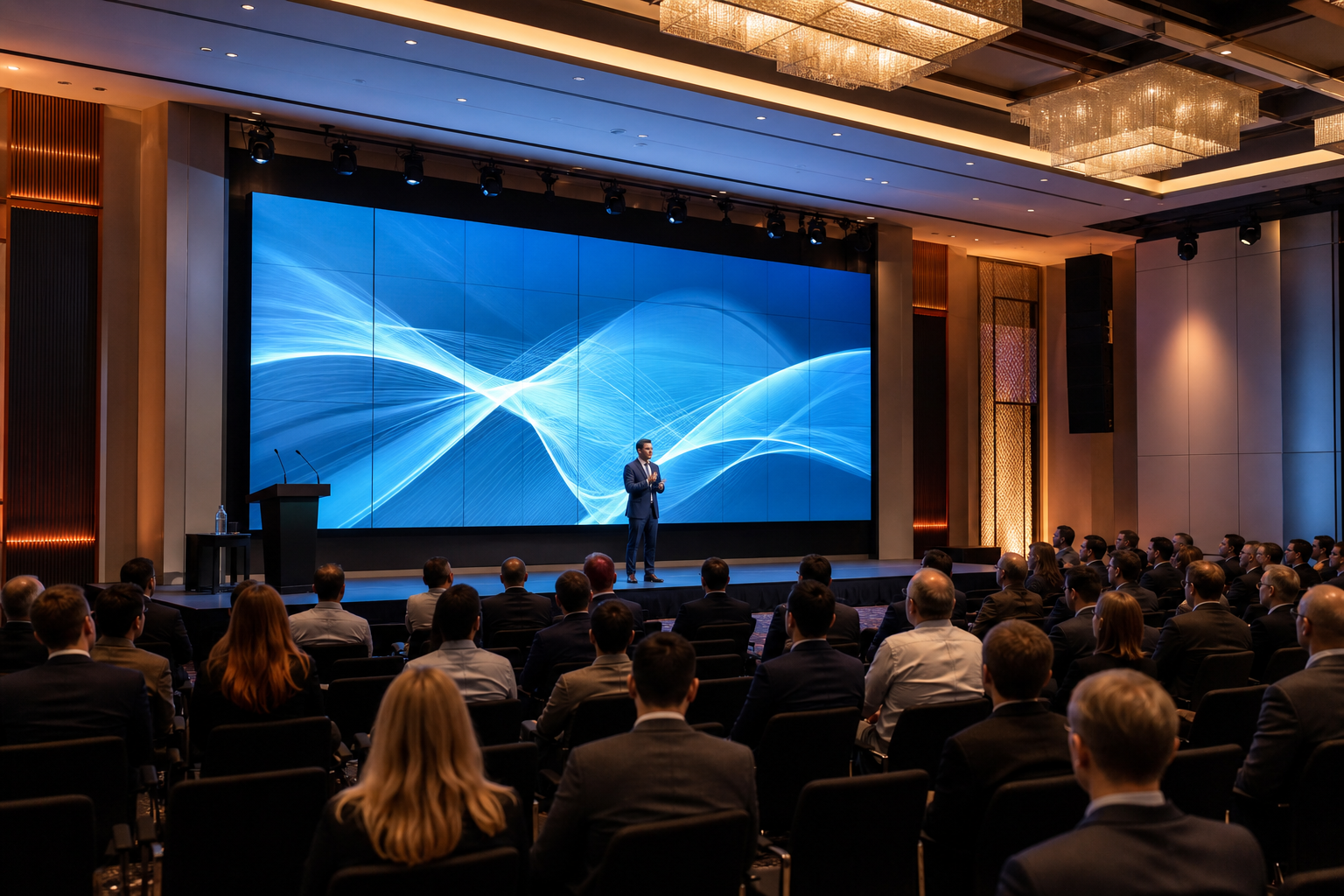
Screen Sizing for Sunnyvale Event Spaces: 100-Person to 300-Person Venues
Size by image height, and base it on what the audience has to read. Two methods are in use. The older InfoComm "4-6-8" rule of thumb divided the distance to the farthest viewer by six for general presentations and by four for detailed, analytical content. AVIXA's newer DISCAS standard (Display Image Size for 2D Content in Audiovisual Systems) instead works from the height of the smallest element the audience must read — for example, a line of text — relative to the image height, and AVIXA provides DISCAS display size calculators for it. Because DISCAS depends on your content, there is no single ratio; one worked example published by a display manufacturer, for 1080-line content with 20-point text, puts the farthest viewer at about 5× the image height, which tends to call for a larger image than the 6× rule of thumb. The figures below use that 5×–6× range as an assumption for ordinary text slides; if your content has smaller text or detailed charts, run the calculator with your own content.
Put that into numbers with your own measurement — guest count doesn't tell you room depth, so measure from the screen position to the farthest seat on the floor plan. For example, if the farthest attendee sits 40 feet away, the 5×–6× range points to an image roughly 7–8 feet tall. A 16:9 wall at the catalog's 12 m² minimum is about 4.6 m × 2.6 m (15 × 8.5 feet), which covers that. At 60–70 feet, the range rises to about 10–14 feet of image height, roughly 16–32 m² in 16:9. At 80–90 feet it is about 13–18 feet tall; the catalog's 48 m² maximum is about 9.2 m × 5.2 m in 16:9, or roughly 17 feet tall, so the top of that range goes beyond a single wall at the largest listed size. Splitting the area into two screens doesn't solve that: each screen has its own image height, and each has to meet the viewing-distance requirement for the viewers who rely on it on its own. In that case, talk through the layout — for example, where additional screens could sit closer to the rear seats — and your content's text size with VENEGEEST when you request the quote.
Pixel pitch sets how close people can sit before they see individual pixels, and how many pixels the wall has in total. The finer P1.9 end of the range suits audiences sitting close; P3.9 is fine where the front row is farther back. Ask for the wall's native resolution in the quote, and build your slides to match it.
- Farthest seat about 40 feet away (example): about 7–8 feet of image height; a 12 m² wall covers it
- Farthest seat 60–70 feet away (example): about 10–14 feet of image height, roughly 16–32 m² in 16:9
- Farthest seat 80–90 feet away (example): about 13–18 feet of image height; 48 m² in 16:9 is about 17 feet tall, and each screen in a multi-screen layout must meet its own viewing distance
- Pixel pitch: finer pitch for close seating; ask for native resolution and build content to it
- Content aspect ratio: 16:9 is standard; if your slides are 4:3, add pillarboxing or plan the panel layout to avoid stretching
Indoor vs. Outdoor LED Panels: When Brightness Matters
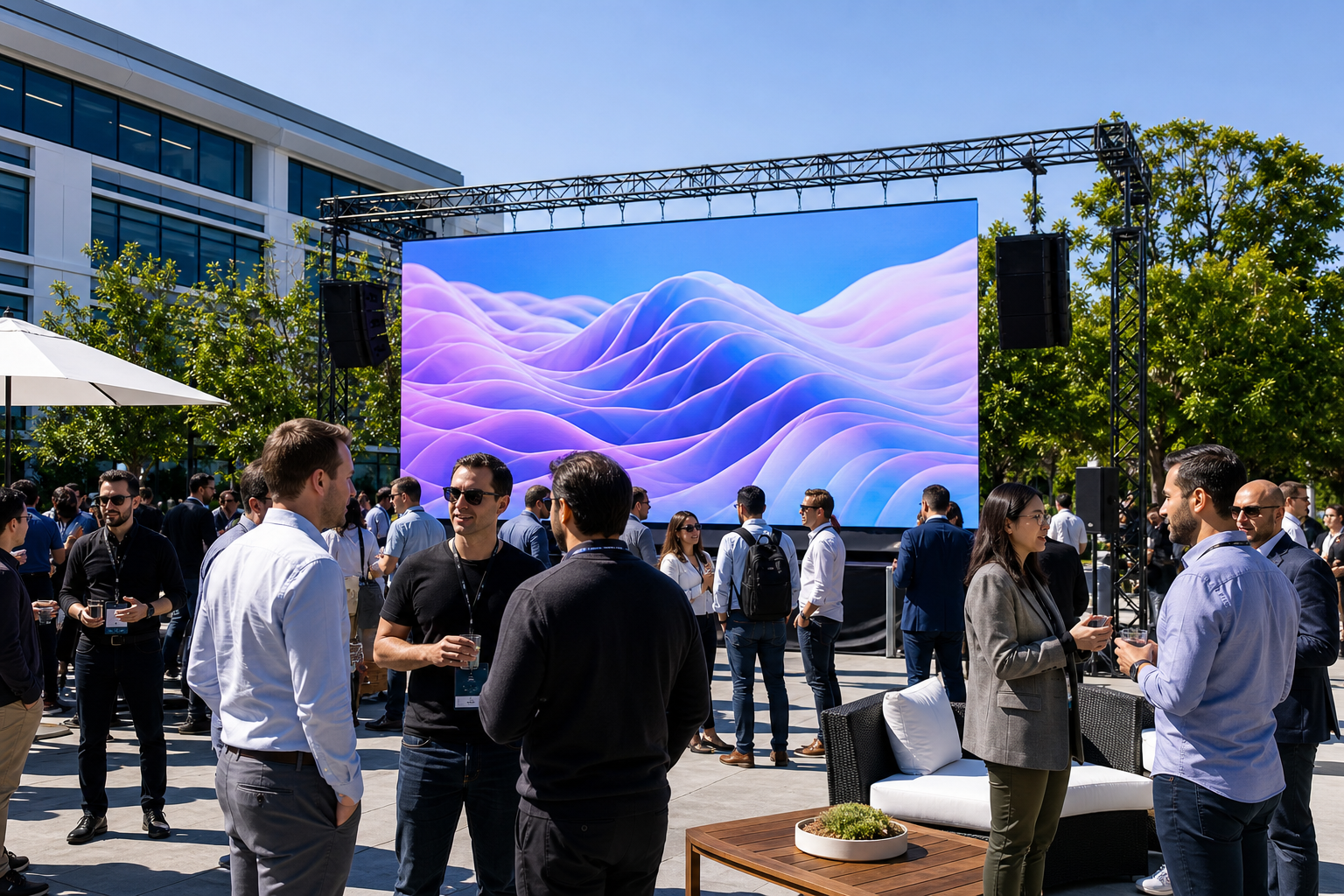
Indoor LED panels are designed for indoor light levels, and in ballrooms and conference halls they are the usual choice. Whether a particular wall reads well still depends on its brightness specification and on the room — stage lighting aimed at the screen, windows, or a daytime event in a glass-walled space all make a difference — so ask for the panel's brightness specification and describe the room's lighting when you request a quote. Running panels brighter than the room needs only adds power draw and heat. Brightness becomes critical outdoors or in rooms with large windows, such as courtyard receptions, campus plazas and outdoor areas in summer: direct sun can wash out a screen built for indoor use, so for daylight you need panels rated for outdoor brightness and weather. Tell VENEGEEST the setting when you request a quote so it can confirm which panels suit it; outdoor-rated panels are available on request, subject to availability.
The other outdoor consideration is power. Whatever the site — hotel, convention center, pavilion or open-air campus — add up the total load of the screen, lighting and sound and check it against the power distribution actually available at the stage position, whether that is the venue's circuits or temporary distribution. If there isn't enough, budget for a generator sized to the whole rig, not just the screen.
- Indoor panels: made for ballrooms, conference halls and indoor stages; ask for the brightness spec and describe the room's lighting
- Outdoor or window-lit spaces: ask for panels rated for daylight brightness and weather
- Power for outdoor setups: confirm venue amperage before you commit to a screen size
- Generator or temporary power: sized to the total load of screen, lighting and sound with headroom
FAQ: LED Screen Rental in Sunnyvale
How much does LED screen rental cost in Sunnyvale?
The P1.9–3.9 LED Rental Screen is $200 in the VENEGEEST catalog and builds from 12 m² to 48 m²; the configured size is quoted per venue. Delivery, setup, technicians and operators are scoped and quoted to your event. For smaller needs, LED TV displays run from $35/day (43″) to $120/day (120″). Pricing is the same whether the venue is in Sunnyvale or Santa Clara; the quote reflects the size, pitch and venue you send.
Do you rent LED screens in Santa Clara and the rest of the South Bay?
Yes. We deliver from South San Francisco across the Bay Area, including San Jose and the South Bay, and Santa Clara events are quoted the same way as Sunnyvale ones. Send the venue name, date and floor plan, and delivery, setup, technicians and operators are scoped and quoted to your event; availability is confirmed for your date when you request a quote. For convention-center and hotel venues, ask about power, rigging and load-in first (see the venue checklist above). More on the area is on our LED wall rental page for San Jose and the South Bay.
What size LED wall do I need for my event?
Start with the distance from the screen position to the farthest seat, not the guest count. For ordinary text slides, we use an assumption of the farthest viewer within about 5×–6× the image height: 40 feet points to about 7–8 feet of image height (a 12 m² wall covers it), 60–70 feet to about 10–14 feet (roughly 16–32 m² in 16:9), and 80–90 feet to about 13–18 feet, which can exceed a single wall at the 48 m² maximum. If your slides have small text or detailed charts, size up and run AVIXA's DISCAS calculator with your own content. Tell us the room dimensions and content type when you request a quote and we'll configure the wall to the room. If you also need audio for the room, see our event sound system rental guide.
What size LED screen do I need for a 150-person corporate event?
Guest count doesn't determine room depth, so start by measuring the distance from the screen to the farthest seat on your floor plan. As an example, if that distance is 50–60 feet, sizing by image height (farthest viewer within about 5×–6× the image height for ordinary text slides — see AVIXA's DISCAS calculators for your own content) points to roughly 8–12 feet of image height, which in 16:9 is about 12–24 m². If your content includes detailed charts or small fonts, size up.
Can I use an indoor LED screen outdoors?
Generally not in daylight. A screen built for indoor brightness can wash out in direct sun and may not be weather-rated; how much depends on the panel's specification, the sun and shade at the site, and the time of day. For outdoor events, ask for panels rated for outdoor brightness and weather, and confirm that with VENEGEEST when you request the quote.
Do I need a technician on-site for my LED screen rental?
It depends on your event. If you're displaying static content (a looping sponsor reel, a single deck that loads once at the start), the screen may not need anyone once it's set up. If you have multiple speakers switching laptops, live video feeds, or want someone to handle a loose cable or a laptop that won't connect, add a technician. Technician services are scoped and quoted to your event.
What does my LED screen rental in Sunnyvale cover?
The rental covers the LED screen configured to the size in your quote. Delivery, setup, teardown, technician services and any overtime are scoped and quoted to your event, and self-pickup is allowed. Ask which party bills each of the other costs — venue electrical, any rigging labor the venue requires, and content creation — before you book; the screen displays whatever content is supplied for it. See the full catalog of LED screens and AV equipment, the LED wall rental page for San Jose and the South Bay, or call +1-415-890-5555.